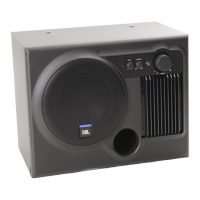
Volume:
To raise the output level,
rotate the
power/volume
knob clockwise.
To lower the output level,
rotate the
power/volume
knob counterclockwise.
Auto turn-on/turn-off
The Media Sub features an
automatic turn-on/turn-off
feature. It will turn off when
the source equipment
(computer or CD player)
has no sound output for
approximately ten minutes
and immediately turn back
on when
a signal is present.
3. Operation
4. Specifications
Maximum Amplifier Output:
20 watts @ 1% THD
Frequency Response:
40Hz – 180Hz
Input Sensitivity: 100Mv maximum
Input Impedance: 10k ohms
Signal Input Jack:
Stereo mini-connector (1/8")
Subwoofer Output Jack:
Stereo mini-connector (1/8")
Dimensions (H x W x D):
10-1/4 x 7-5/16 x 12"
260 x 186 x 305mm
Weight:
16 lbs/7.2 kg
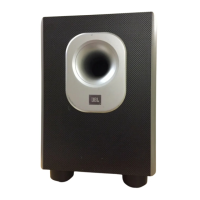
Media Sub
Media Sub OM 7/17/98 3:57 PM Page 5


 To Next Page