2. Place the device in the pairing mode. Use the device’s Bluetooth pairing menu to pair it with the
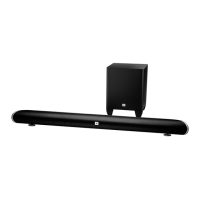
soundbar. (The soundbar will appear as “SB200” in the device’s menu.) If the device requires a
passcode, use 0000.
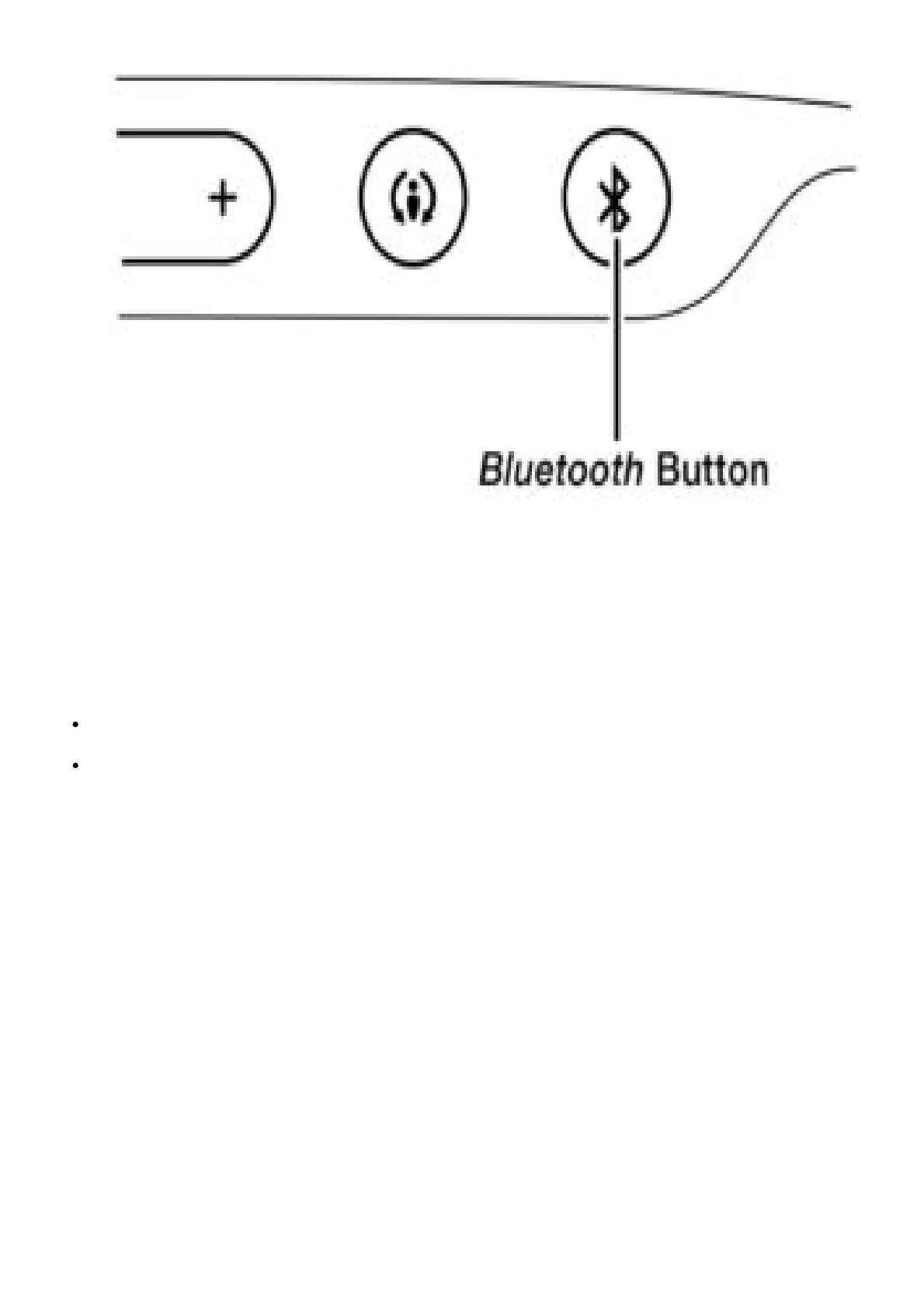
3. When the soundbar’s Bluetooth button LED illuminates constantly, it is paired with the device and
you can stream audio via Bluetooth from the device to the soundbar.To disconnect the Bluetooth
device, press and hold the soundbar’s Bluetooth button until the LED begins flashing. To pair the
soundbar with a different Bluetooth-enabled device, repeat Steps 1 – 3 with the new device.
Notes on Bluetooth operation:
You can manually switch sources to the paired Bluetooth device by pressing the soundbar’s
Bluetooth button.
If you switch the soundbar to a different source while a paired Bluetooth device is streaming to
the soundbar, the soundbar will send a Stop command and the Bluetooth device will stop
streaming.
SWITCHING SOURCES
Press the soundbar’s or remote’s Source button to switch between the devices you connected to the
Aux input and Optical input and a device streaming audio via Bluetooth. When the Aux input is active
the soundbar’s Source indicator will illuminate white; when the Optical input is active the soundbar’s
Source indicator will illuminate amber.



 To Next Page