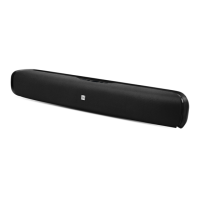
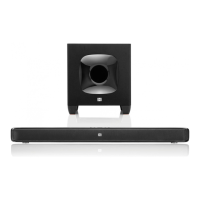
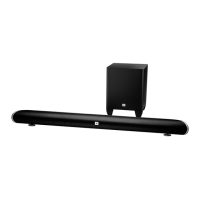
NOTE: Pressing both of the soundbar’s Volume buttons at the same time while the system is on will
mute the system. Pressing either Volume button while the system is muted will restore the sound.
Surround Mode button: This button turns the soundbar’s HARMAN Display Surround processing on
and off. The Surround button indicator turns amber when HARMAN Display Surround is active and
turns white when HARMAN Display Surround is not active (normal stereo sound). See Surround Mode
Buttons, on page 6, for more information.
Volume Up/Down buttons: Press the “+” button to increase the volume; press the “–” button to
decrease the volume. The buttons illuminate white for a few seconds after being pressed.
Source Selector button: This button switches between the sources connected to the Aux (analog)
and Optical (digital) inputs. When the Aux input is active, the Source indicator turns white; when the
Optical input is active, the Source indicator turns amber.
Bluetooth button (soundbar only): Press this button to play the audio stream from a paired
Bluetooth device through the soundbar. (The button LED will illuminate blue when a paired Bluetooth
device is the active source.) Press and hold this button to force the soundbar into the Bluetooth pairing
mode. See Bluetooth Operation, on page 5, for more information.
Bass Boost button (remote control only): Press the remote’s Bass Boost button to enhance low-
frequency performance. Pressing the Bass Boost button again will return the soundbar’s normal low-
frequency performance.
SOUNDBAR PLACEMENT
PLACING THE SOUNDBAR ON A TABLE
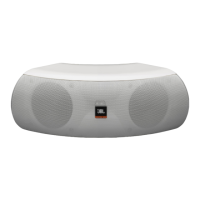
If your TV is placed on a table, you can place the soundbar on the table directly in front of the TV
stand, centered with the TV screen. As long as the surface of the table is flat, the soundbar will rest on
its rubber bumpers.
Set the soundbar’s EQ switch in the “Table” position. See (Soundbar Rear-Panel Controls and
Connections.)



 To Next Page