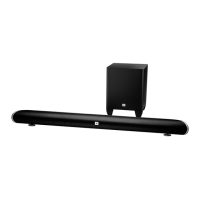
WALL-MOUNTING THE SOUNDBAR
If your TV is attached to a wall, you can use the included wall-mount bracket to mount the soundbar
on the wall directly below the TV screen.
1. Determine the location for the soundbar on the wall. Make sure that the top of the soundbar will
not block your view of the TV screen when it is mounted on the wall.
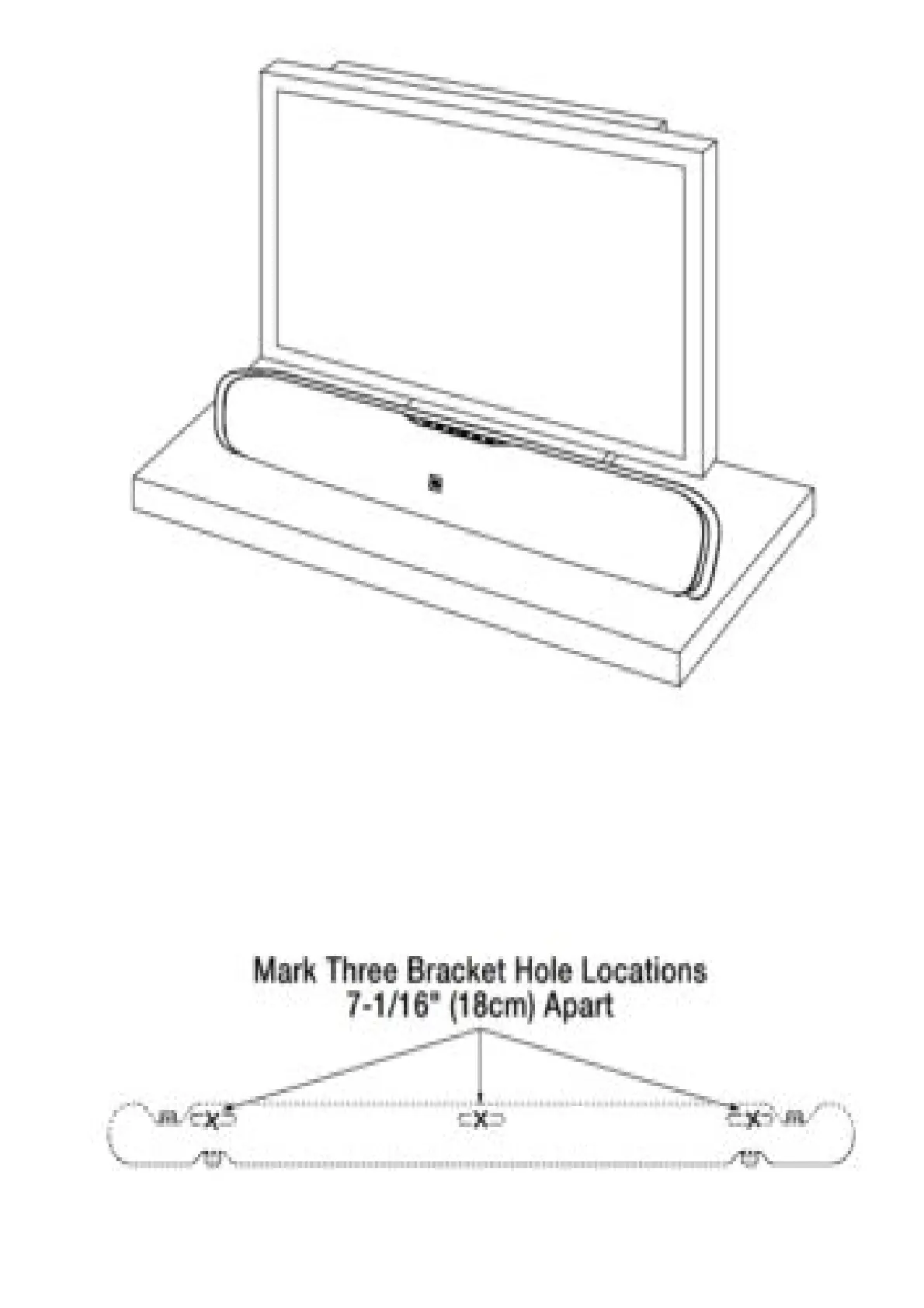
2. Hold the bracket against the wall as a template and mark the locations of the soundbar wall-
mount bracket holes on the wall. The three holes should be evenly spaced 7-1/16″ (18cm) apart,
and the bracket slots are designed to accept 4mm screws. Make sure that the holes are at the
same height. See the illustration below.
3. Making sure that the bracket’s flat side is against the wall, attach the wall-mount bracket to the
wall at the locations you marked, using hardware that is appropriate for the wall’s construction
and materials. Note that the soundbar weighs 7.5 lb (3.4kg). Be sure touse hardware that can



 To Next Page