SETUP
SDP-5
3-51
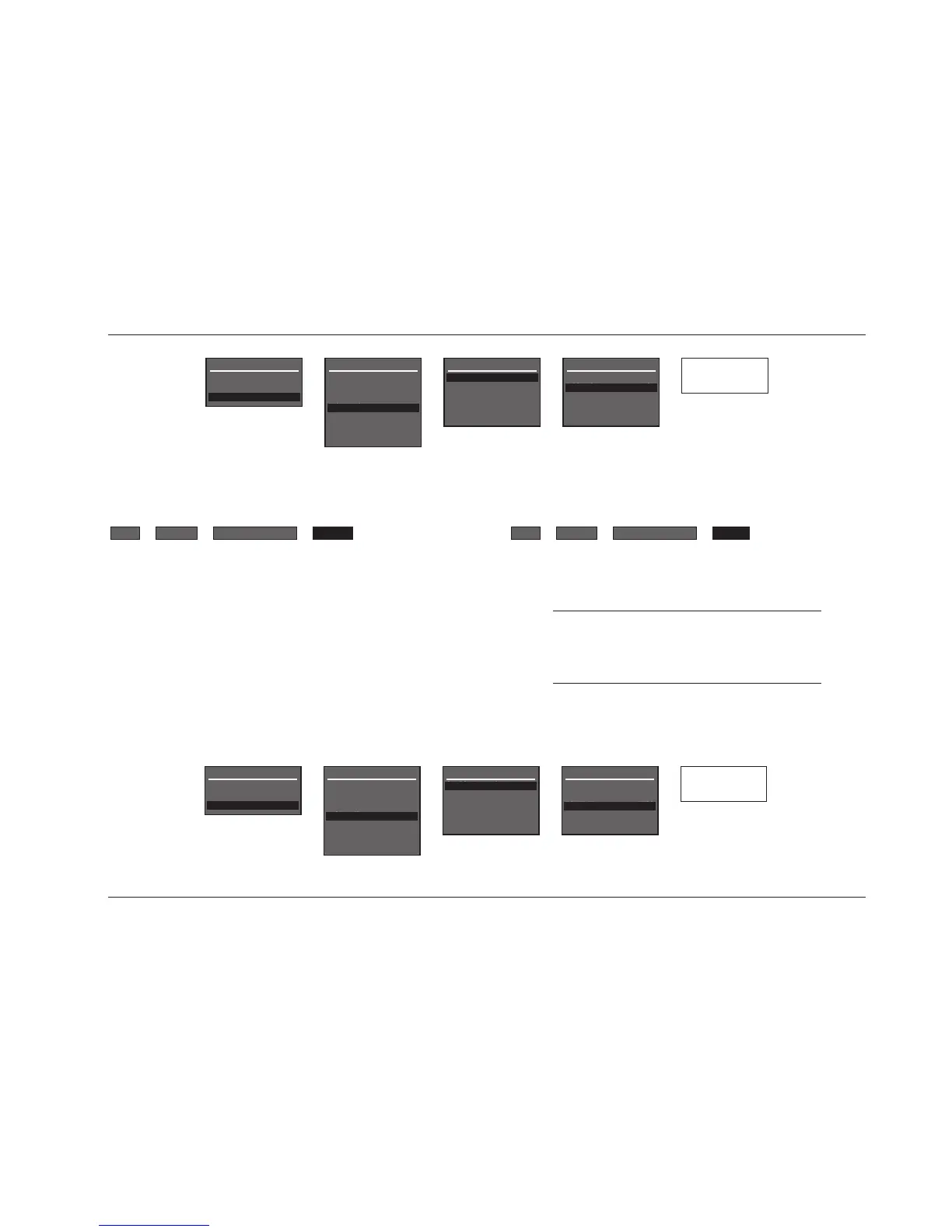
FORMAT SECAM, PAL, NTSC
Controls the compatibility between the video input connectors, the
video switcher, and the display device. Select the setting that is
compatible with the source components and display device.
Note:
The FORMAT parameter affects the composite and
S-video output connectors. It does not affect the
component video output connector.
FORMAT
SETUP
POSITION TOP, CENTER, BOTTOM
Controls the vertical position of the two-line status on the display
device screen. When set to TOP, the two-line status appears near
the top of the display device screen. When set to CENTER, the two-
line status is centered on the display device screen. When set to
BOTTOM, the two-line status appears near the bottom of the
display device screen. Refer to page 2-18 for more information
about the two-line status.
POSITION


 To Next Page