EasyManua.ls Logo

JBL VMA1240 - User Manual

JBL VMA1240
28 pages
Print Icon
To Next Page IconTo Next Page
Loading...
VMA160
VMA1120
VMA1240
VMA260
VMA2120
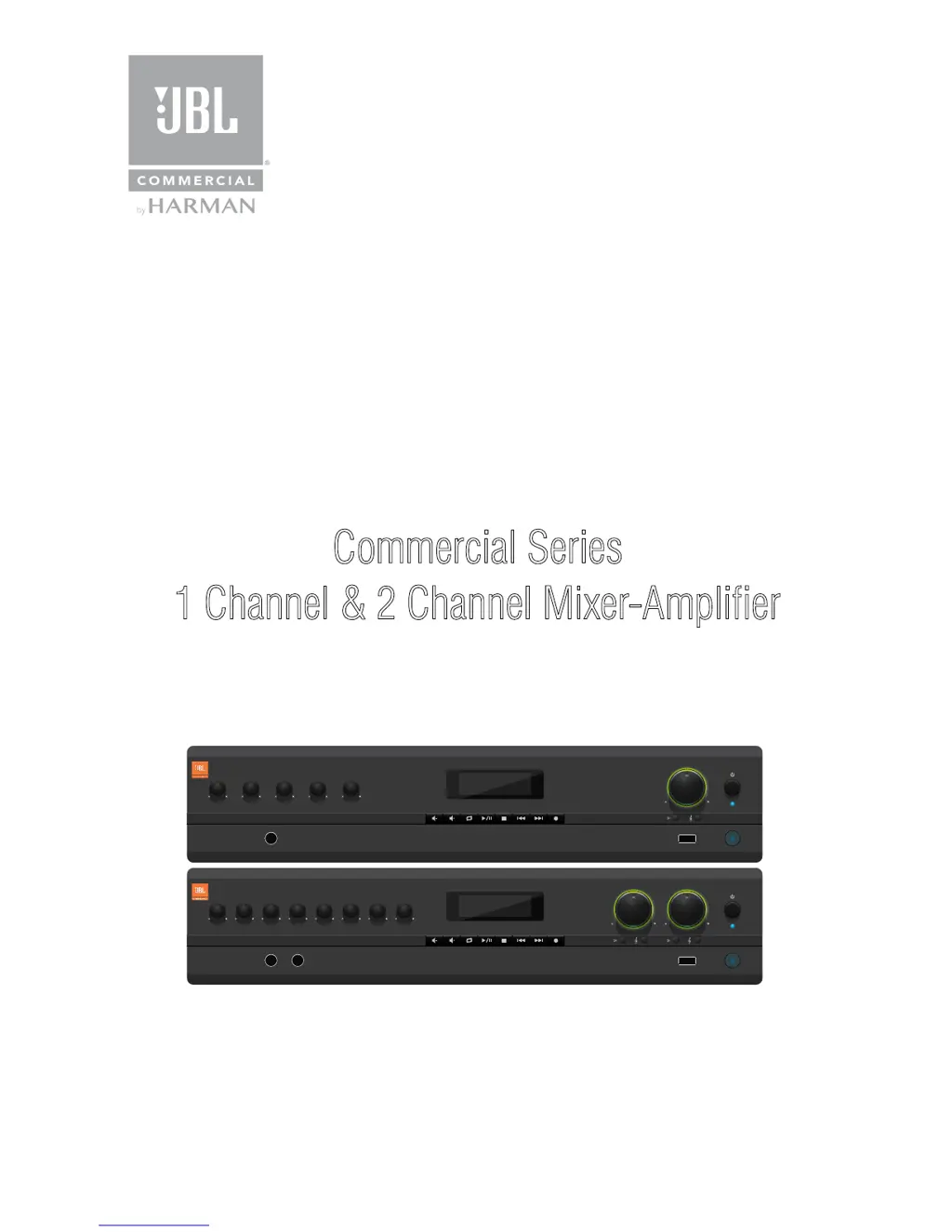
Commercial Series
1 Channel & 2 Channel Mixer-Amplifier
Operation Manual
1
VMA 160
1 2 3 4 MUSIC
USB
MASTER
1
USB
4
VMA 260
1 2 3 MUSIC 1 4 5 6 MUSIC 2
MASTER 2MASTER 1
VMA Series

Questions and Answers

  • M
    Margaret JacksonAug 6, 2025
    Why is my JBL VMA1240 Amplifier sound distorted?
    • M
      Michael LopezAug 6, 2025
      If you're experiencing distorted sound with your JBL Amplifier, there are a few potential causes. First, the input signal level might be too high, so try turning down the input level controls. Alternatively, the Master Volume could be set too high; reduce it to see if that resolves the issue. Lastly, if you're using a line-level source, ensure the MIC/LINE switch is set to the LINE position.
  • R
    rick72Aug 20, 2025
    What to do if my JBL VMA1240 Amplifier has no sound?
    • J
      Johnny JonesAug 21, 2025
      If your JBL Amplifier has no sound or low sound, check the following: * Verify that an input signal is present and at an adequate level. * Make sure the Master Volume control is turned up. * If a CSR-V is connected, ensure it is also turned up. * Check that the mixer channel inputs are turned up. * Confirm that the Priority switch is open, not muting the inputs. * If using 70V or 100V outputs, verify the 70V/100V switch is ON.

Summary

Important Safety Information

Electrical Safety Instructions

Guidance on mains lead wiring, grounding, and plug safety.

General Product Operation Warnings

Key warnings for safe operation including exposure, ventilation, and maintenance.

Electromagnetic Compatibility

EC Declaration of Conformity

Front Panel Controls and Indicators

Rear Panel Controls and Connectors (VMA160-1240)

Rear Panel Controls and Connectors (VMA260-2120)

Amplifier Setup Procedures

Rack Mounting Procedure

Cooling and Ventilation Requirements

Output Wiring and Speaker Connections

Complete Audio System Wiring

Connecting to AC Power

Initial Startup Procedure

Operation Precautions

Input Routing Configuration

Output Configuration Settings

70 V;100 V Output Selection

Enabling high impedance output modes and associated high-pass filter.

Voice Activated Ducking (VOX)

Priority Muting Functionality

Remote Volume Control Setup

Media Player Operations

Firmware Upgrade Procedure

Troubleshooting Common Issues

Performance Specifications

JBL VMA1240 Specifications

General IconGeneral
Channels4
Frequency Response20 Hz - 20 kHz
Input Impedance20 kOhms
Input Sensitivity1V
Signal-to-Noise Ratio> 100 dB
Damping Factor>200 (8 ohms, 20Hz-20kHz)

Related product manuals