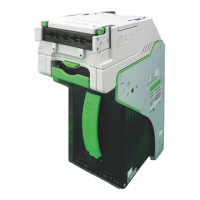
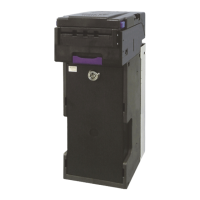
DBV
TM
200: DT-004 Downloading
(Cont’d.)
11.Turn power on the DT-004 to the “OFF” position, remove the
harness connectors from the unit, and return the Dip switches to
their normal operating positions.
12.To repeat the process with other units, follow these instructions
from #3 through #10.
NOTE: After downloading/upgrading the units, re-calibrate the units.
9. When the downloading is complete, the “OK” LED will light and a
buzzer will sound for about a second.
10.Press the “RESET” button once, then press the “VERIFY” button
once. After approximately 10 seconds, a buzzer will sound for
about a second, and the “OK” LED will illuminate.
8. While downloading, the download status LEDs on the DT-004 will
illuminate, indicating status of the download.



 To Next Page