EasyManua.ls Logo

JCM EBA-40 - User Manual

JCM EBA-40
46 pages
Print Icon
To Next Page IconTo Next Page
Loading...
© 2013, JAPAN CASH MACHINE CO., LTD.
Support: http://www.jcmglobal.com/en/contact/default.aspx website: http://www.jcmglobal.com
Issue #4103-IGE-01-00
EBA
®
Series
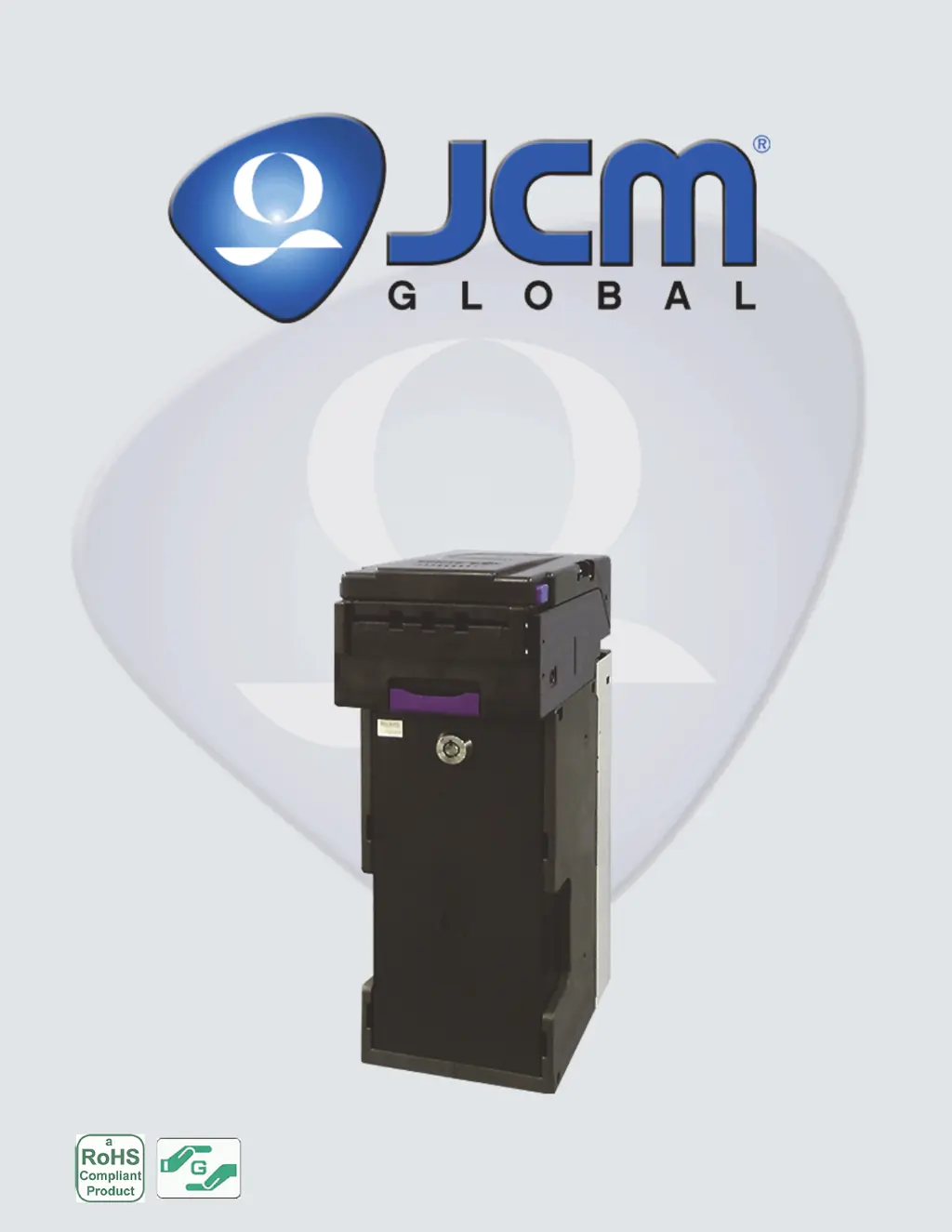
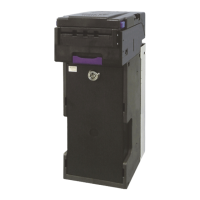
Banknote Acceptor (EBA-40)
Integration Guide
Revision A, December 4, 2013
P/N 960-000173R_Rev. A {EDP #229278}

Table of Contents

Questions and Answers

  • A
    Alison AcostaAug 17, 2025
    Why is my JCM EBA-40 rejecting all banknotes?
    • M
      Mary TurnerAug 17, 2025
      To resolve the issue of a JCM Banknote Counter rejecting all banknotes, ensure the correct software for the currency is downloaded. Verify that the software specifications include the required banknote values, such as denominations and issuing year. Also, enable all denominations by setting all DIP switches to OFF. Ensure banknote acceptance is enabled for the required host command. If these steps don't work, the validation sensor might have failed and you need to change the CPU board and sensor board. If the unit was disassembled, calibrate all EBA sensors following reassembly.
  • S
    Steven TurnerAug 20, 2025
    How to fix banknote jams in my JCM Banknote Counter?
    • N
      Natasha VazquezAug 20, 2025
      If your JCM Banknote Counter is experiencing frequent banknote jams, several factors could be at play. Start by cleaning all pressure rollers and replace any that are damaged. Check all pressure roller springs using a finger pressure test and replace any that are loose or missing. Inspect the transport path and the inside of the cash box for any foreign objects and remove them. Ensure the acceptor unit is properly seated all the way into the frame, with the Acceptor Unit’s Latch Release Levers locked onto the Frame. Finally, confirm that you are using banknotes with widths that meet the EBA Unit’s size specifications (wider than 62mm and narrower than 85 mm).
  • C
    Clayton McmahonAug 23, 2025
    What to do if my JCM EBA-40 is not accepting banknotes?
    • B
      Brady CarlsonAug 23, 2025
      If the JCM Banknote Counter is not accepting any banknotes, verify that the +12/24V DC power supply and ground cables are connected to the appropriate pins on the main connector; the small LED to the left of the DS1 DIP switches indicates power is available when lit. Ensure all harness connectors are properly seated and check for any bent, missing, or damaged pins in the connector plugs and mating receptacles. If the issue persists, try re-downloading the correct software. If the test result is negative after conducting an initial operational test, replace the CPU board and re-calibrate the sensors.
  • M
    michelle07Aug 26, 2025
    How to troubleshoot communication error on JCM Banknote Counter?
    • D
      Deborah RobbinsAug 26, 2025
      If you're encountering a communication error with your JCM Banknote Counter, start by checking the PC harness connections and the related EBA interface connectors for damage, looking for any bent, missing, or damaged pins in the connector plug and/or receptacle. Ensure the EBA switch settings are correct by setting the DS1 DIP Switch No. 8 to ON and reapplying power to the EBA unit. If problems persist, consult the 'DIP Switch Configurations' section on page 10 regarding DIP switch settings and conduct a DIP switch test. If none of these steps resolve the issue, the CPU board might have failed, requiring you to exchange the CPU circuit board with a known good circuit board.
  • S
    Sheila LoweAug 28, 2025
    Why is the acceptance rate low on my JCM EBA-40 Banknote Counter?
    • K
      Kelly CoxAug 28, 2025
      To address the issue of low acceptance rates on your JCM Banknote Counter, start by cleaning the transport path, referring to the 'Preventive Maintenance' section on page 18. If the unit has been disassembled, calibrate the sensors after reassembling the EBA unit. Ensure that the programmed software is the latest version and supports the currency values and specific country allowing acceptance. Check the particular specifications for the required banknote type acceptance and make sure the banknotes will be accepted by the software loaded, verifying the denomination and issuing year.
  • D
    David PotterAug 31, 2025
    What to do if the upper guide on my JCM Banknote Counter cannot be opened?
    • S
      Stephanie MonroeAug 31, 2025
      To resolve a situation where the upper guide of your JCM Banknote Counter cannot be opened, first try turning the power off and on again, which should prompt the host machine to send a reset command to re-initialize the unit. If power cannot be applied, use a hexagonal nut driver to open the upper guide and manually reset the guide.
  • A
    Anita FordSep 3, 2025
    Why does the motor continue to run on my JCM EBA-40 Banknote Counter?
    • J
      Joseph MaddoxSep 3, 2025
      If the motor in your JCM Banknote Counter continues to run, ensure that the upper guide is firmly closed. If it is, check for any foreign objects or jammed banknotes stuck in the transport path. Open the upper guide, remove any obstructions, and then close the cover. If the problem persists, the motor driver might have failed, and you should conduct a forward/reverse motor rotation test.
  • V
    Vickie ThomasSep 5, 2025
    What causes adjustment error on JCM EBA-40 Banknote Counter?
    • E
      Edward DennisSep 5, 2025
      To address an adjustment error on your JCM Banknote Counter, ensure you are using the correct recommended reference paper by following the instructions provided in the 'EBA Calibration Tool for Maintenance.exe' program. If the issue persists, the validation sensor might have failed, requiring you to change the CPU board and sensor board.
  • K
    kleeSep 8, 2025
    How to fix 'cannot communicate with host machine' error on JCM Banknote Counter?
    • N
      Nicholas HuangSep 8, 2025
      If you cannot communicate with the host machine using your JCM Banknote Counter, ensure all DIP switches are set to OFF. Firmly re-seat all of the communication connectors. Check for any bent, missing, or damaged pins in the connector plugs and mating receptacles. If the issue persists, the CPU board might be corrupted, and you should exchange the CPU circuit board with a known good circuit board. Finally, verify that the correct interface between the host machine and the banknote acceptor is being used.
  • K
    Kayla GloverSep 12, 2025
    Why can't I start the EBA Calibration Tool for Maintenance.exe for my JCM EBA-40 Banknote Counter?
    • G
      Glen AnthonySep 12, 2025
      If you can not start the EBA Calibration Tool for Maintenance.exe program by double-clicking on its Icon for JCM Banknote Counter, the current Adjustment program only supports the Windows 2000/XP/Windows 7 Operating System. If your OS is supported, request the correct programs from JCM, because the program files might be corrupted.

Summary

GENERAL INFORMATION

Description and Overview

Provides a general overview of the EBA-40 Unit and lists key sections of the guide.

Model, Type, and Software Descriptions

Details product model number, type number, and software number specifications.

Precautions and Safety Notes

Highlights important safety precautions for operation, handling, and installation.

Primary Features and Component Identification

Describes the main features of the EBA-40 and identifies its key components.

SPECIFICATIONS

Technical Specifications

Lists detailed technical parameters including acceptance rate, banknote types, and processing speed.

Environmental, Electrical, and Structural Specs

Details operating temperature, humidity, voltage, current, and physical dimensions.

INSTALLATION

Installation Procedures

Step-by-step guide for mounting the EBA-40 Unit and its Acceptor Head.

Lock and DIP Switch Configuration

Instructions for installing a security lock and configuring DIP switch settings.

CONNECTOR PIN ASSIGNMENTS

Interface Connector Pin Assignments

Details pin assignments for various interface connectors (TTL, MDB, ccTalk, RS232C, USB).

PREVENTIVE MAINTENANCE

Banknote Retrieval and Jam Clearing

Procedures for retrieving deposited banknotes and clearing jams.

Cleaning Procedures

Guidelines for cleaning sensors, rollers, and the unit's transport path.

STANDARD INTERFACE CIRCUIT SCHEMATICS

Interface Circuit Diagrams

Illustrates circuit schematics for different interface types like TTL, MDB, and USB.

OPERATIONAL FLOWCHART

Process Flowcharts

Visualizes the banknote acceptance process: Initialization, Validation, and Stacking.

TROUBLESHOOTING

Overview and Fault Listings

Guides on diagnosing issues, including fault table listings and general error causes.

LED Indication and Error Codes

Explains LED status indicators and lists flash error codes for troubleshooting.

UNIT DIMENSIONS

Outside Dimensions

Provides drawings and measurements for the entire unit and head assembly.

TECHNICAL CONTACT INFORMATION

Support Contact Details

Lists contact information for JCM offices across different regions for support.

JCM EBA-40 Specifications

General IconGeneral
BrandJCM
ModelEBA-40
CategoryBanknote Counter
LanguageEnglish

Related product manuals