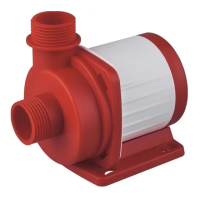
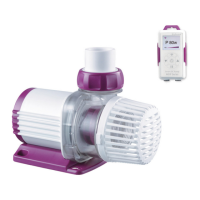
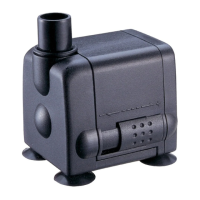
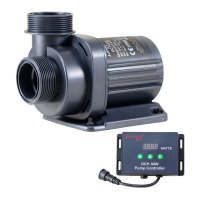
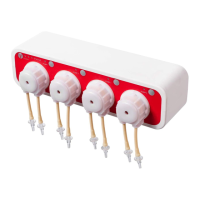
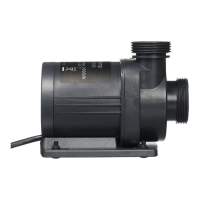
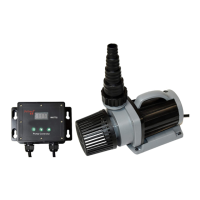
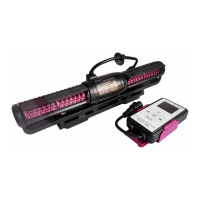
Smart Wave Maker
MCP
、
MLW
、
MOW Series
Configuration mode: Make sure your phone is connected to 2.4G
band Wi-Fi before configuration. There are two types of
configuration modes, Smart configuration and AP configuration
modes. Choose one mode to link your device.
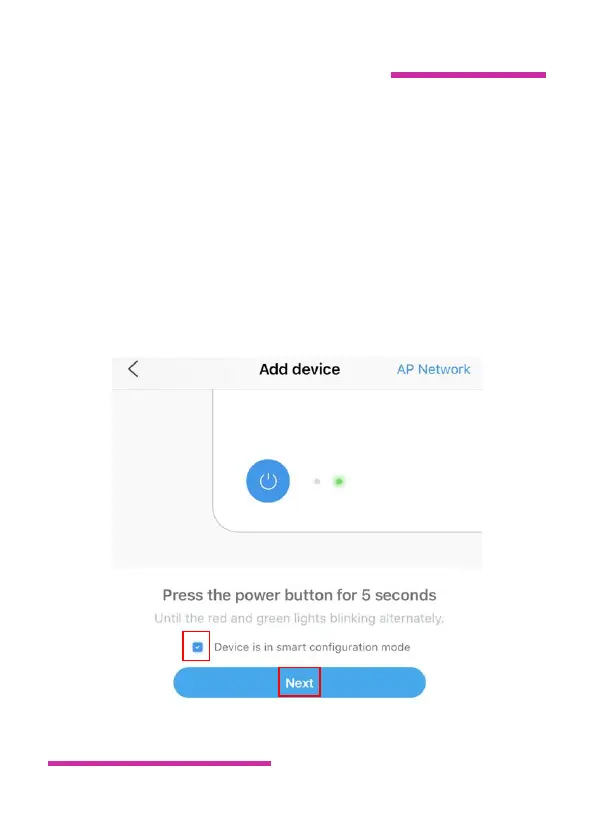
①Smart Configuration: After the device is powered on, the
Wi-Fi sign on the upper left of the controller screen flashes, and
the device enters the intelligent distribution network mode.
Check the sentence “Device is in smart configuration mode “and


 To Next Page
 Loading...