Smart Wave Maker
MCP
、
MLW
、
MOW Series
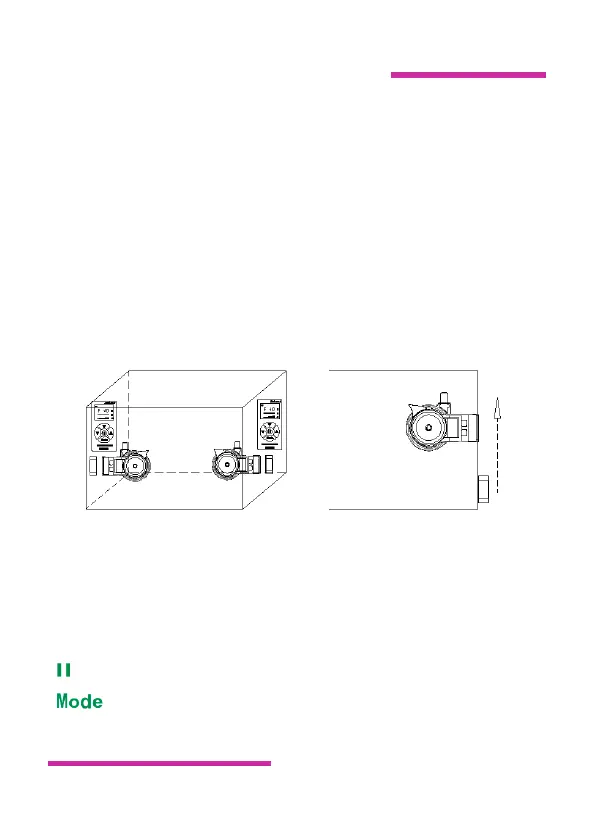
and shift the magnet slant to the same position on the
outside wall. Take care of your fingers to be clamped
because of the strong magnetism of magnet.
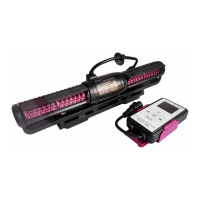
4. Controller install, there is a hole to hang on the
controller at any place in convenient.
5. Connect the pump with the 3-pin connection wire.
Connect the adaptor plug with the controller and
connect AC wire adaptor.
Fig.1 Fig.2
IV. Operation and Function
A. Button and Knob
: Press short to enter feeding mode, and press long to shut down.
:Short press to select each function mode.Long press to
enter frequency adjustment mode.


 To Next Page
 Loading...