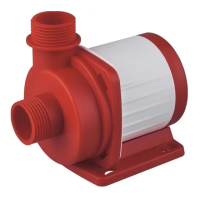
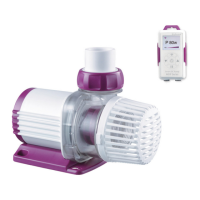
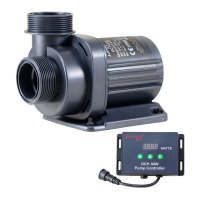
Smart Wave Maker
MCP
、
MLW
、
MOW Series
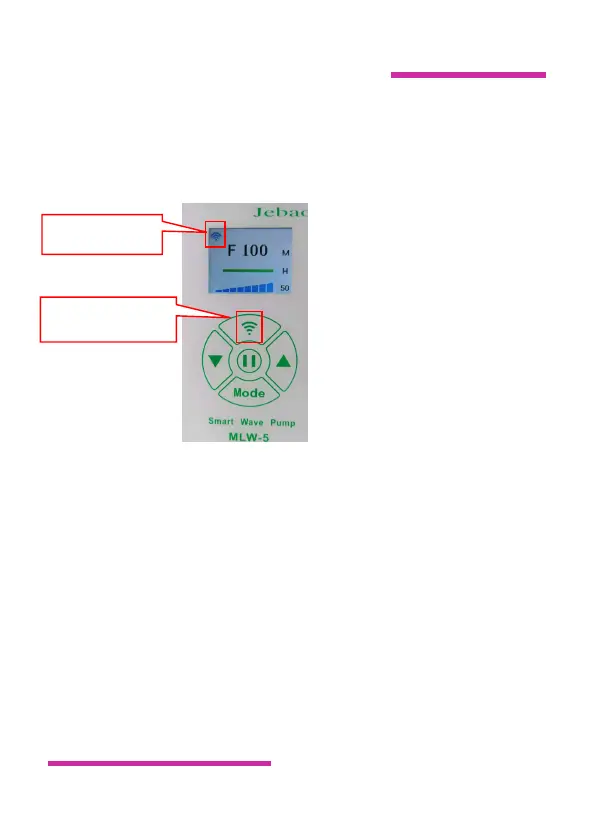
V. Wi-Fi Icon
and Wi-Fi Button Instruction
●Explanation of Wi-Fi Icon
A. Wi-Fi icon flashes while the Pump is on smart configuration
mode.
B. Wi-Fi with AP icon flashing while the Pump is on AP
configuration mode and AP direct connection mode.
C. Wi-Fi icons are often displayed when the Pump is connected to
the cloud server.
D. Wi-Fi icon is not displayed when the Pump is disconnected to
the cloud server.
Wi-Fi Button


 To Next Page
 Loading...