2. Select ON at the “Rear Camera” screen. Highlight
DONE and press ENTER. The rear camera is now en-
abled.
3. When the vehicle is shifted into REVERSE, the CAU-
TION screen will appear, followed by an image of the
rear of the vehicle.
4. When the vehicle is shifted out of REVERSE, the rear
camera mode is exited and the Navigation or Audio
screen appears again.
Turning the Rear Camera Off
1. Select “Rear Camera” at the Systems Settings screen
and press ENTER. Refer to your “Navigation User’s
Manual” for detailed operating instructions.
2. Select OFF at the “Rear Camera” screen. Highlight
DONE and press ENTER. The rear camera is now dis-
abled.
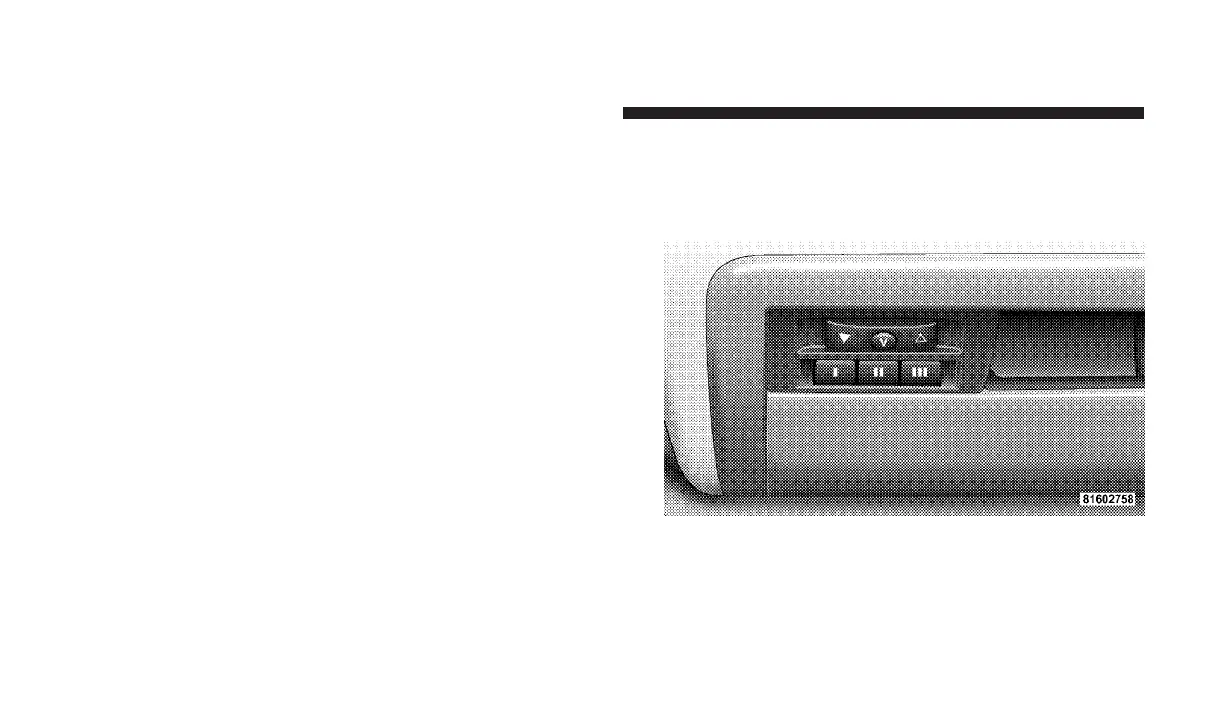
OVERHEAD CONSOLE — IF EQUIPPED
The overhead console contains an optional universal
garage door opener (HomeLinkt), storage for sunglasses,
and optional power sunroof switches.
Overhead Console
166 UNDERSTANDING THE FEATURES OF YOUR VEHICLE












 To Next Page