© Jeff Rowland design gRoup 2007. all Rights ReseRved.
21
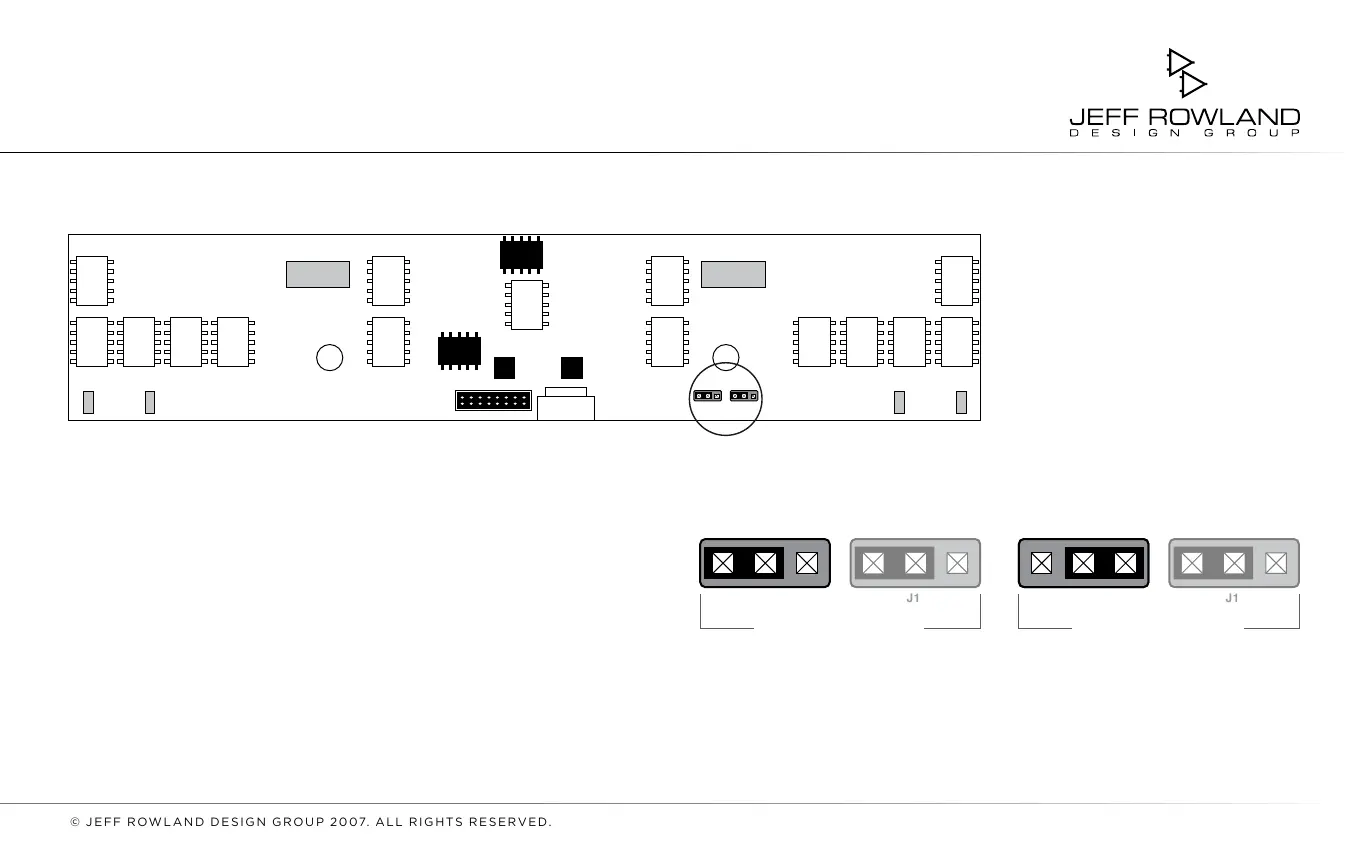
STEP 3: Locate jumper position
J2 on the rear panel board of the
unit. Using needle-nose pliers,
move the jumper
from between
pins 1 and 2 to pins 2 and 3,
DISPLAY BLANKING ON.
(See FIGURES 2 and 3)
STEP 4:
Replace the bottom
cover. Using a
Using a 5/64" hex
wrench, reinstall the nine
screws
that secure the bottom cover to
the chassis.
FIGURE 3: Jumpers J1-J2; Close-up of Display Blanking settings for the CAPRI
DISPLAY BLANKING OFF
(DEFAULT)
(DISPLAY BLANKING ON)
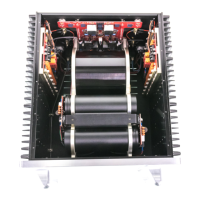
FIGURE 2: Location of jumpers on back of the rear panel
j2 j2
jUMPERS
DEFAULT POSITIONS SHOWN
1 2 3 1 2 3





 To Next Page