- 5 -
Classification Symptom Service Factor
Temperature Temp doesn’t increase PCB Malfunction
Check point
1. Set the SV value higher than PV, Press the Start Button.
2. Check the HEAT LED is lightning on Display. (No Flickering, Lightning)
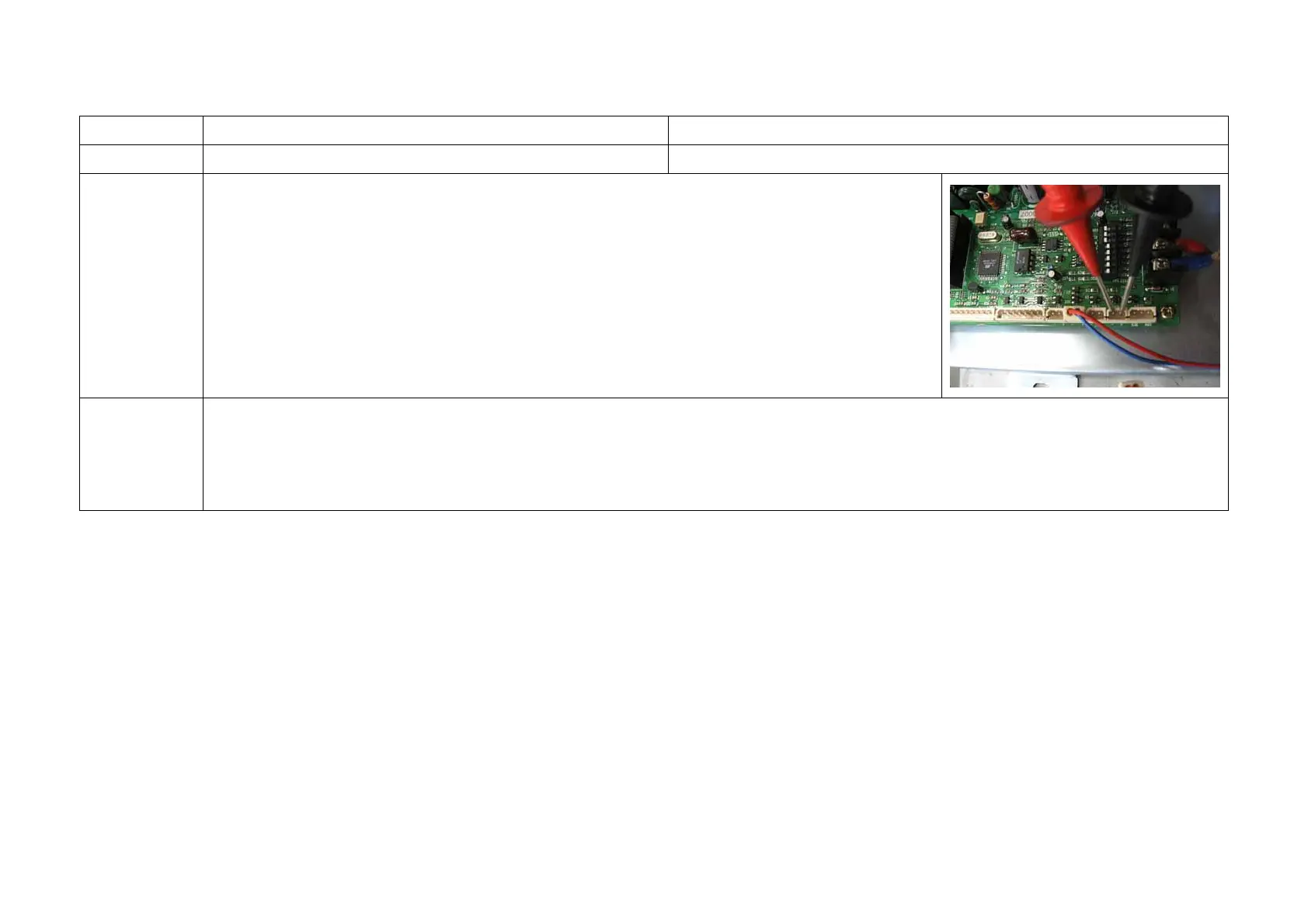
3. Check Terminal Resistance using of the Multi meter. (DC MODE)
Æ If resistance doesn’t measure, it is a malfunction.
Solution
- Replace the PCB.
1. “2-1-1. Side Cover panel disassembly” Reference
2. “2-1-3. Main board PCB disassembly” Reference
3. The assembly is reverse order of disjointing.



 To Next Page