9
OPERATIONCAR68
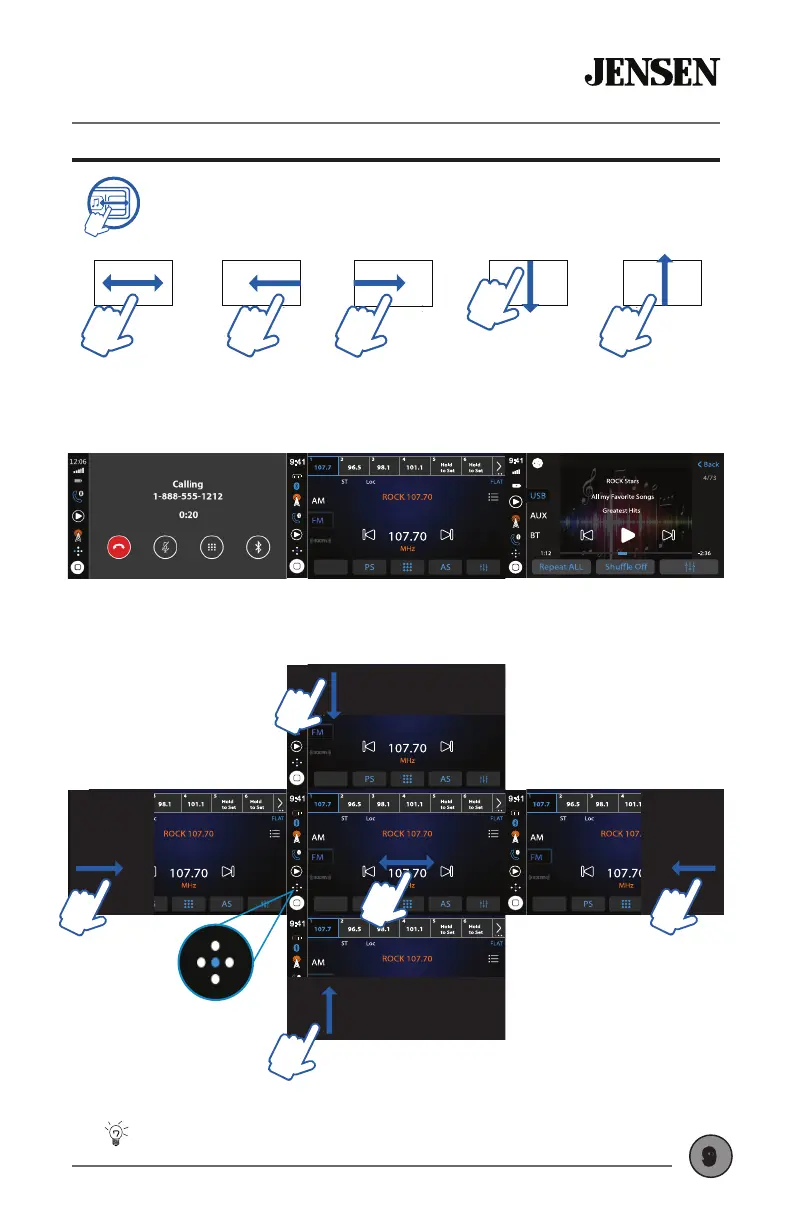
Gesture Source Ribbon Operation
W A T T S
Front & Rear
Camera
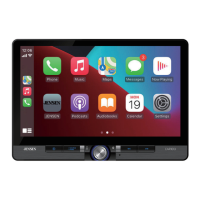
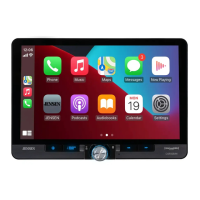
While in any Main Source mode (other than Apple CarPlay or Android
Auto), you can quickly swipe to switch sources using the motions
depicted below. The Ribbon Mode Indicator on the screen shows
current location in the layout.
W AT T S
Front & Rear
Camera
SWIPE FROM
RIGHT SIDE
SWIPE LEFT
or RIGHT
SWIPE FROM
LEFT SIDE
SWIPE DOWN
FROM TOP
SWIPE UP
FROM BOTTOM
GESTURE SWIPE EXAMPLES
Media Pl
W AT T S
Front & Rear
Camera
ndsfree
W AT T S
Front & Rear
Camera
Rear Camera
W AT T S
Front & Rear
Camera
CarPlay or
Android Auto
W AT T S
Front & Rear
Camera
SOURCE RIBBON LAYOUT
RADIOHANDSFREE
MEDIA PLAYER
W AT T S
Front & Rear
Camera
Swipe gestures cannot be used in Apple CarPlay or
Android Auto modes. Instead, use the HOME button to
return to the Main Menu.
Tips
EN
Nyne ADS15
USB CHARGE
5V 1A
Ribbon Mode
Indicator



 To Next Page