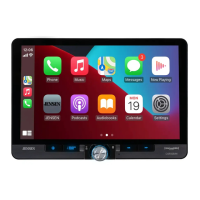
22
Exiting Android Auto
To exit Android Auto, press the Exit button. Disconnecting your Android phone will
automatically exit Android Auto mode.
Android Auto™ Operation
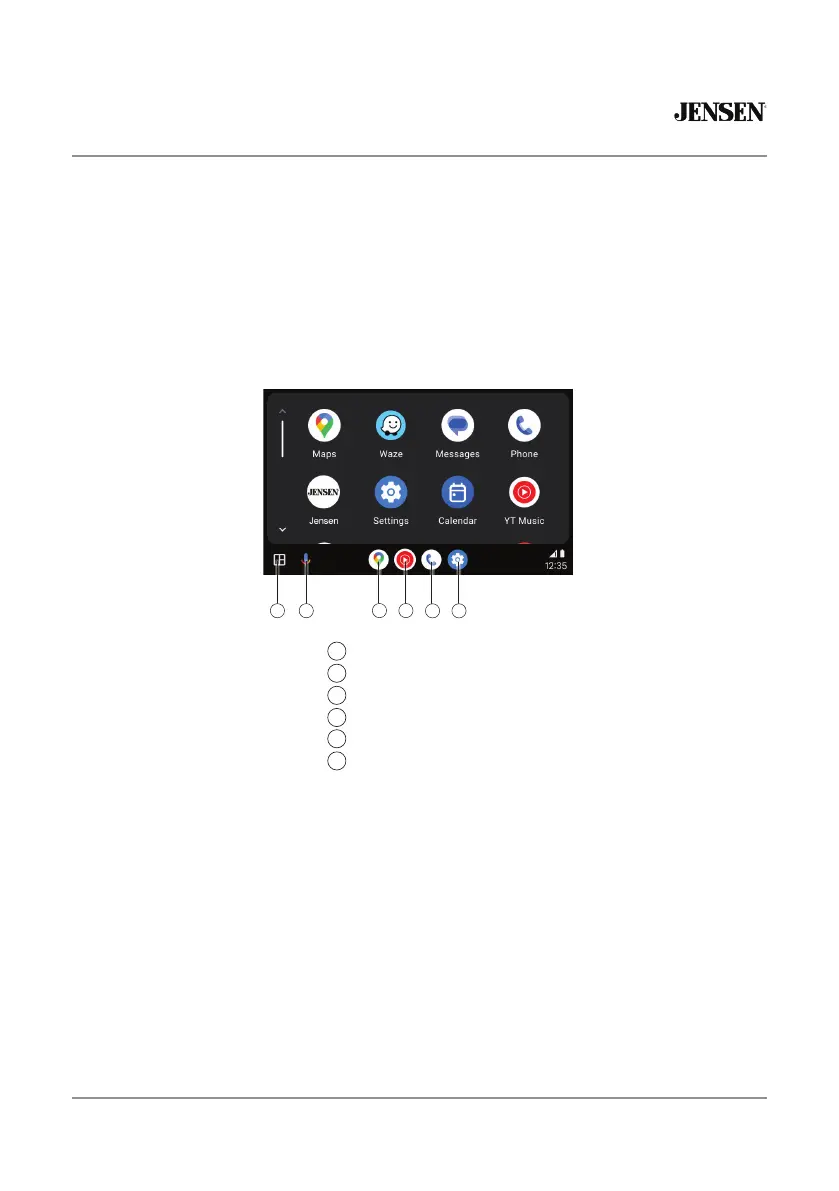
Using Android Auto
The Android Auto home screen displays personalized information, like time to your
destination, reminders, recent calls incoming messages, the song you're listening to,
and Google Now cards.
When the Android Auto menu is displayed, you can say "OK Google" or select the
microphone in the upper right corner to talk to Google.
3
21
4
Recent Apps
Google Assistant
Google Maps
YouTube
Phone
Settings
1
2
3
4
5 6
5
6


 To Next Page