33
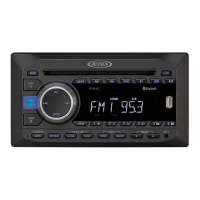
DMR2116
Scanning Tracks/Introduction Mode
Press the 2 INTRO (Introduction) button to play the rst ten seconds of each
track. “INT” and the track number appears on the display panel. Press the 2 INTRO
button again to cancel the function.
Repeating a Track
Press the 3 RPT (Repeat) button to repeat the current track. “RPT” and the track
number appears on the display panel. Press the 3 RPT button again to cancel the
function.
Playing Tracks in a Random Order
Press the 4 RDM (Random) button to play all the tracks in random order. “RDM”
and the track number appears on the display panel. Press the 4 RDM button again
to cancel the function.
Selecting a Folder
Folder Down
Press the 5 / button once to go back one folder.
Folder Up
Press the 6 / button once to advance one folder.


 To Next Page