EasyManua.ls Logo

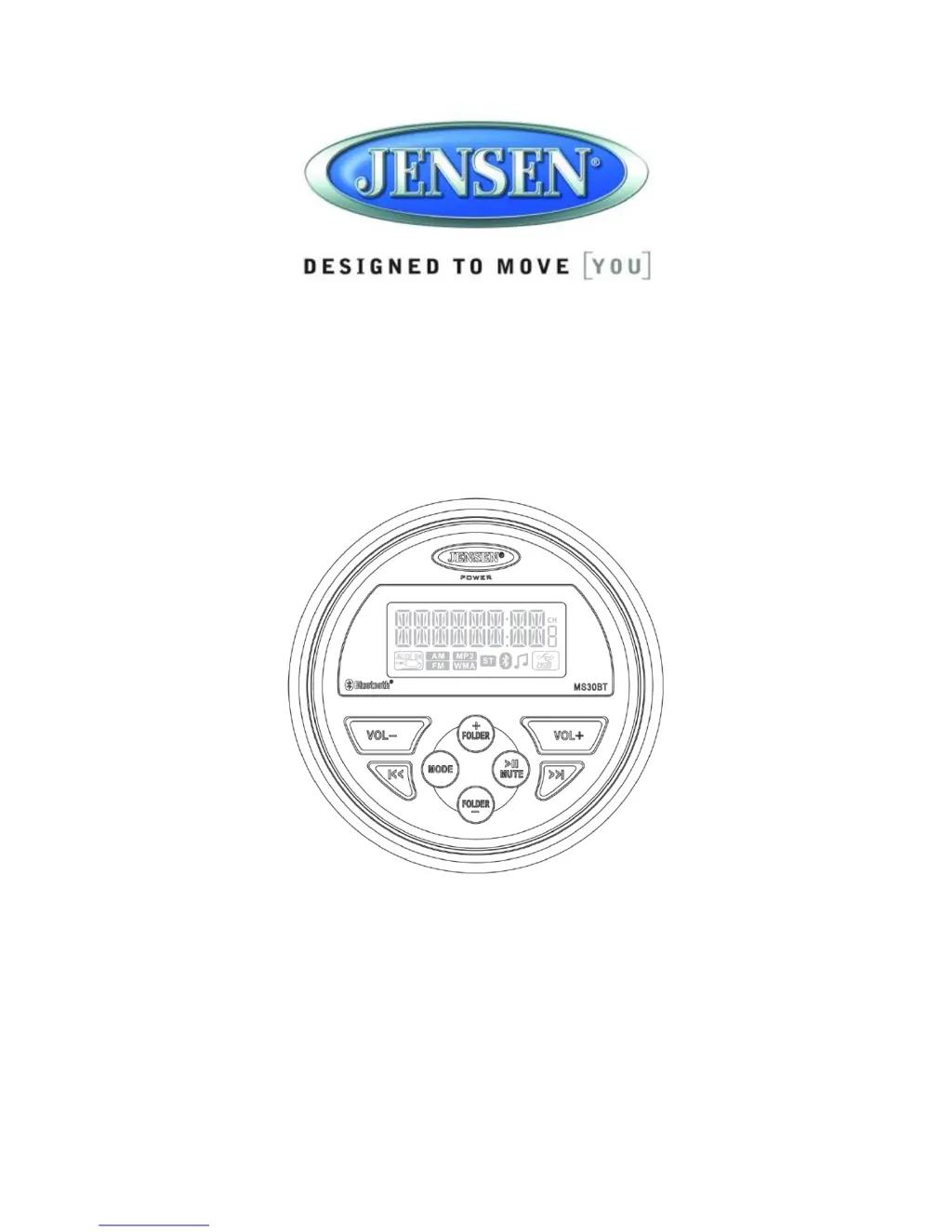
Jensen MS30BT - User Manual

Jensen MS30BT
15 pages
Print Icon
To Next Page IconTo Next Page
Loading...
MS30BT
Owners Manual

Questions and Answers

  • G
    George WalkerJul 31, 2025
    What to do if there is no sound from Jensen MS30BT Car Stereo System?
    • S
      Samuel AbbottAug 1, 2025
      If you're experiencing no sound from your Jensen Car Stereo System, first, check the volume level and increase it if needed. Then, verify the device is powered on. Finally, ensure the unit isn't paused by pressing the play/pause button.
  • P
    Paige RamirezAug 15, 2025
    How to fix Jensen Car Stereo System when there is no power?
    • J
      Jacqueline AndersonAug 15, 2025
      If your Jensen Car Stereo System has no power, ensure the ignition key is switched to “ACC” if the power supply is connected to the vehicle accessory circuits but the engine is off. Also, check the fuse and replace it with a 10AMP ATO fuse if it's blown.

Summary

Introduction

Features

Lists the key features of the MS30BT receiver, including waterproof design and USB playback.

Box Content

Details the items included in the MS30BT package, such as the radio, bracket, and hardware.

Compliance

Information regarding FCC rules and compliance for the device operation.

Safety Information

Installation

Mounting the Radio

Step-by-step guide for physically installing the radio unit into a dashboard.

Operation

Basic Functions

Covers power, volume, mute, and mode selection controls for the unit.

Audio Menu

Explains how to adjust bass, treble, balance, and fader settings.

Radio Mode

Details tuning modes, presets, and scanning features for radio operation.

Bluetooth Operation

About Bluetooth Technology

Explanation of Bluetooth technology, its range, and industry standards.

Bluetooth Menu Options

How to manage Bluetooth pairing, connection, and device deletion.

Troubleshooting

Specifications

Jensen MS30BT Specifications

General IconGeneral
BrandJensen
ModelMS30BT
CategoryCar Stereo System
LanguageEnglish

Related product manuals