EasyManua.ls Logo

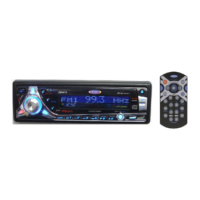
Jensen JWM45 - User Manual

Jensen JWM45
25 pages
Print Icon
To Next Page IconTo Next Page
Loading...
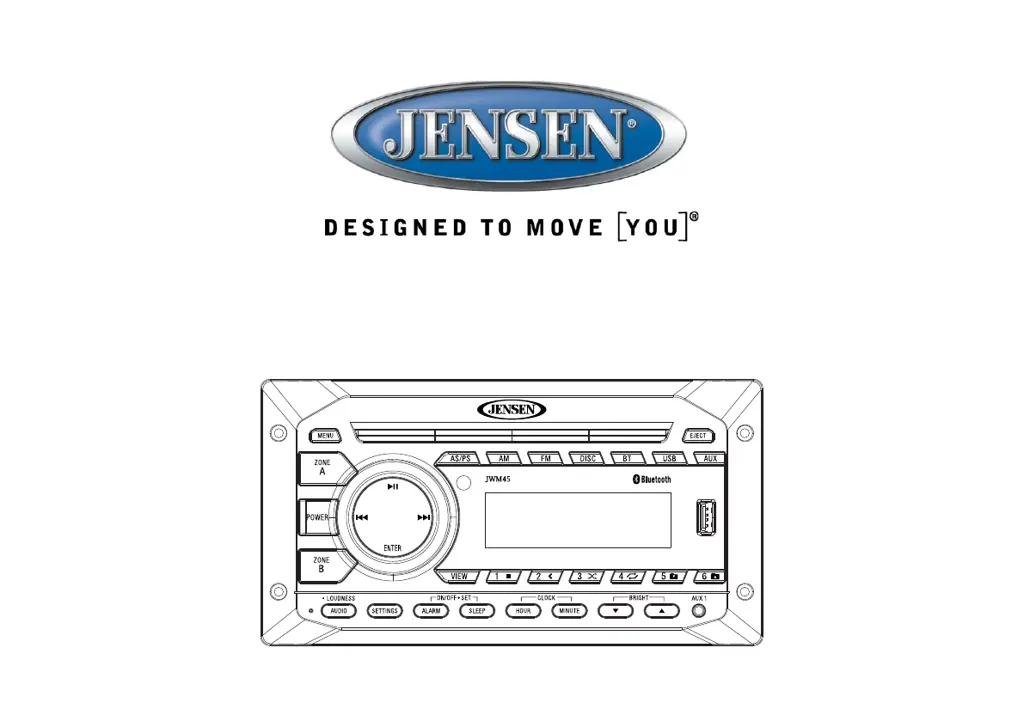
Installation and Owner's Manual
MOBILE AUDIO SYSTEM
JWM45

Other manuals for Jensen JWM45

Questions and Answers

  • P
    Patty RichardsonAug 3, 2025
    Why my Jensen JWM45 radio will not turn on?
    • X
      xramirezAug 3, 2025
      If your Jensen Car Stereo System radio isn't turning on, try pressing the reset button. Also, check the fuse and ensure there's 12V+ on the accessory wire (RED wire) connected to the radio. Finally, verify the ground connection.
  • A
    Anthony BrownAug 7, 2025
    What to do if my Jensen JWM45 Car Stereo System radio turns on, but there is no sound?
    • L
      Lisa WilliamsAug 7, 2025
      If your Jensen Car Stereo System turns on but produces no sound, first, check the volume, fader/balance, and mute controls to ensure they are properly set. Then, try the reset button. Also, verify the correct speaker selection and connections. Finally, check for shorts or open circuits in the speaker wires.
  • C
    Curtis MendozaAug 12, 2025
    What to do if my Bluetooth device will not connect or pair with Jensen JWM45?
    • B
      bradleymooreAug 12, 2025
      If your Bluetooth device won't connect to your Jensen Car Stereo System, ensure no other devices are already connected. Disconnect any connected devices. On your smartphone or device, try turning Bluetooth off and then on again.
  • K
    Kenneth SmithAug 17, 2025
    How to fix a blank display on my Jensen JWM45 Car Stereo System?
    • M
      Miss Autumn ChavezAug 17, 2025
      To reset a blank display on your Jensen Car Stereo System, turn the unit off and then on again.
  • D
    David AndersonAug 23, 2025
    What to do if my CD/DVD does not load fully in Jensen Car Stereo System?
    • S
      Stephanie JacksonAug 23, 2025
      If your CD/DVD doesn't load fully in your Jensen Car Stereo System, ensure the disc is compatible and inserted correctly. Check the disc for dirt or scratches. Try using factory original CDs, keeping in mind compatibility warnings due to copy-protection or multimedia content.
  • M
    Mariah KelleyAug 27, 2025
    Why is there no AM or FM reception on my Jensen JWM45 Car Stereo System?
    • S
      Stacey HuangAug 28, 2025
      If you're experiencing no AM or FM reception on your Jensen Car Stereo System, first verify that you are tuned to a valid station. Check the antenna connection on the rear of the stereo. You may also try using a different antenna.

Summary

Introduction

Precautions

Outlines important safety and usage precautions for operating the JWM45 unit.

Installation Guide

Tools and Supplies Required

Lists the necessary tools and supplies for successfully installing the JWM45.

Installation Procedure Steps

Covers battery disconnection, mounting location selection, and opening preparation.

Wiring Information

Wiring Diagram and Connections

Illustrates the wiring connections and pin assignments required for proper unit operation.

Basic Operation

Unit Controls and Core Functions

Explains power, volume, audio settings, display, loudness, and pause/mute functions.

System Settings and Features

Reset Procedure

Instructions on when and how to use the reset button to restore factory default settings.

Tuner Operation

Disc Operations

MP3;USB Operation

Bluetooth Operation

Bluetooth Setup and Device Management

Guides on connecting, pairing, and managing Bluetooth devices, including disconnect/connect and lock/unlock functions.

Remote Control Operation

DVD Setup Menu

Care, Maintenance, and Troubleshooting

Troubleshooting Common Issues

Offers solutions for common problems like no power, no sound, display issues, and connection errors.

Jensen JWM45 Specifications

General IconGeneral
Display TypeLCD
BluetoothYes
USB PortYes
Aux InputYes
Radio TunerAM/FM
Supported Audio FormatsMP3, WMA
Number of Channels4
Remote ControlYes
Compatible with Steering Wheel ControlsNo
Playable MediaUSB

Related product manuals