EasyManua.ls Logo

Jensen MPR2110 - User Manual

Jensen MPR2110
14 pages
Print Icon
To Next Page IconTo Next Page
Loading...
INSTALLATION/OWNER'S MANUAL
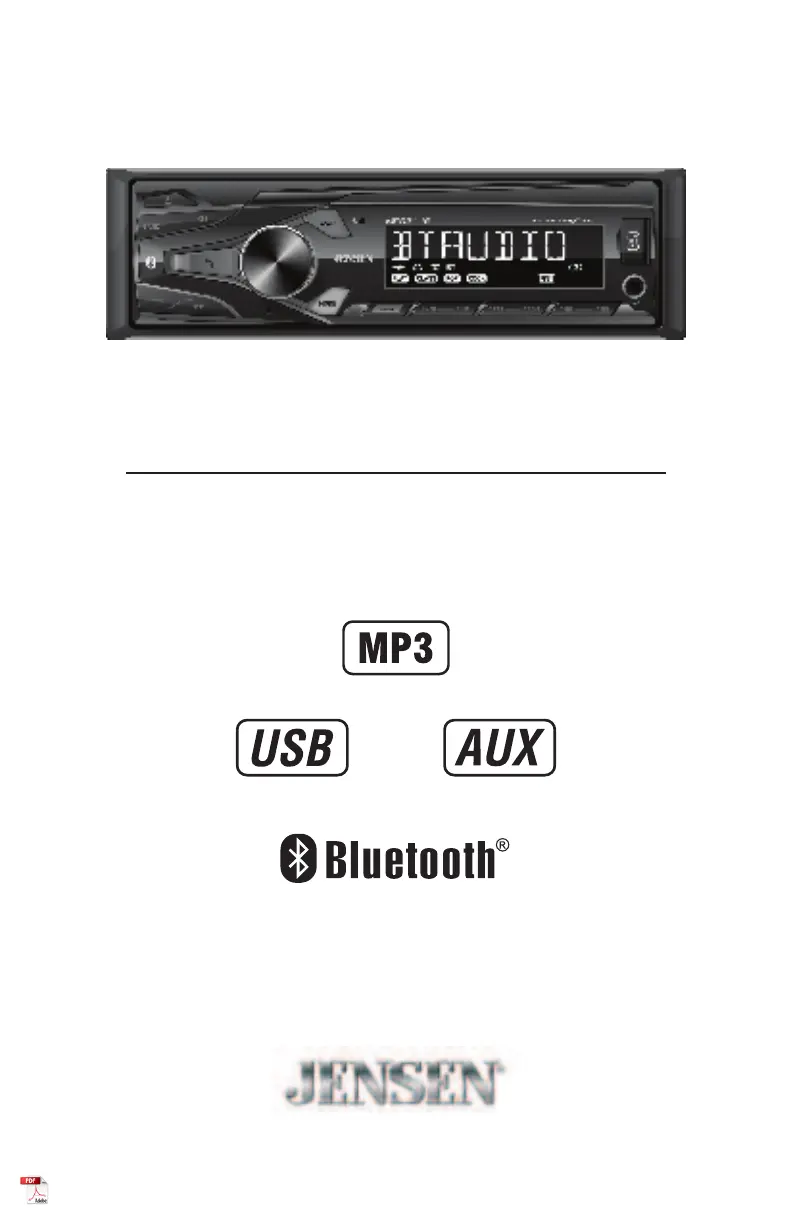
AM/FM Receiver with Bluetooth and Fixed Face
MPR2110

Questions and Answers

Summary

Preparation and Installation

Typical DIN Mounting

Instructions for installing the head unit using the typical DIN mounting method.

ISO Mounting Procedure

Instructions for installing the head unit using ISO mounting brackets.

Control Locations Overview

Head Unit Controls Identification

Identifies and describes the buttons and controls located on the front panel of the head unit.

General Operation Guide

USB Media Playback

Playing MP3 Files and Navigation

How to play MP3 files and navigate tracks/folders on a USB device.

Bluetooth Connectivity

Bluetooth Pairing Process

Steps required to pair a new Bluetooth device with the head unit.

Technical Specifications

Tuner Specifications

Detailed technical specifications for the FM and AM tuners.

General and Amplifier Specs

General unit specifications and CEA-2006 amplifier power standards.

Summary

Preparation and Installation

Typical DIN Mounting

Instructions for installing the head unit using the typical DIN mounting method.

ISO Mounting Procedure

Instructions for installing the head unit using ISO mounting brackets.

Control Locations Overview

Head Unit Controls Identification

Identifies and describes the buttons and controls located on the front panel of the head unit.

General Operation Guide

USB Media Playback

Playing MP3 Files and Navigation

How to play MP3 files and navigate tracks/folders on a USB device.

Bluetooth Connectivity

Bluetooth Pairing Process

Steps required to pair a new Bluetooth device with the head unit.

Technical Specifications

Tuner Specifications

Detailed technical specifications for the FM and AM tuners.

General and Amplifier Specs

General unit specifications and CEA-2006 amplifier power standards.

Overview

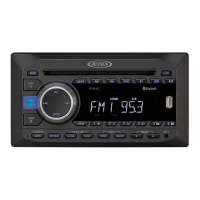
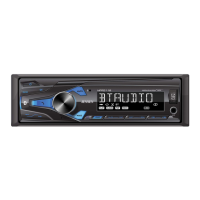
The Jensen MPR2110 is an AM/FM receiver with Bluetooth and a fixed face, designed for in-car audio entertainment. It supports various audio sources including MP3 files, USB devices, and auxiliary input, in addition to its AM/FM tuner. The unit features a sleek design with a central volume knob and a clear display for operational information.

Function Description:

The MPR2110 serves as a central audio hub for vehicles, offering a range of functionalities:

  • AM/FM Tuner: Provides access to radio broadcasts across AM1, AM2, FM1, FM2, and FM3 bands. It supports both seek tuning for strong stations and manual tuning for precise frequency selection. Up to 18 FM stations and 12 AM stations can be stored as presets, with an automatic store function (AS/PS) to quickly save available stations.
  • MP3 Playback: Capable of playing MP3 files from USB devices. It includes features like track selection (next/previous), fast forward/reverse, pause/resume, and folder access for navigating through stored music.
  • USB Operation: Allows users to connect USB devices for audio playback. It offers repeat functions (RPT ALL for all tracks, RPT ONE for the current track, RPT FLR for the current folder) and a random play function (RDM). An intro function (INT) plays the first 10 seconds of each track.
  • Auxiliary Input: A 3.5mm front AUX port enables connection of external audio devices, expanding the range of playable sources.
  • Bluetooth Connectivity: Facilitates wireless audio streaming (A2DP) from mobile devices and includes basic playback controls such as skip track (next/previous) and play/pause. The device name for pairing is "Jensen Media Player" with a passcode of "1234".
  • General Operation:
    • Power On/Off: Controlled by a dedicated button.
    • Mode Selection: A MODE button cycles through Radio, USB, Auxiliary Input, and Bluetooth modes.
    • Volume Control: A large rotary knob adjusts the volume from 00 to 43.
    • Mute Function: Silences the audio temporarily.
    • Clock Setting: The display can show clock time, which can be set by long-pressing the DISP button and using the volume knob.
    • Display Toggle: The DISP button cycles through various displayed information.
    • Audio/Menu Functions: The volume knob also serves as a multi-function control for selecting audio functions and navigating menu options, including bass, treble, balance, fader, and loudness settings.
    • Reset: A RESET button restores the unit to factory settings in case of abnormal operation.

Important Technical Specifications:

  • FM Tuner:
    • Tuning Range: 87.5MHz-107.9MHz
    • Usable Sensitivity: 8.5dBf
    • 50dB Quieting Sensitivity: 10dBf
    • Stereo Separation @ 1kHz: >30dB
    • Frequency Response: 30Hz-13kHz
  • AM Tuner:
    • Tuning Range: 530kHz-1710kHz
    • Usable Sensitivity: <42dBu
    • Frequency Response: 30Hz-2.2kHz
  • General:
    • Speaker Output Impedance: 4-8 ohms
    • Line Output Voltage: 2 Volts RMS
    • Dimensions: 7" x 3.8" x 2" (178 x 97 x 50 mm)
    • Fuse: One 10 amp ATM fuse
  • CEA-2006 Power Standard Specifications:
    • Power Output: 16 Watts RMS x 4 channels at 4 ohms and < 1% THD+N
    • Signal to Noise Ratio: 75dBA (reference: 1 watt into 4 ohms)
    • Reference: 14.4VDC +/- 0.2V, 20Hz~20kHz

Usage Features:

  • Intuitive Controls: The front panel features clearly labeled buttons and a prominent volume knob for easy access to common functions.
  • Remote Control: A wireless remote control is included, offering additional convenience for operating the unit from a distance. The remote duplicates many of the front panel controls, including mode, volume, tune up/down, band, mute, and preset selection.
  • Preset Management: Users can store and recall their favorite AM/FM stations with six preset buttons, making it quick to switch between preferred broadcasts.
  • MP3 File Compatibility: Supports standard MP3 files, allowing for a wide range of digital music to be played. ID3 tags version 1.0 to 2.0 are supported for displaying track information.
  • Bluetooth Streaming: Seamlessly stream audio from any Bluetooth-enabled device, enhancing the in-car entertainment experience without the need for physical connections.
  • Fixed Face Design: The fixed face ensures a secure and integrated look within the vehicle's dashboard.

Maintenance Features:

  • Fuse Replacement: The unit uses a 10 amp ATM fuse located beside the heat sink. The manual provides instructions to ensure the correct type and amperage of the replacement fuse are used to prevent damage.
  • Troubleshooting Guide: A comprehensive troubleshooting section helps users diagnose and resolve common issues such as no power, no sound, blown fuses, or display errors. This guide covers problems related to wiring connections, speaker issues, and MP3 file compatibility.
  • Installation Instructions: Detailed steps for both typical DIN mounting and ISO mounting are provided, ensuring proper and secure installation of the head unit into the vehicle's dashboard or an installation kit. This includes guidance on inserting the mounting sleeve, bending tabs, connecting wiring harnesses, and securing the unit.
  • Wiring Diagram: A clear wiring diagram is included, illustrating connections for power (memory, accessory, ground), remote turn-on, and speaker outputs (front left, front right, rear left, rear right). This aids in correct electrical hookup and prevents common installation errors.
  • FCC Compliance: The device complies with FCC rules, and the manual provides warnings and measures to address potential interference issues, ensuring safe and compliant operation.
  • Warranty Information: A limited one-year warranty covers defects in material and workmanship, with clear instructions on how to obtain service, including contact information and requirements for shipping the product. This ensures support for users experiencing manufacturing defects.

Jensen MPR2110 Specifications

General IconGeneral
BrandJensen
ModelMPR2110
CategoryCar Stereo System
LanguageEnglish

Related product manuals