Downloading the JENSEN Wi-Fi Audio App
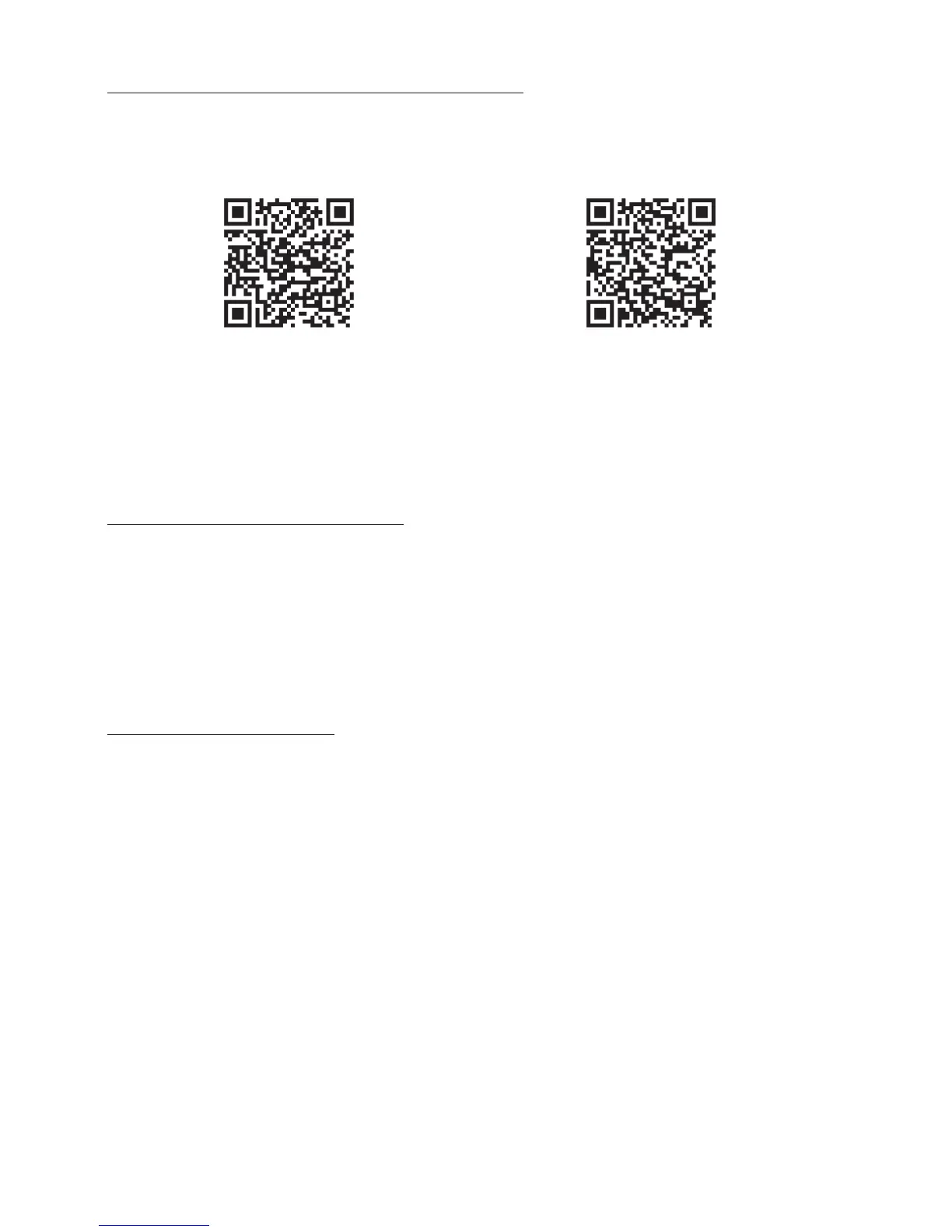
Download the JENSEN Wi-Fi Audio App to your device by scanning the QR codes below or
search for the Jensen Wi-Fi app in the Google Play™ Store, or Apple App Store
®
.
Note: You may need to have a valid premium account to use some of the 3
rd
party streaming
services available on the App.
Connecting to a Wi-Fi Network
In order to use the Wi-Fi feature of the JAS-725, the unit and your mobile device must both be
connected to the same Wi-Fi network. The JENSEN Wi-Fi Audio app will guide you through
the process, just follow the on-screen instructions and have your network password ready.
After the initial connection, the speaker will remember the Wi-Fi network and automatically
connect to it when it is in Wi-Fi Mode. If the speaker should become disconnected or will not
connect normally, repeat the steps below.
Initial Wi-Fi Connection
Note: If you have a dual band wireless router, be sure to connect to the 2.4GHz band and not
the 5GHz band.
1. When you first power up the JAS-725, the ALEXA MODE / CONNECTION LED may flash
multiple colors while powering up, this is normal. Please wait for the MODE /
CONNECTION LED to turn white and begin flashing slowly. A short melody will play
indicating the JAS-725 is in Wi-Fi Standby Mode.
2. Open the JENSEN Wi-Fi Audio App on your device and press “Search”, then “Add Device
(Image A, B, below).
Android
Apple
The JENSEN Wi-Fi Audio App lets you play music and audio from Amazon Music and other
online music services. It also controls the speaker’s other functions, such as Multi-room play,
Multi-channel play, etc.


 To Next Page