EasyManua.ls Logo

Jensen JTA-450 - User Manual

Jensen JTA-450
16 pages
Print Icon
To Next Page IconTo Next Page
Loading...
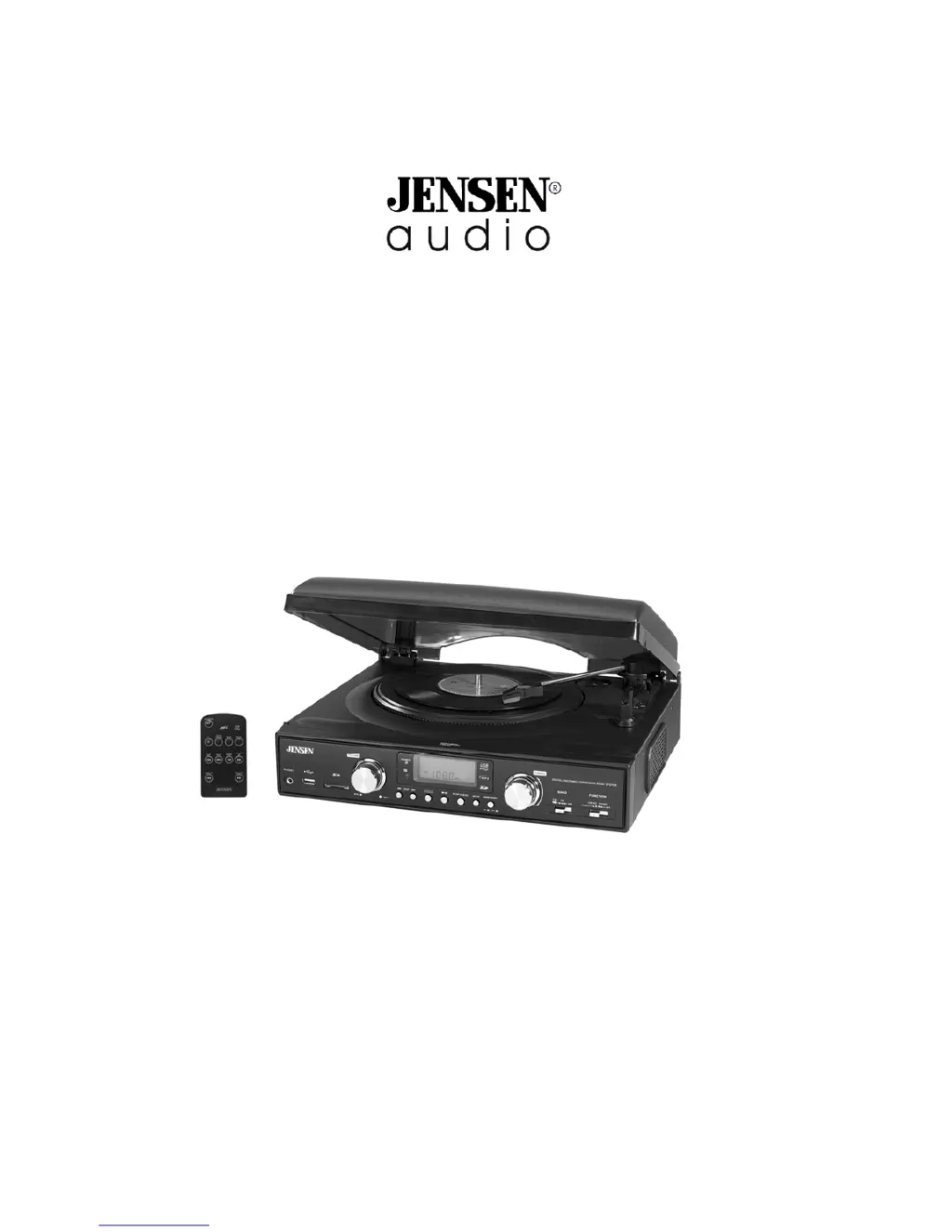
JTA-450
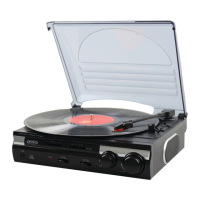
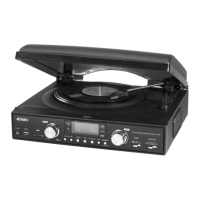
3-SPEED STEREO TURNTABLE WITH MP3 ENCODING
AND AM/FM STEREO RADIO
INSTRUCTION MANUAL
PLEASE READ THIS OPERATING MANUAL COMPLETELY
BEFORE OPERATING THIS UNIT AND RETAIN IT FOR FUTURE REFERENCE.

Questions and Answers

  • D
    Daniel PerezJul 26, 2025
    What to do if my Jensen JTA-450 is ON but there is low or no volume?
    • V
      Victoria BennettJul 26, 2025
      If your Jensen Turntable is on but the volume is low or nonexistent, there are a couple of things to check: * Ensure the volume control isn't turned all the way down. Adjust it to a higher output level. * Make sure headphones aren't plugged into the headphone jack. If they are, remove them.
  • A
    Andrew JohnsonAug 4, 2025
    Why my Jensen JTA-450 will not play?
    • A
      Arthur AcostaAug 5, 2025
      If your Jensen Turntable isn't playing, here's what you should check: * Verify that the unit is properly connected to a working AC outlet. If it's disconnected, plug it in. * Confirm that the AC outlet has power by testing it with another device or trying the turntable on a different outlet.
  • L
    Laura KellyAug 15, 2025
    How to improve AM or FM reception on my Jensen JTA-450 Turntable?
    • T
      Travis ChavezAug 15, 2025
      To improve AM or FM reception on your Jensen Turntable, especially for distant stations with weak signals, try rotating the unit's cabinet to find a position that provides better reception.

Summary

IMPORTANT SAFETY INSTRUCTIONS

Risk of Electric Shock

Warning about not opening the unit due to high voltages inside.

General Safety Precautions

Instructions to read manual, heed warnings, keep instructions, and clean with dry cloth.

Location of Controls

Remote Control Unit

Power Source and AC Operation

Using the Remote Control Correctly

Remote Control Usage Notes

Information on sensor, button functions, and effective operating distance.

Radio Operation

Playing Phono Records

Encoding Records to MP3

USB;Card Operation

Programmed Play

Copying Files Between USB and Card

Line Out Operation (Optional)

Using Headphones (Not Included)

Important Information Before Using Headphones

Troubleshooting Guide

Jensen JTA-450 Specifications

General IconGeneral
Speed33 1/3, 45 RPM
Drive TypeBelt Drive
Built-in SpeakersYes
Power SupplyAC Adapter
TypeBelt Drive
Audio OutputRCA
ConnectivityRCA
FeaturesBuilt-in speakers
OutputsRCA Output

Related product manuals