10
Initial Settings
Press button to turn on the TV.
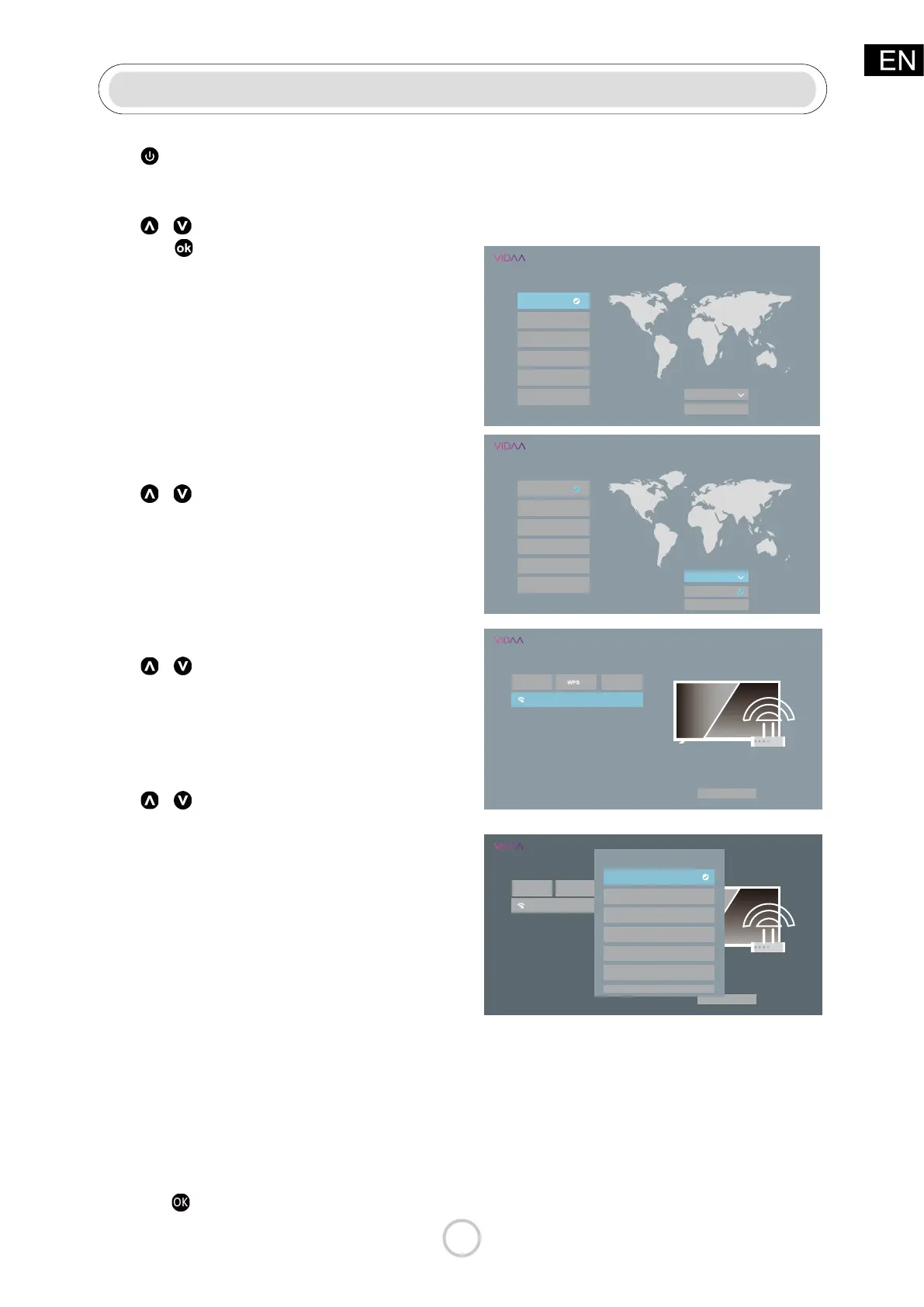
Select language
Press / button to select OSD Language.
and press
button to enter the next setting
page.
• English
• Español
• Français
•
简体中文
•
繁體中文
• Deutsch
Note:
default setting is English.
TV Mode
Press / button to select TV Mode
• Home Mode
• Store Mode
Press Conrm to enter the next selection
Note:
default setting is Home Mod.
Press
/ button to select your wireless
network,input your password,Press Connect
connect to an available wireless network.
Press Conrm to enter the next selection.
Country
Press
/ button to select Country
• USA
• Canada
• Mexico
• Panama
• Nicaragua
• Honduras
• EL Salvador
• Guatemala
• Dominican Republic
• Trinidad
• Jamaica
• Curacao
• Barbados
• St. Maarten
• Pueto Rico
Note:
default setting is USA.
Press the
button to enter the submenu.
Connect to the Internet
Select language
English
Español
Français
简体中文
繁體中文
Deutsch
Welcome
TV Mode
Home Mode
Conflrm
Select language
English
Español
Français
简体中文
繁體中文
Deutsch
Welcome
TV Mode
Home Mode
Home Mode
Store Mode
Connect to the Internet
Refresh
Skip
your wireless network
Access all your favorite Movies and TV shows
Conflrm
Connect to the Internet
Refresh
WPSS kip
your wireless network
Access all your favorite Movies and TV shows
Conflrm
Country
USA
Canada
Nicaragua
Honduras
Panama
Mexico



 To Next Page