13
Live TV
Channel Scan
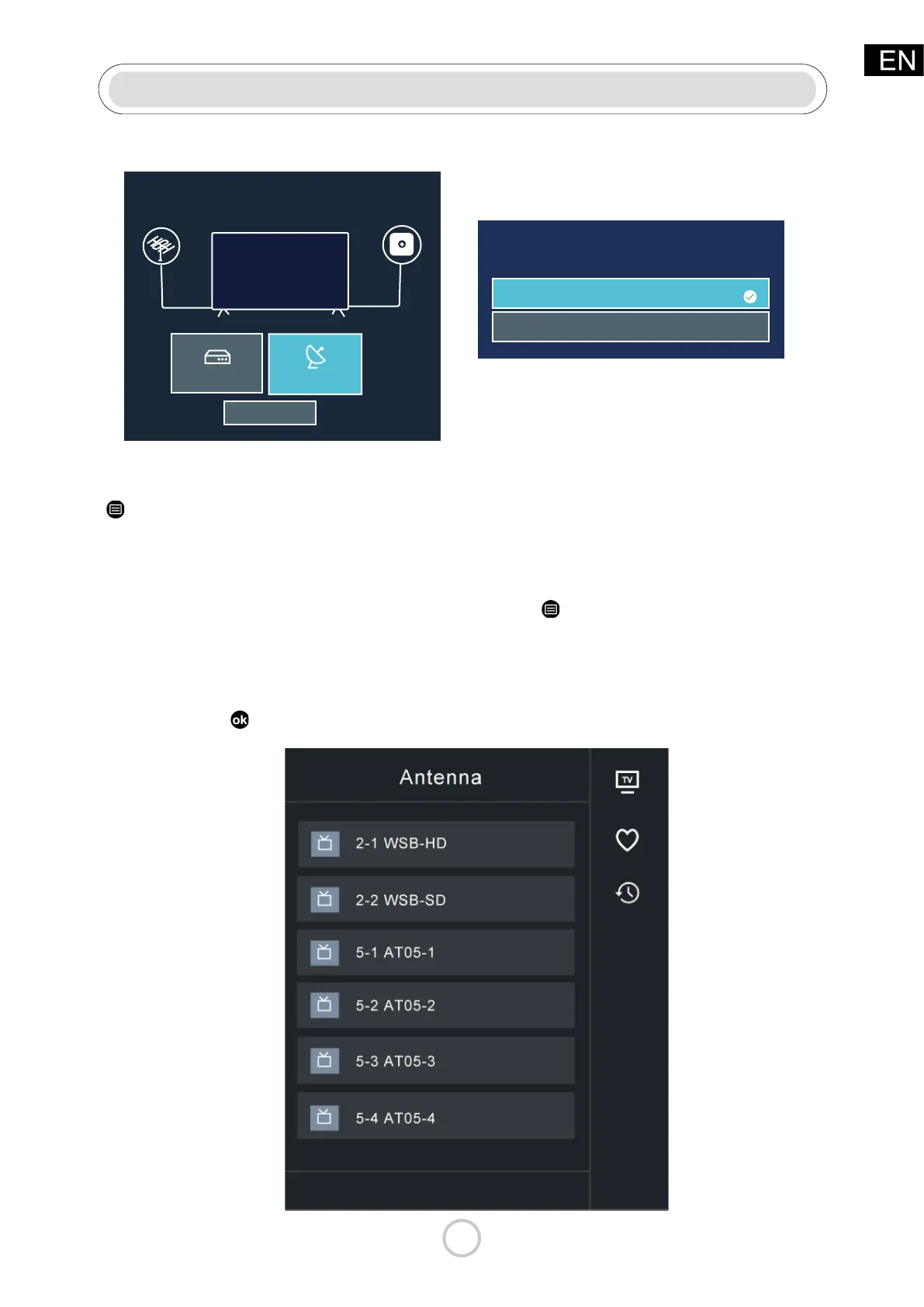
Channel List
Auto Channel Scang
Or access by:
Display the channel list
In Live TV, press
button on the remote control to display the channel list menu.
Note:g
• Before you select Auto Channel Scan, you can press > Settings > Channel > Tuner
Mode to select Antenna or Cable.
Press the “Live TV” button and follow directions for Over-the-air TV.
> Settings > Channel > Auto Channel Scang
Select the way you watch Live TV.
Set top box
Antenna/Cable
I don’t watch Live TV
Tuner Mode
Antenna
Cable



 To Next Page