13. DIR +: Touch to view the next folder
14. Touch to access the direct entry screen
15. : Touch to view the SETUP menu
16. Touch for quick access to Equalizer level settings
17. Touch to view the SOURCE MENU and select a new playback source
18. Folder name
Using a USB Device or SD Card
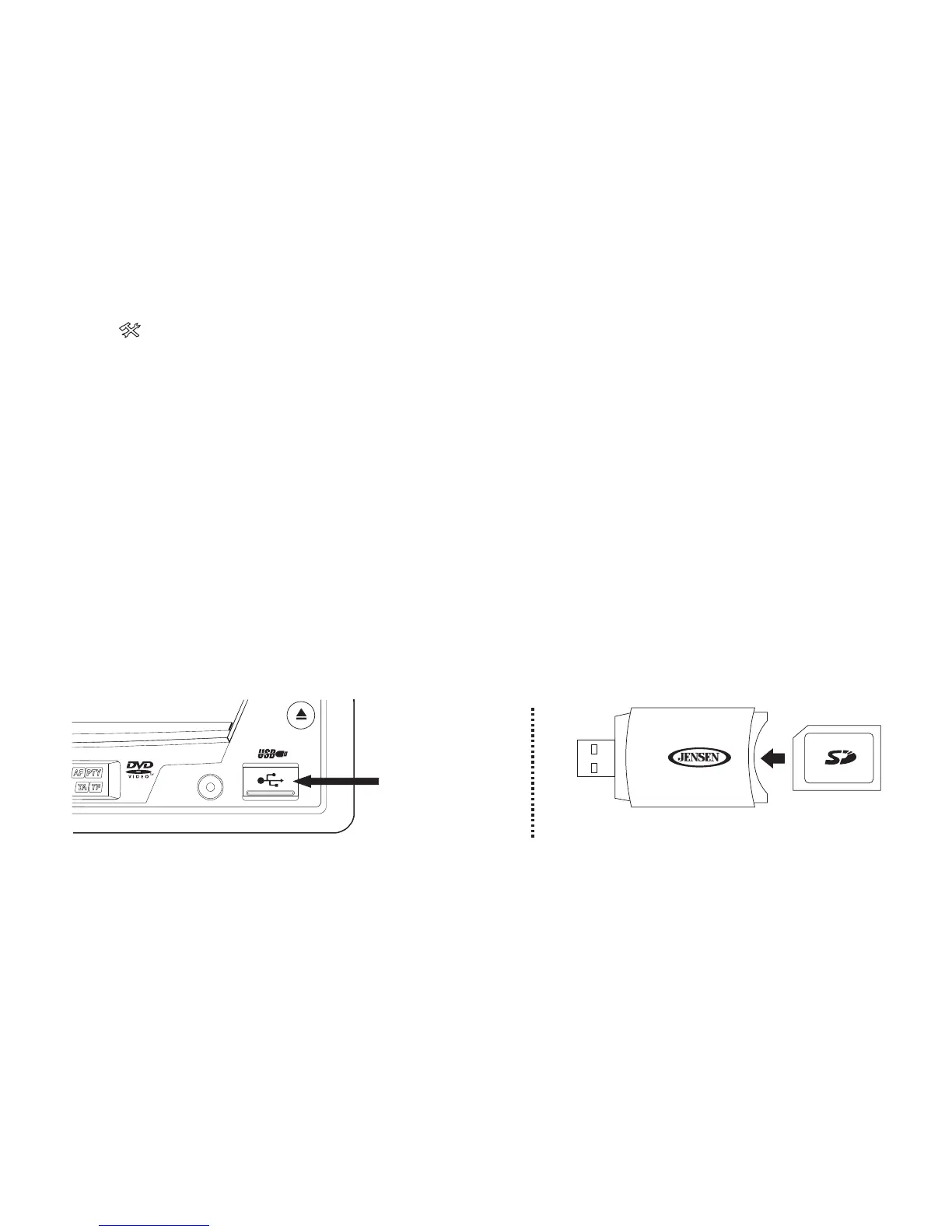
The USB port, located on the front of the radio, will recognize most USB flash
memory devices.
Lift the protective cover and then insert the USB device into the USB connector.
The unit will read the audio/video files on the USB device automatically.
To remove the USB device, press the SRC button to switch to another mode and
then remove the USB device from the USB connector.
This radio is packaged with an SD to USB adaptor, which allows the playback of
SD cards through the USB Connector on the front of the radio.
A / V
INPUT
EJECT
SD to USB Adaptor
Type A USB
Connector



 To Next Page