To Next Page
L
lmullinsAug 8, 2025
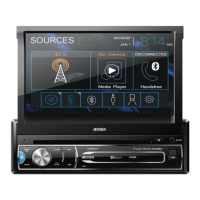
Why is there no audio output from my Jensen Receiver?
- BBrittany GloverAug 9, 2025
If you're experiencing no or low audio output from your Jensen Receiver, there are several potential causes. It could be due to an improper audio output connection, so check your wiring. The volume might be set too low, so increase the volume level. Also, check the “MUTE” connection. Damaged speakers can also cause this issue, so consider replacing them. Heavily biased volume balance or speaker wiring in contact with the car's metal parts can also lead to this problem. Adjust the channel balance to the center position and insulate all speaker wiring connections.
 General