EasyManua.ls Logo

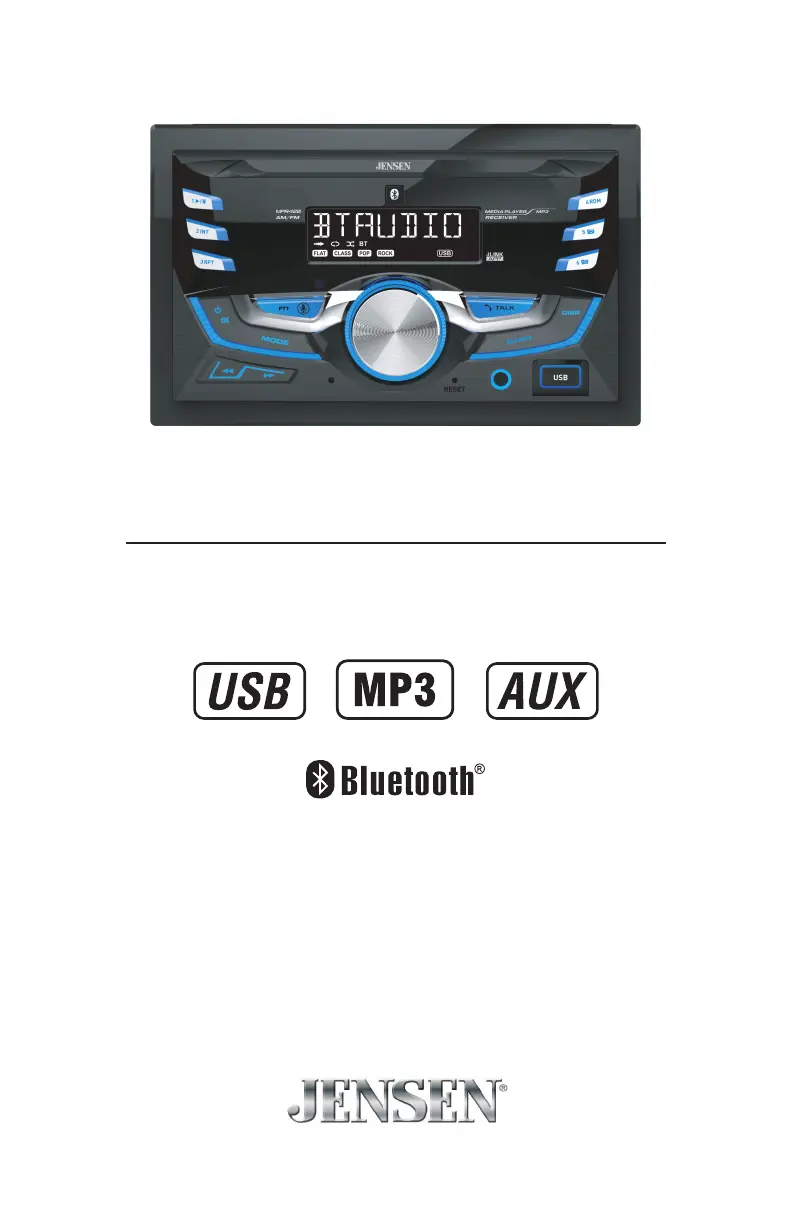
Jensen MPR420 - User Manual

Jensen MPR420
14 pages
Print Icon
To Next Page IconTo Next Page
Loading...
INSTALLATION/OWNER'S MANUAL
AM/FM Receiver with Bluetooth
MPR420

Questions and Answers

  • L
    Lisa JuarezJul 29, 2025
    Why won't my Jensen MPR420 Receiver turn on?
    • W
      wwilsonJul 29, 2025
      If your Jensen Receiver isn't powering on, there are several potential causes. First, the yellow wire might not be connected properly or may have incorrect voltage; check the connections to ensure the voltage is between 11 and 16VDC. Second, the black wire might not be connected to ground; verify this connection. Finally, the fuse may have blown, in which case you should replace it.
  • T
    thompsonjosephAug 3, 2025
    What to do if my Jensen Receiver keeps blowing fuses?
    • N
      nellisAug 3, 2025
      If your Jensen Receiver is blowing fuses, it could be due to a few reasons. A yellow or red wire might be touching the chassis ground; check for any pinched wires. Alternatively, speaker wires might be touching the chassis ground, so inspect those for pinches as well. Lastly, the fuse might have an incorrect rating; make sure you are using a fuse with the correct rating.
  • J
    John CervantesAug 9, 2025
    How to fix a Jensen MPR420 with power but no sound?
    • C
      Christopher EllisAug 10, 2025
      If your Jensen Receiver has power but isn't producing any sound, the issue might be with the speaker wires. Check the connections at the speakers to ensure they are properly connected. Additionally, one or more speaker wires could be touching each other or the chassis ground; ensure all bare speaker wires are insulated from each other and the chassis ground.
  • M
    Michelle FlowersAug 16, 2025
    What to do if 'NO FILE' appears on my Jensen MPR420 Receiver display?
    • C
      Christian WilsonAug 16, 2025
      If 'NO FILE' is displayed on your Jensen Receiver, it means the device cannot find any playable MP3 files. Check the device to ensure it contains valid MP3 files.
  • T
    treidAug 22, 2025
    Why does 'NO SUPPORT' appear on the display of my Jensen MPR420?
    • K
      Kelly BranchAug 22, 2025
      The 'NO SUPPORT' message on your Jensen Receiver indicates that an invalid ID3 tag version is present. The receiver supports Version 1.0 to 2.0 ID3 tags.

Jensen MPR420 Specifications

General IconGeneral
BrandJensen
ModelMPR420
CategoryReceiver
LanguageEnglish

Related product manuals