17
VX7020N OPERATION
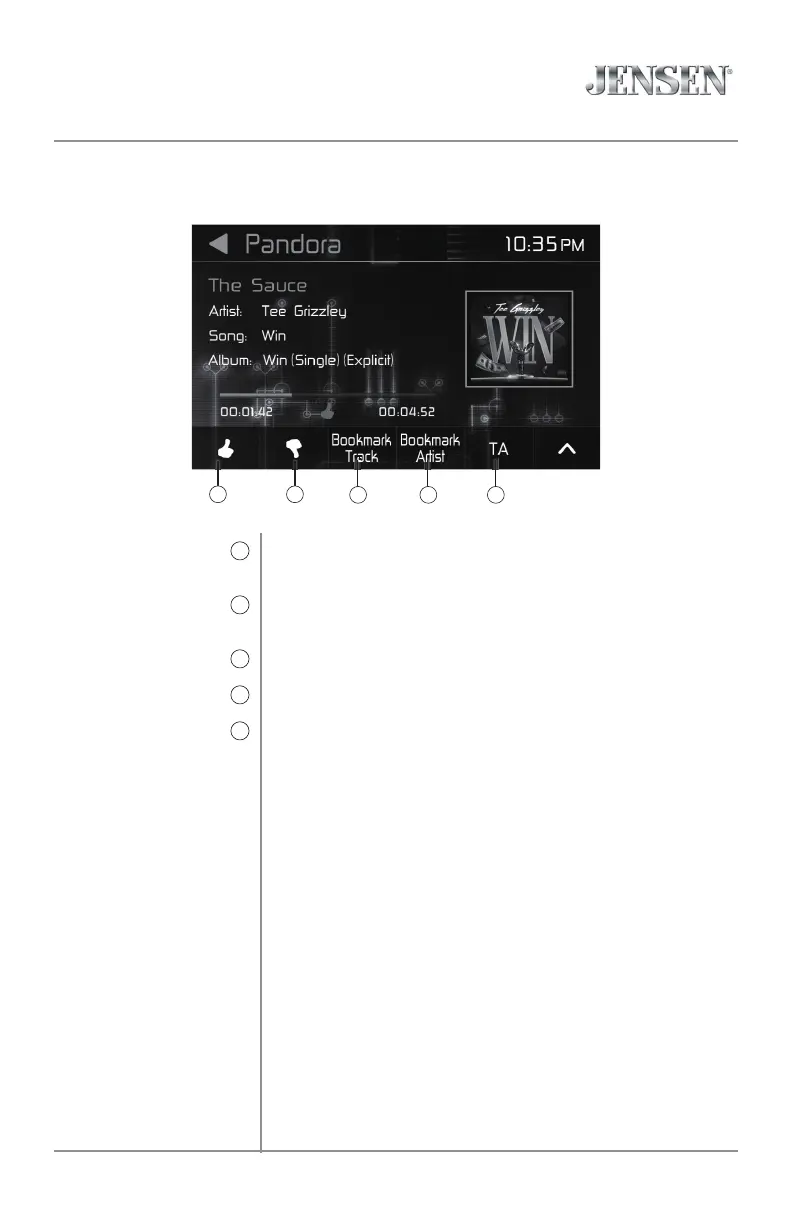
Press to tell Pandora you like the track currently playing, and
Pandora will play more tracks like it.
Press thumbs down to tell Pandora you do not like the track. The
track will be skipped, if possible, and your feedback will be recorded.
Press to bookmark a track.
Press to bookmark an artist.
Press to turn the Traffic Announcements feature On or Off.
Thumbs Up
11
Thumbs Down
12
Bookmark Track
13
Bookmark Artist
14
Traffic Announcements
15
Pandora Operation
11 12
13 14 15



 To Next Page