23
VX7020N OPERATION
To unlock an
Change
Lock Password
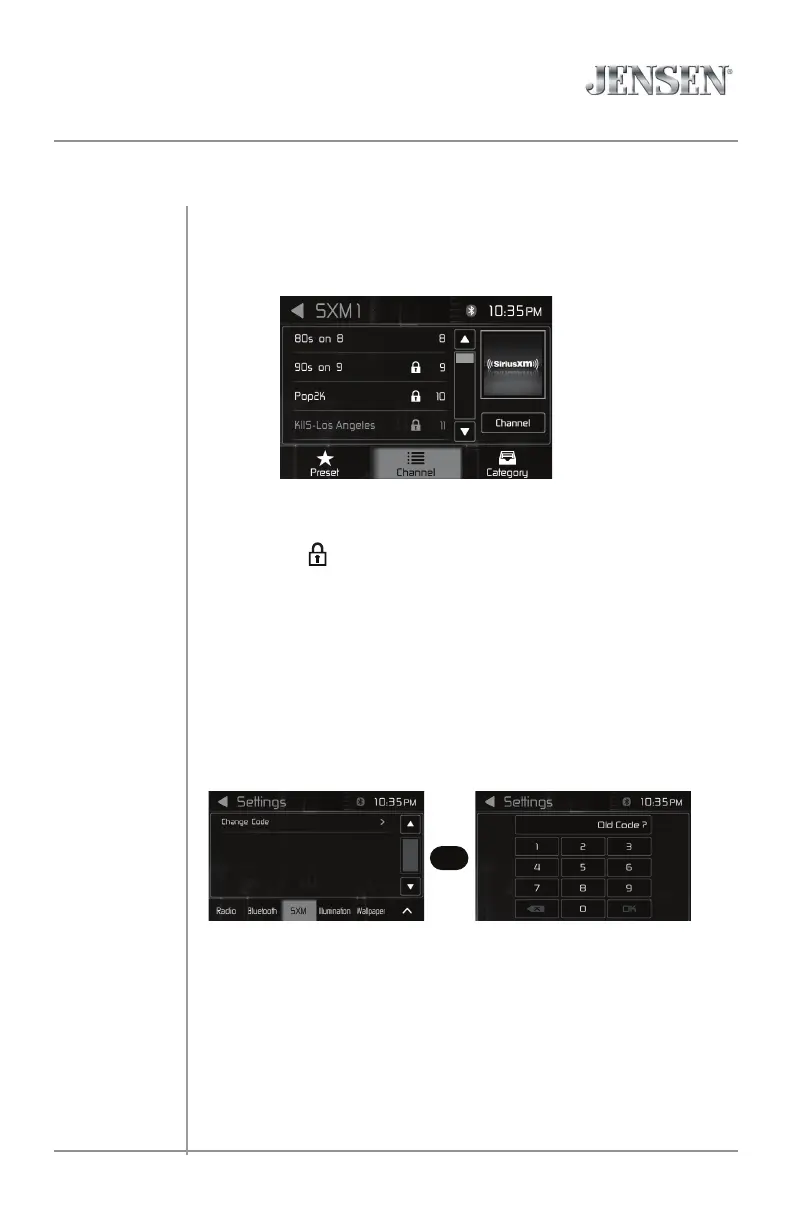
1. On the SirusXM menu page2, touch the lock icon. The Enter password
Screen appears.
2. Enter your 4-digit password. The following screen appears:
The Change Lock Password option allows you to change the password from
the default or current custom password to another password.
NOTE:The default password is 0, 0, 0, 0.
To Change password:
1. Enter into Settings menu. Go to SXM to change password.
2. Enter your 4-digit password and press the OK icon.
3. Enter the new 4-digit password and press the OK icon. The new passwor
is set.
Unlock Screen
3. Touch a lock( ) icon until icon disappear. Channel is unlocked.
4. Touch Unlock All icon to unlock aii channels.
Change Password Screen Settings to SXM Screen
>



 To Next Page