computer radio control system
EN
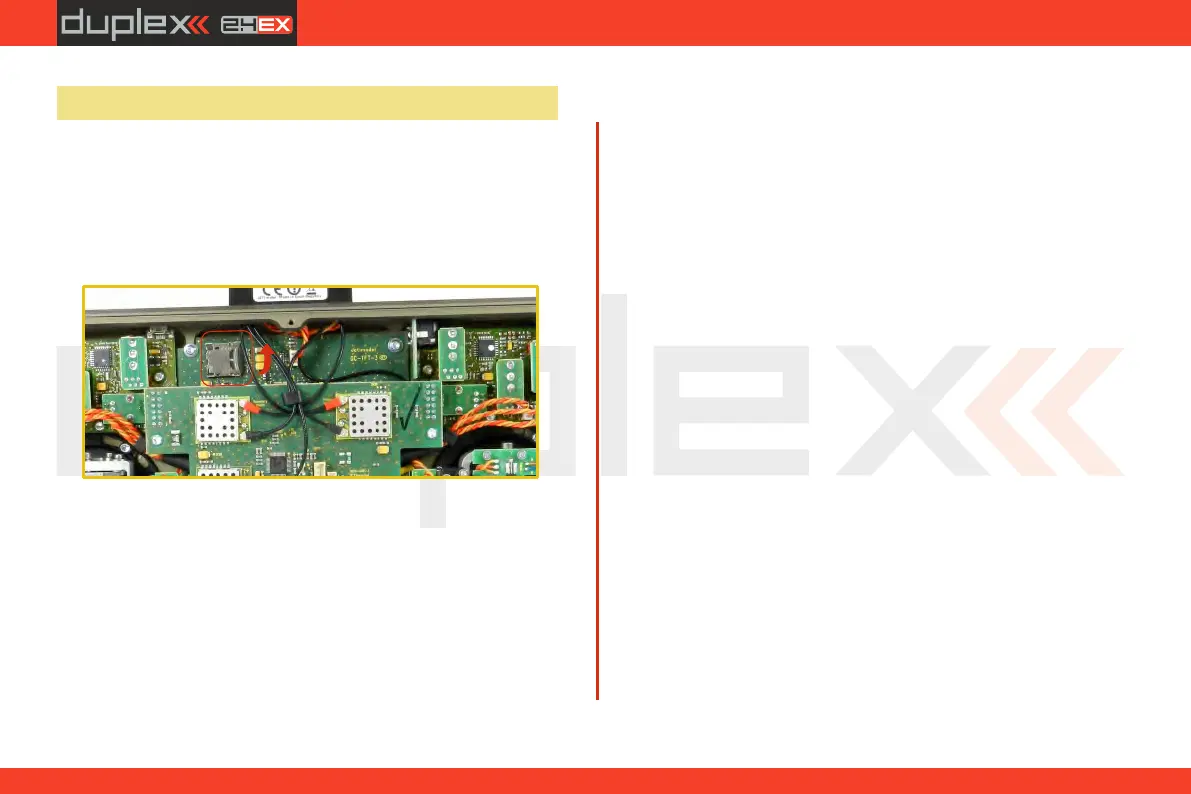
3.9 Change SD Card
Disconnect the battery plug .
To open the SD card holder, use a fingernail to push the metal frame
to the right and then lift it carefully . The micro SD card can now be
removed . For installation, proceed in the reverse order .
[
2.2.
23



 To Next Page