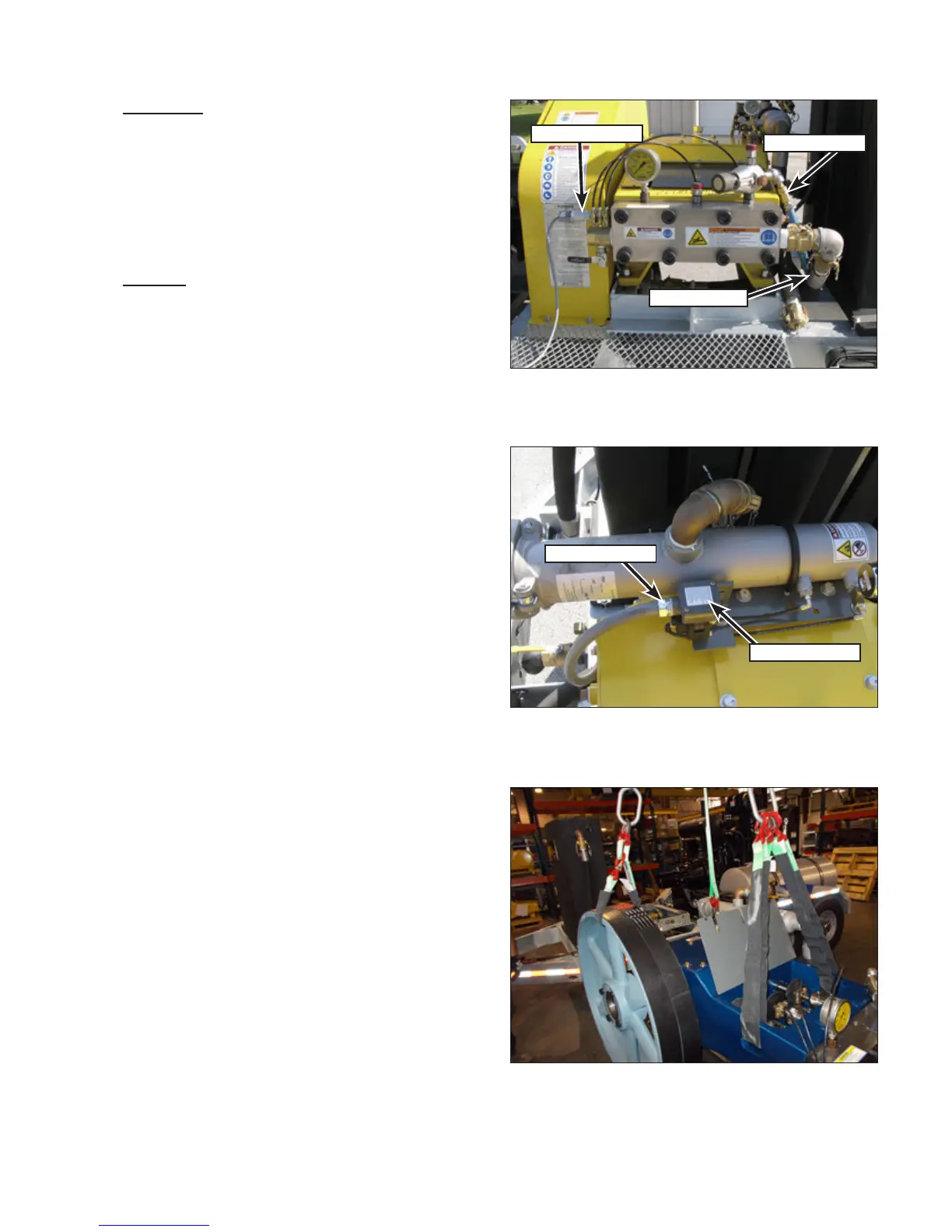
Bareshaft Pump
63
Installation
1. Place the crosshead/connecting rod assem-
blies into position inside of the crankcase.
2. Install the crankshaft as outlined in “Installa-
tion” on page 66.
UNx Pump
Removal
1. Drain the water tank.
2. Remove the bypass hose and supply hose
(Figure 125). If the supply hose is connected
to the secondary lter, disconnect it from the
lter.
3. Remove the two screws that secure the hy-
dro-throttle switch housing to the cartridge and
disconnect the switch.
4. If equipped, the secondary lter switch must
be disconnected. Remove the two screws that
secure the switch cover (Figure 126) and dis-
connect the wiring. Unscrew the conduit tting
from the switch housing and lay the conduit and
wiring aside.
5. Remove the belts.
6. Use a marker to mark the location of the pump
footings for easier installation.
7. Remove the four pump mounting capscrews
and nuts.
8. Attach a hoist and lifting apparatus to the
pump as shown (Figure 127). The weight of
the pump is approximately:
• 3000 Series: 1200 lb. (544 kg)
• 3600/4200 Series: 2200 lb. (998 kg)
9. Lift the pump from the unit and place in a suit-
able location for servicing.
10. If shims were under the pump, keep the shims
together and note their proper location.
Figure 127: Lifting the Pump.
Figure 125: Pump Removal Preparation.
Throttle Switch
Bypass Hose
Supply Hose
Figure 126: 40K Switch Wiring.
Conduit Fitting
Switch Cover



 To Next Page