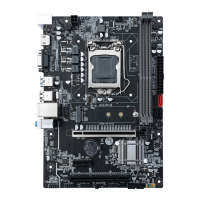
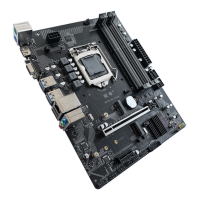
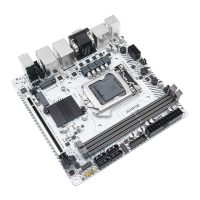
Need help?
Do you have a question about the JGINYUE B85I-PLUS and is the answer not in the manual?
Details the various external ports available on the motherboard's rear panel.
Supports the USB 2.0 specification for connecting USB devices.
Supports USB 3.0 specification, compatible with USB 2.0 for device connections.
Supports analog video signal transmission for display output.
Connects front panel power switch, LEDs, and reset button to the motherboard.
Connector for system speaker or buzzer.
Allows connecting front panel audio jacks (mic and headphone).
Four SATA 3.0 connectors for connecting SATA devices at 6Gb/s.
Slot for installing an M.2 SSD at a 30-degree angle.
Interface for M.2 WiFi modules, compatible with WiFi AC standard cards.
Procedure for clearing CMOS settings using the JCMOS1 jumper.
Details pin assignments for ATX 24-pin and 4/8-pin power connectors.
Interfaces for CPU and system cooling fans, supporting PWM speed regulation.
Header for connecting front panel USB 2.0 ports.
Header for connecting front panel USB 3.0 ports.
 General
| Brand | JGINYUE |
|---|---|
| Model | B85I-PLUS |
| Category | Motherboard |
| Language | English |

 To Next Page