JIYI Robotics CO. Ltd
4. Configuring by Assistant Software
4.1 Installing driver and Assistant Software
1、Boot up the computer, and then visit JIYI’s official website (www.jiyiuav.com).
Download the driver program and K3A Assistant2 software;
2、Run the installation program of the driver and the assistant software installation
program;
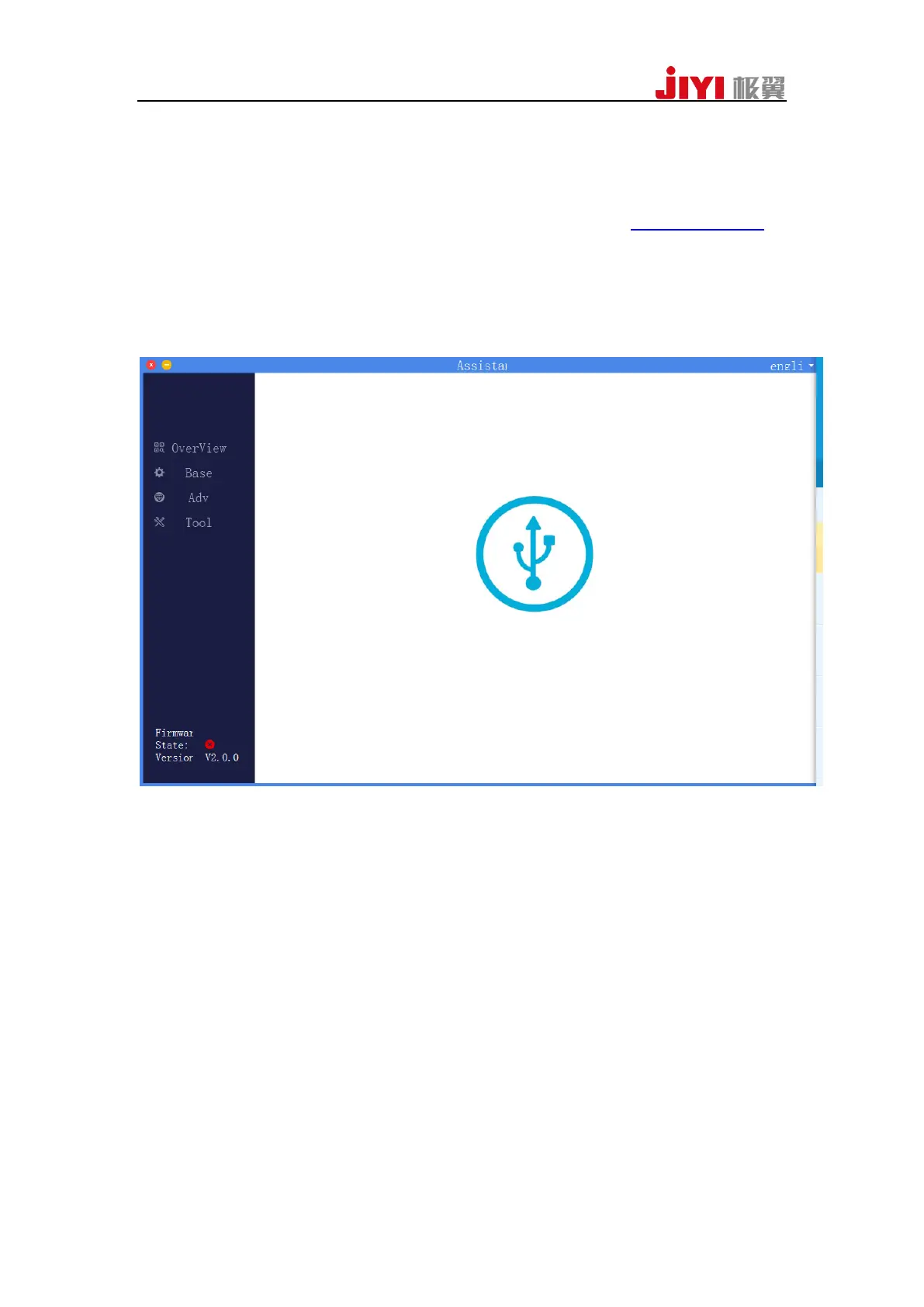
3、After the installation is completed, open the assistant software. The interface is
shown as below:



 To Next Page