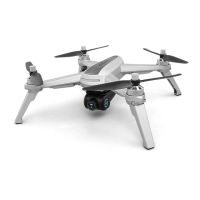
Major parts of the drone
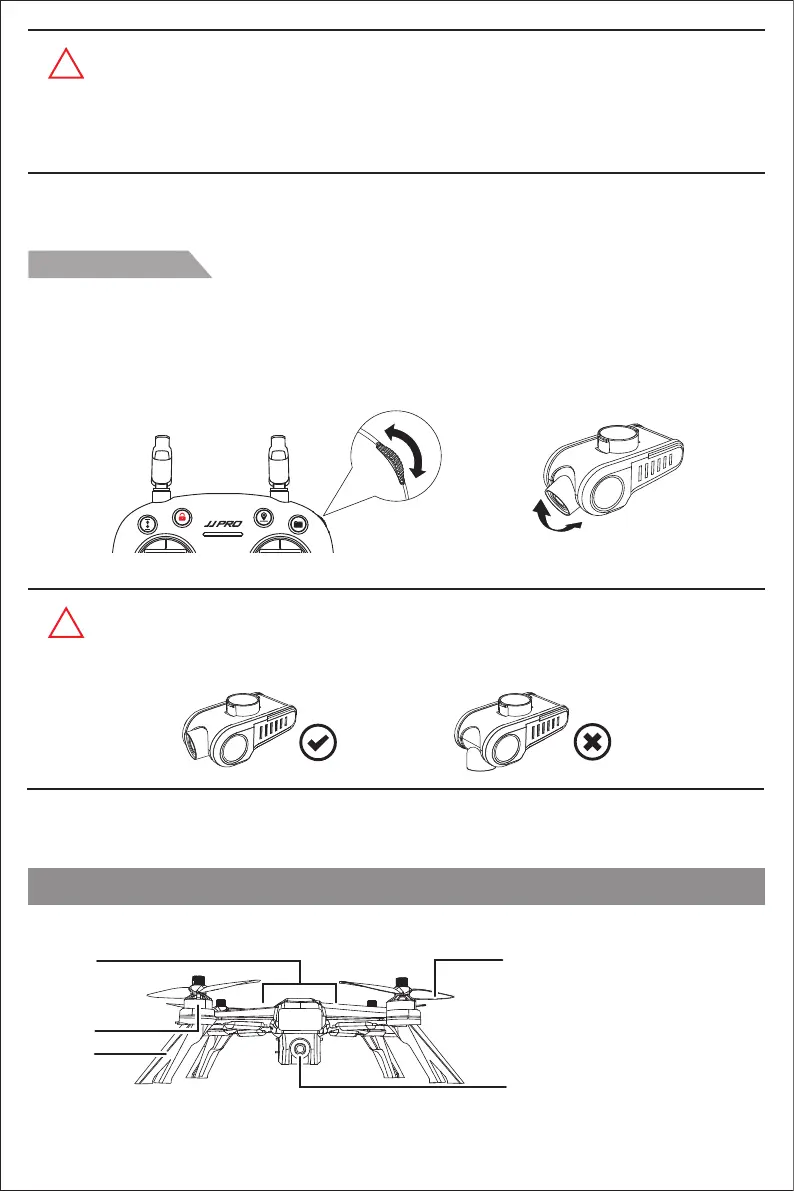
Gimbal trimmer
The camera angle can be adjusted within a 90 degree range by operating the gimbal trimmer to obtain a
better aerial experience. When scroll up the gimbal trimmer (upward to direction of "A"), the camera will
tilt upward to the direction of A; when scroll down the gimbal trimmer (downward to direction of "B"), the
camera will tilt downward to the direction of B.
!
Warm tips:
The camera works only with “JJPRO” APP. Please turn to Page 18 for the APP download
and installation. Beginners are suggested to press “Help” button to learn about the camera
operation method.
!
Warm tips:
Please adjust the camera to keep a horizontal level by operating the gimbal upward before
landing on the ground.
A
B
A
B
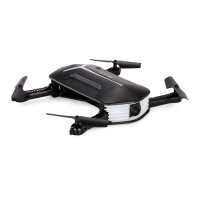
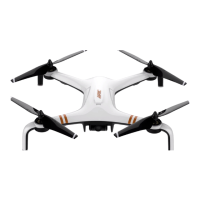
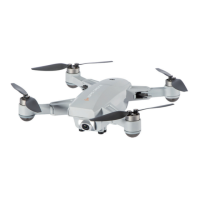
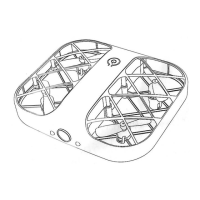
[1] LED light
[2] Brushless motor
[3] Undercarriage
[4] Propeller
[5] Camera
[1]
[2]
[3]
[4]
[5]
-7-


 To Next Page
 Loading...