EasyManua.ls Logo

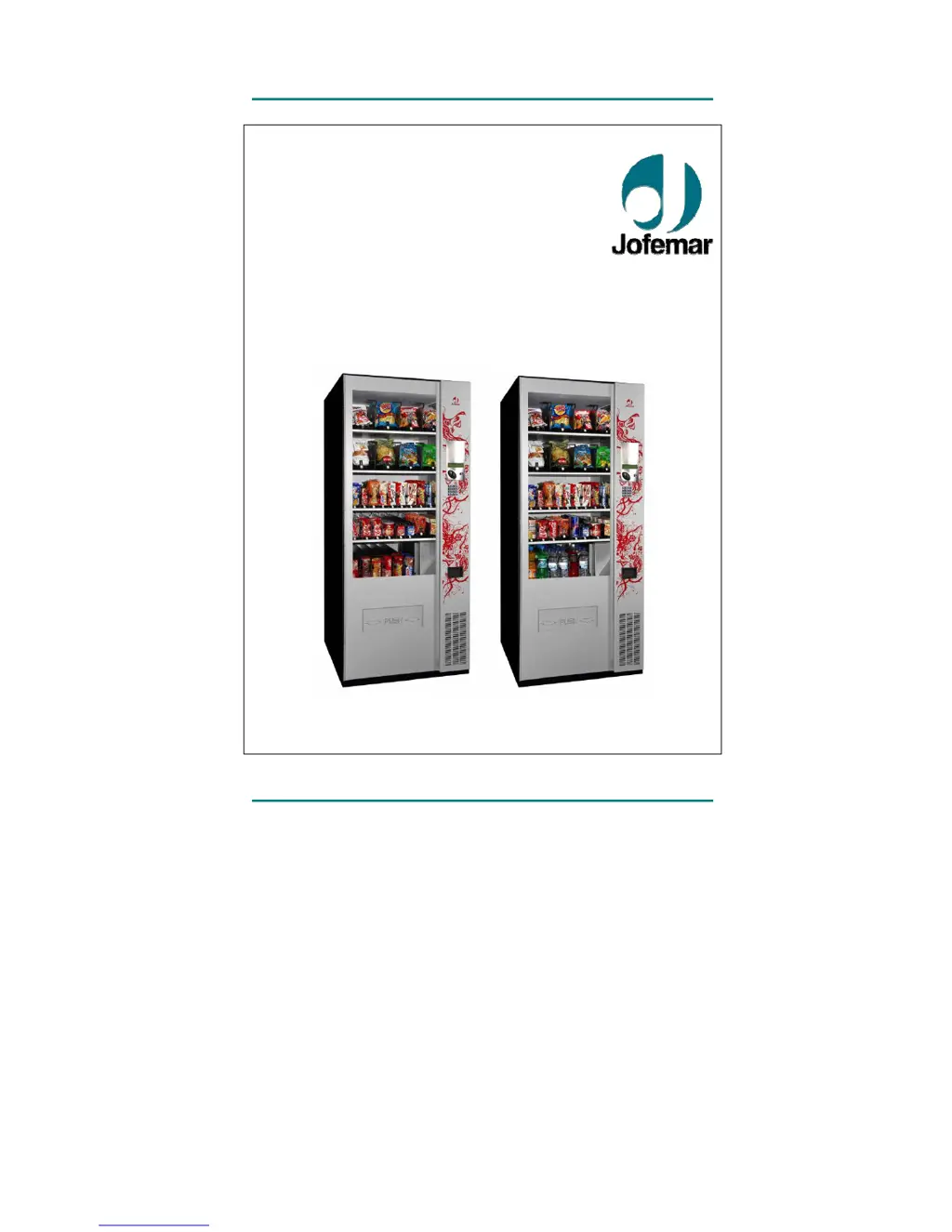
Jofemar Vision Easy Combo - User Manual

Jofemar Vision Easy Combo
62 pages
Print Icon
To Next Page IconTo Next Page
Loading...
vision
Snack Plus/Easy Combo
//
Vending
MNP86V03GBV00 Date: 2010/06/14 Rev. 0 PAGE 1 OF 62
English
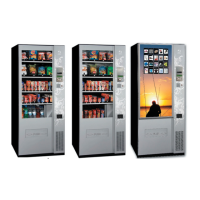
vision
Snack Plus
Easy Combo
TECHNICAL MANUAL

Other manuals for Jofemar Vision Easy Combo

Questions and Answers

Summary

Description of components

Electric-electronic specifications

Installation and start up

5.6. Updating the machine program

Details program update methods using PC, J-120 card reader, or EASYFLASH device.

5.7. Machine programming mode

Guides into programming modes: standby without credit and displaying product prices.

5.7.3. Programming menu (programming status)

Details entering programming menu via pushbutton to modify machine functions and addresses.

5.8. Programming addresses

Provides overview of programming addresses, navigation, and key functions for modifying settings.

[00] PRICE PROGRAMMING

Guides on programming prices for money sales and consulting programmed prices.

[01] ACCOUNTING OF MADE AND LOST SALES

Explains accessing accounting data for sales made and lost, for products or machine performance.

[02] RELOADING AND ACCOUNTING IN CHANGE TUBES (MDB)

Details reloading/accounting coins in change tubes, with warnings against manual reloading.

[04] MONEY ACCOUNTING (MDB)

Lists 14 audits for money accounting: cash in tubes, cashbox, sales, discounts.

[06] FAULT REVIEW

Explains reviewing machine general faults, displaying status of components like coin mechanism and keyboard.

[07] FAULT RESETTING

Details resetting general faults and temperature-expired product marks, with blinking display confirmation.

[09] CHANNEL CONFIGURATION

Details programming, consulting, and erasing channel configurations, associating channels to selection numbers.

[15] SALES OPTIONS

Details sales options (Single, Free, Mixed 2) based on installed compact type.

[19] DATE EXPIRY OPTIONS

Guides on programming individual expiry dates for products and channels.

[20] PRODUCT AND MACHINE CODES

Explains programming and consulting machine/product codes, detailing how to change them.

[22] ΒΑΝΚΝΟTE ACCEPTANCE CHECK AND PROGRAMMING OF BANKNOTE INHIBITIONS (MDB)

Details checking banknote acceptance and programming banknote inhibitions, including escrow options.

[24] TOKEN VALUES (MDB)

Guides on programming token values, setting values, and accessing menu by inserting tokens.

[25] CHANNEL MOTOR VOLTAGE

Details programming and consulting channel motor voltages, allowing adjustment in 0.5 Vdc steps.

[26] CARD SALES PRICES (MDB)

Explains programming/consulting prices for card sales; defaults to money prices if not set.

[27] INHIBITED SALES SCHEDULE (H.V.I.)

Guides on programming inhibited sales times/days and selecting products affected by the schedule.

[40] PROGRAMMING THE CALLING SCHEDULE (MDB)

Details programming calling times, begin/end standby times for machine calls to management centre.

[41] PROGRAMMING THE TELEPHONE NUMBER (MDB)

Guides on programming telephone number for modem communication, allowing cursor movement and digit changes.

Troubleshooting

Coins are not accepted and the J-2000 display is off.

Troubleshooting for no coin acceptance/off display: power supply and cable checks required.

You can enter programming mode in the compact but there is no communication.

Troubleshooting for no communication in compact programming mode: cable connection and selector acceptance checks.

The compact communicates properly and you can enter programming mode but all coins are rejected and the display shows a 2.

Troubleshooting for coin rejection ('2' display): check change programming and tube status.

The J-2000 sends all coins to the vault.

Troubleshooting for J-2000 sending coins to vault: check change programming and tube status.

Coins get stuck at the entrance of the tubes.

Troubleshooting for coins stuck at tube entrance: change programming, separator, tube model checks.

The J-2000 rejects a high percentage of coins.

Troubleshooting for high coin rejection rate: check measuring channel, selector door, and cables.

The J-2000 does not accept any coin.

Troubleshooting for J-2000 not accepting coins: check connection cables and machine response.

Coins not accepted and a non-blinking 1 appears on the display.

Troubleshooting for non-accepted coins with blinking '1': check grounding and first reloading.

The programmed settings have been lost.

Troubleshooting for lost settings: check electric noise and reloading procedures.

In address 25 coins are not accepted for tubes 1 and 5.

Troubleshooting for coin acceptance issues in tubes 1/5 (address 25): check inhibitions and tube status.

Coins with a given value are not accepted.

Troubleshooting for specific value coin acceptance failure: check programmed inhibitions and tube status.

All coins are rejected. No sale is possible and the display shows a message saying the machine is out of service.

Troubleshooting for out of service message: check internal faults, expired product, or unconnected motors.

No sales from a channel with product.

Troubleshooting for no sales from channel: check insufficient change, expired product, or door switch issues.

No banknotes accepted.

Troubleshooting for no banknotes accepted: check insufficient change, banknote inhibition, or recognition.

The display shows the message EXECUTIVE master not detected

Troubleshooting for 'EXECUTIVE master not detected' message: check connections and compact programming.

You can not communicate with the machine from the PC via modem.

Troubleshooting for PC modem communication failure: check modem options, connections, and program version.

Regulation

Jofemar Vision Easy Combo Specifications

General IconGeneral
BrandJofemar
ModelVision Easy Combo
CategoryVending machines
LanguageEnglish

Related product manuals