30
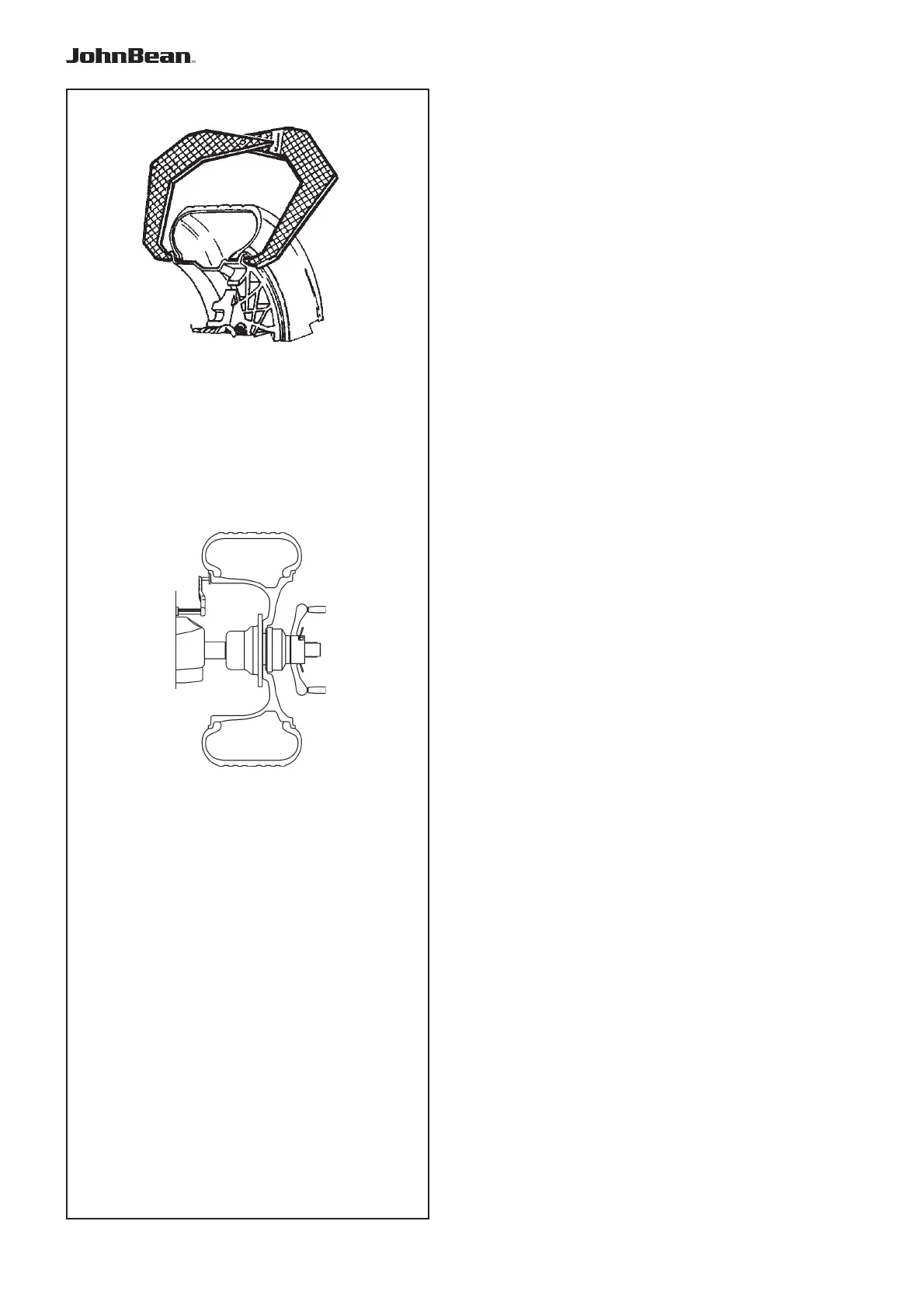
5.3.1-1
5.3.1-2
Operation
5.3.1 Rim data input
Dimensions can be measured by hand and then typed
in on the keyboard.
Dimension Units
diameter: inches (default) or mm.
rim width: inches (default) or mm.
offset: millimetres.
To change the units, refer to Chapter 5.2.4.2.
MANUAL data entry
Manual data entry is required only if the gauge arm
malfunctions. In that case proceed as follows:
- Rim or tyre diameter
• Read the nominal rim diameter directly on the rim
or tyre itself.
• Select the diameter key on the control panel. The
last value entered appears.
• Enter the value read previously using the appropriate
keys (refer to Chapter 4.2).
• Select another measurement to edit (if necessary)
or spin the wheel.
- Rim width
• Measure the rim manually with the callipers (refer
to Fig. 5.3.1-1) or read the measurement directly
on the rim itself if it’s written there.
• Press the “Rim width” key.
• Enter the value manually using the keyboard.
Note: Rim width is displayed in 0.10” steps.
- Offset:
• Position the gauge arm correctly as described
above in the “Rim Diameter” phase of the Automatic
Data Entry operation
• Read the arm extraction value on the gauged
column.
• Enter the value read previously using the appropriate
keys.
.



 To Next Page