EasyManua.ls Logo

John Bean VPI System - User Manual

John Bean VPI System
27 pages
Print Icon
To Next Page IconTo Next Page
Loading...
FOR:
PASSENGER CAR & LIGHT TRUCK WHEELS
OPERATION INSTRUCTIONS
Form 5787-1
Rev 04/19/2001
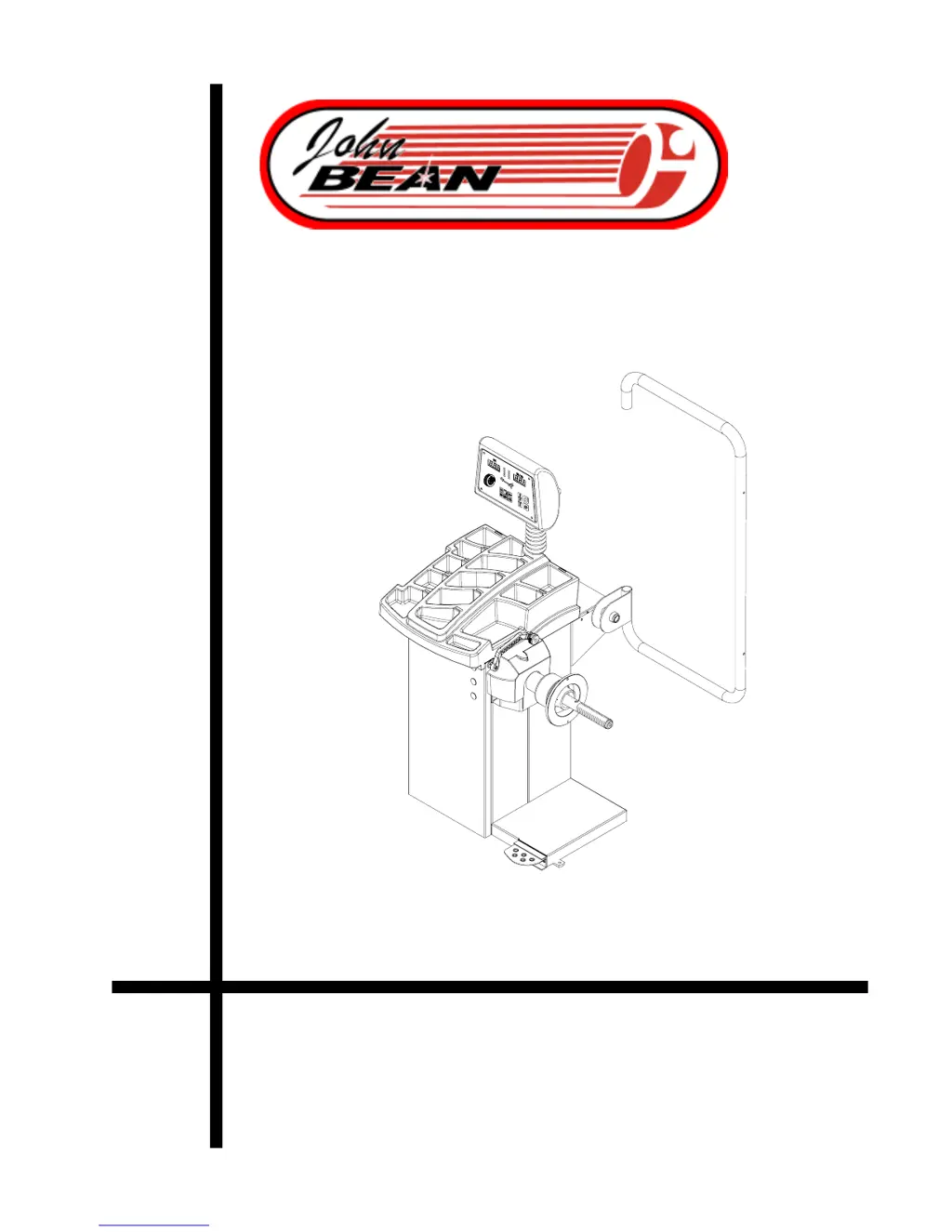
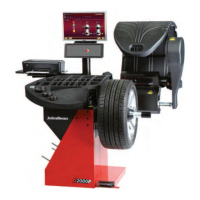
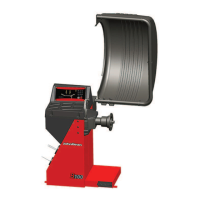
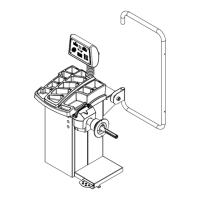
VPI SYSTEM I
COMPUTER WHEEL BALANCER

Questions and Answers

  • G
    Gregory HallAug 3, 2025
    What to do if the parameter arm on my John Bean VPI System Wheel Balancers is not measuring rim distance?
    • P
      Peggy ClarkeAug 4, 2025
      If the parameter arm isn't measuring rim distance, and the machine locks up, it could be due to a malfunction in the parameter arm itself, caused by an electrical system failure or a loose harness connection. You can either replace the parameter arm or manually enter the parameters to continue using the machine.
  • C
    Christine WebbAug 10, 2025
    Why doesn't my John Bean VPI System stop after the balancing cycle?
    • N
      Nathan VelezAug 10, 2025
      If the machine doesn't stop after the balancing cycle, it might be unstable on the floor. Ensure the machine is placed on a stable surface.
  • M
    Matthew GuerraAug 18, 2025
    How to fix John Bean VPI System Wheel Balancers when the displays do not light up?
    • J
      Joshua SmithAug 18, 2025
      If the displays don't light up when you turn on the machine, the cause may be no electric power. Check the input voltage.
  • M
    Michael BarrAug 26, 2025
    Why is my John Bean Wheel Balancers display slow to appear when powering up?
    • R
      Richard LopezAug 26, 2025
      The machine performs a self-test routine on start-up. A delay of several seconds before the display is activated is a normal characteristic of the machine.

Summary

Safety Information and Precautions

General Safety Instructions

Detailed safety instructions and warnings for operating the wheel balancer.

Product Introduction and Setup

Introduction, Application, and Specifications

Overview of the VPI System I, its use, and technical specifications.

Key Features and Accessories

Highlights product features and lists standard/optional accessories.

Installation and Initial Setup

Covers installation requirements, area, and mounting procedures.

Electrical and Calibration Setup

Details electrical connections and essential user calibration procedures.

Understanding the Balancer

Terminology and Component Identification

Explains the names and functions of various parts and controls.

Wheel Balancing Procedures

Operation Overview and Inspection

General steps for operation, including pre-balancing inspection.

Wheel Mounting

How to mount standard and light truck wheels onto the balancer.

Mode Selection and Parameters

Choosing balancing modes and entering rim/wheel parameters.

Imbalance Correction and Verification

Applying weights, checking results, and resolving imbalances.

Vibration Troubleshooting

Diagnosing and addressing vibration issues after balancing.

Advanced Balancing Programs

Tire Matching and Optimization Programs

Covers F90 (Tire Matching) and F91 (Optimization) routines.

Specialized Balancing Modes

Explains ALU-S, Spoke, and Split Weights modes for specific balancing needs.

Calibration and System Support

Calibration Procedures

Step-by-step guides for user and distance gauge calibration.

Program Codes, Maintenance, and Troubleshooting

Explains program codes, maintenance, and provides troubleshooting solutions.

John Bean VPI System Specifications

General IconGeneral
ModelVPI System
CategoryWheel Balancers
ManufacturerJohn Bean
Drive SystemDirect Drive
Balancing Accuracy1 g
Power Supply50/60 Hz

Related product manuals