EasyManua.ls Logo

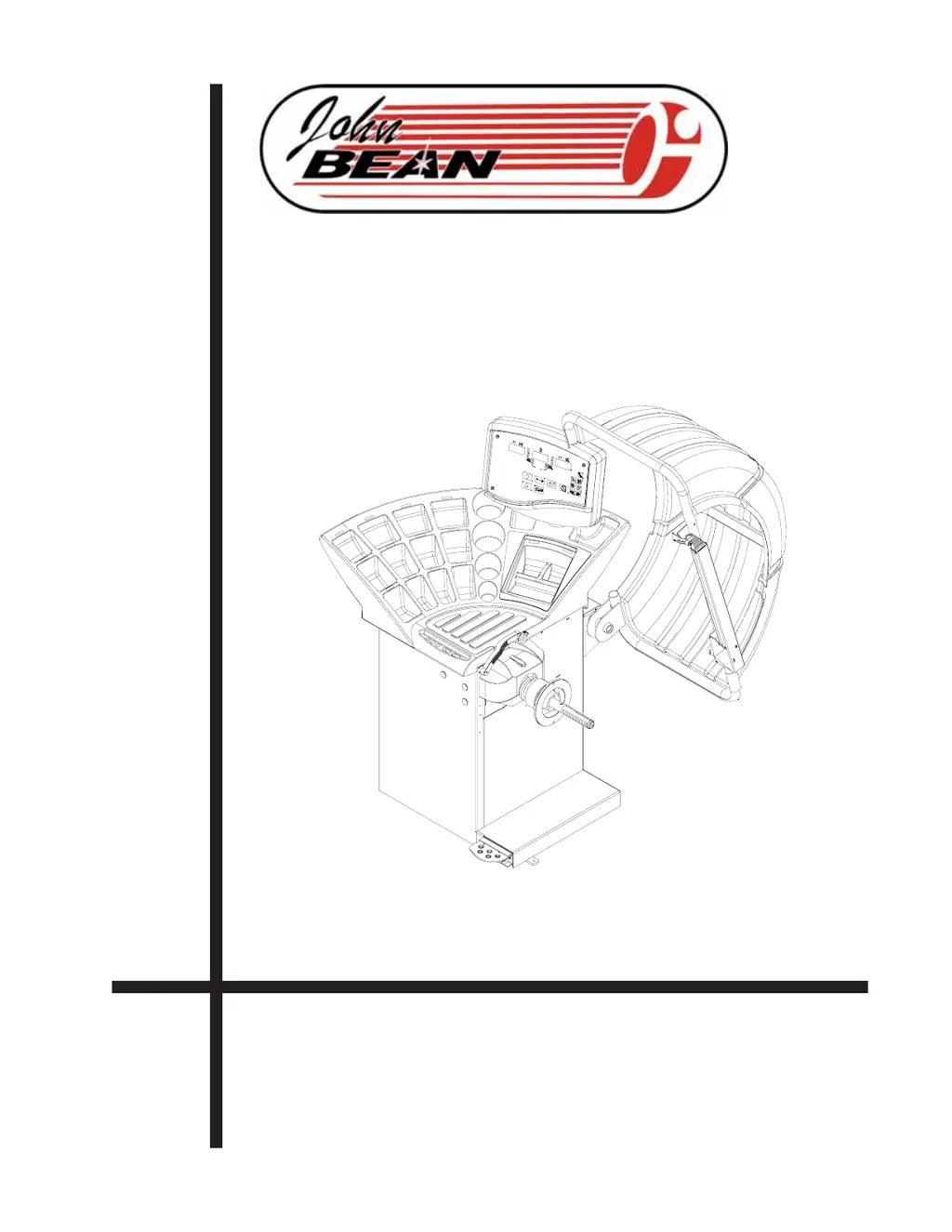
John Bean VPI SYSTEM III - User Manual

John Bean VPI SYSTEM III
30 pages
Print Icon
To Next Page IconTo Next Page
Loading...
FOR:
PASSENGER CAR/LIGHT TRUCK WHEELS
OPERATION INSTRUCTIONS
Form ZEEWB502B
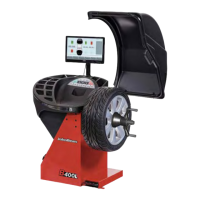
VPI SYSTEM III
COMPUTER WHEEL BALANCER

Questions and Answers

  • J
    Jason GarrettAug 8, 2025
    Why is my John Bean VPI SYSTEM III display slow to turn on?
    • M
      Matthew MaddoxAug 8, 2025
      The delay in the John Bean Wheel Balancers display activating is normal. This machine performs a self-test routine on start-up, causing a delay of several seconds before the display is activated; this is a normal characteristic of the machine.
  • M
    Mrs. Michelle Moody DDSAug 21, 2025
    What to do if the parameter arm ceases to properly measure rim distance causing machine lockup on my John Bean Wheel Balancers?
    • E
      Elizabeth BrownAug 22, 2025
      If the parameter arm on your John Bean Wheel Balancers ceases to properly measure rim distance, causing machine lockup, it could be due to a malfunction of the parameter arm from either a failure of the electrical system or harness connection failure. Replace the parameter arm or manually enter the parameters to continue operation.

John Bean VPI SYSTEM III Specifications

General IconGeneral
BrandJohn Bean
ModelVPI SYSTEM III
CategoryWheel Balancers
LanguageEnglish

Related product manuals