EasyManua.ls Logo

John Bean VPI SYSTEM II - User Manual

John Bean VPI SYSTEM II
28 pages
Print Icon
To Next Page IconTo Next Page
Loading...
FOR:
PASSENGER CAR & LIGHT TRUCK WHEELS
OPERATION INSTRUCTIONS
Form ZEEWB503D
Rev 12/14/20010
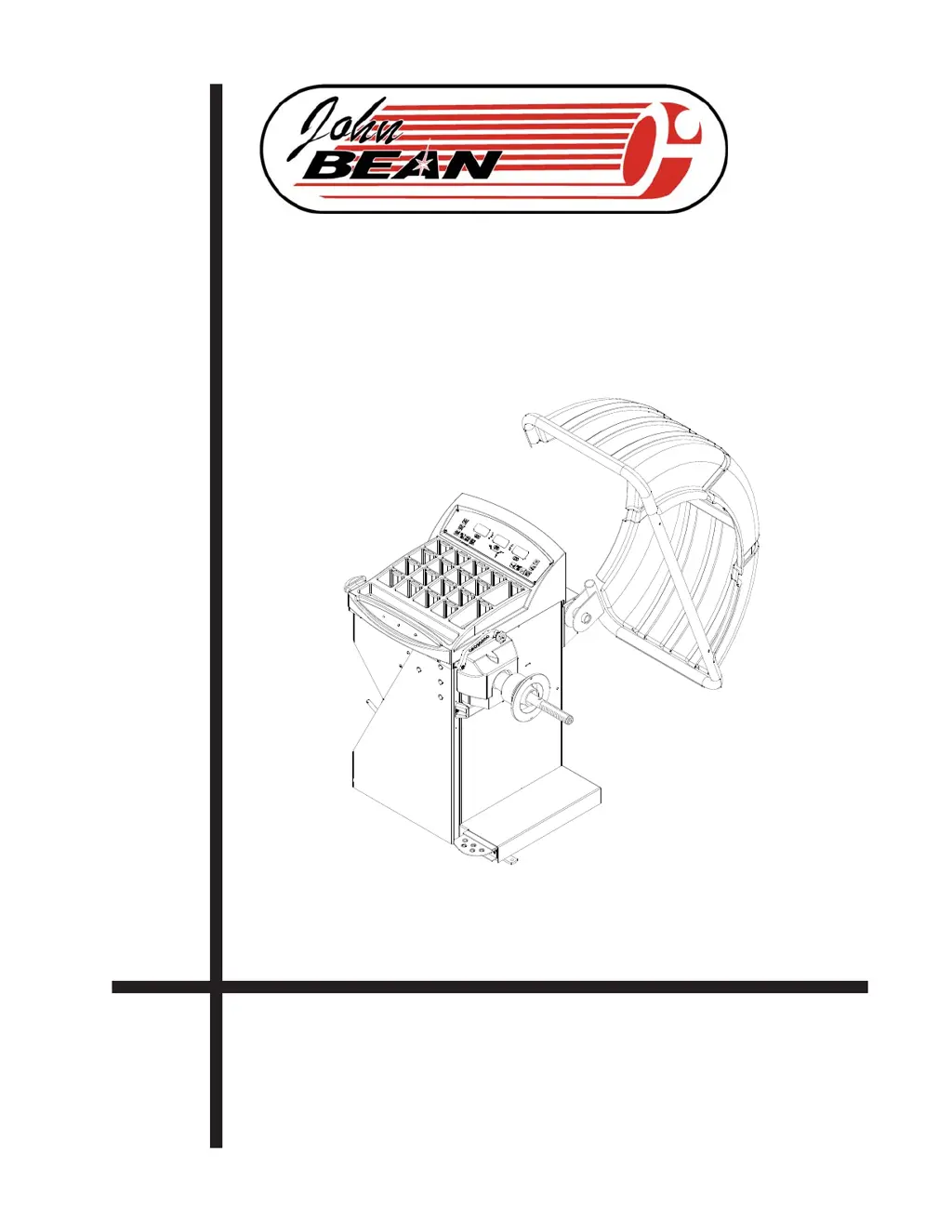
VPI SYSTEM II
COMPUTER WHEEL BALANCER

Questions and Answers

Summary

SAFETY INFORMATION

General Safety Precautions

Operator safety requires extreme caution when servicing tires; use proper methods.

Critical Safety Reminder

Save these instructions; do not discard them for future reference.

IMPORTANT SAFETY INSTRUCTIONS

Basic Safety Precautions

Follow essential safety rules including electrical safety, handling moving parts, and wearing safety glasses.

INTRODUCTION AND SPECIFICATIONS

Introduction and Balancer Application

Overview of the balancer, its intended use, and safety notices.

Technical Specifications

Details accuracy, capacity, dimensions, cycle time, and electrical requirements.

FEATURES AND ACCESSORIES

Key Features

Highlights accuracy, speed, durability, and software versatility for efficient operation.

Standard and Optional Accessories

Lists included standard accessories and available optional kits for enhanced functionality.

INSTALLATION AND SETUP

Dimensions and Installation Area

Specifies physical dimensions and the necessary clear space for operation.

Installation Instructions

Steps for safely mounting the balancer, hood guard, and electrical connections.

TERMINOLOGY AND OPERATION BASICS

Terminology

Explains key terms and identifies components for user familiarity.

Balancer Operation Overview

General steps for operation, including pre-checks and wheel mounting.

BALANCER OPERATION MODES

Mode Selection and Preferences

Guide to selecting modes, setting preferences like fine balancing, and unit conversion.

Entering Rim Parameters

Steps for entering rim distance, width, and diameter, including manual options.

WEIGHT APPLICATION AND RESULT VERIFICATION

Correcting Imbalance

Procedure for applying corrective weights after balancing cycle.

Verification of Results and Vibration

Checking balance accuracy, identifying vibration causes, and using weight call-back.

SPECIALIZED BALANCING PROGRAMS

Tire Matching Program (F90)

Assists in determining optimal tire-to-rim mating for reduced weight.

Optimization Routine (F91)

Routine for optimizing balance using a bare rim, similar to tire matching.

ADVANCED BALANCING MODES

ALU-S 2-PLANE MODE

Mode for precise distance/width definition for exact weight placement.

Spoke Balancing Mode

Hides outer plane weights behind spokes for aesthetic wheel appeal.

WEIGHT SPLITTING AND CALIBRATION

Split Weights Program (F92)

Splits large weights into two smaller ones for precise placement.

User Calibration

Procedure to verify and maintain balancer calibration accuracy.

CALIBRATION AND PROGRAMMING

SAPE Gauge Calibration (F80)

Steps to calibrate the SAPE gauge for accurate measurements.

Explanation of Program Codes

Describes various "F Codes" for enhancing balancer operation.

MAINTENANCE AND TROUBLESHOOTING

Maintenance Precautions

Guidelines for cleaning and periodic calibration to maintain the balancer.

Troubleshooting Common Issues

Lists common problems, their causes, and suggested solutions for the balancer.

John Bean VPI SYSTEM II Specifications

General IconGeneral
BrandJohn Bean
ModelVPI SYSTEM II
CategoryWheel Balancers
LanguageEnglish

Related product manuals