72
5.7-13
5.7-15
5.7-14
* = Preset by the manufacturer
Operation “MODE”
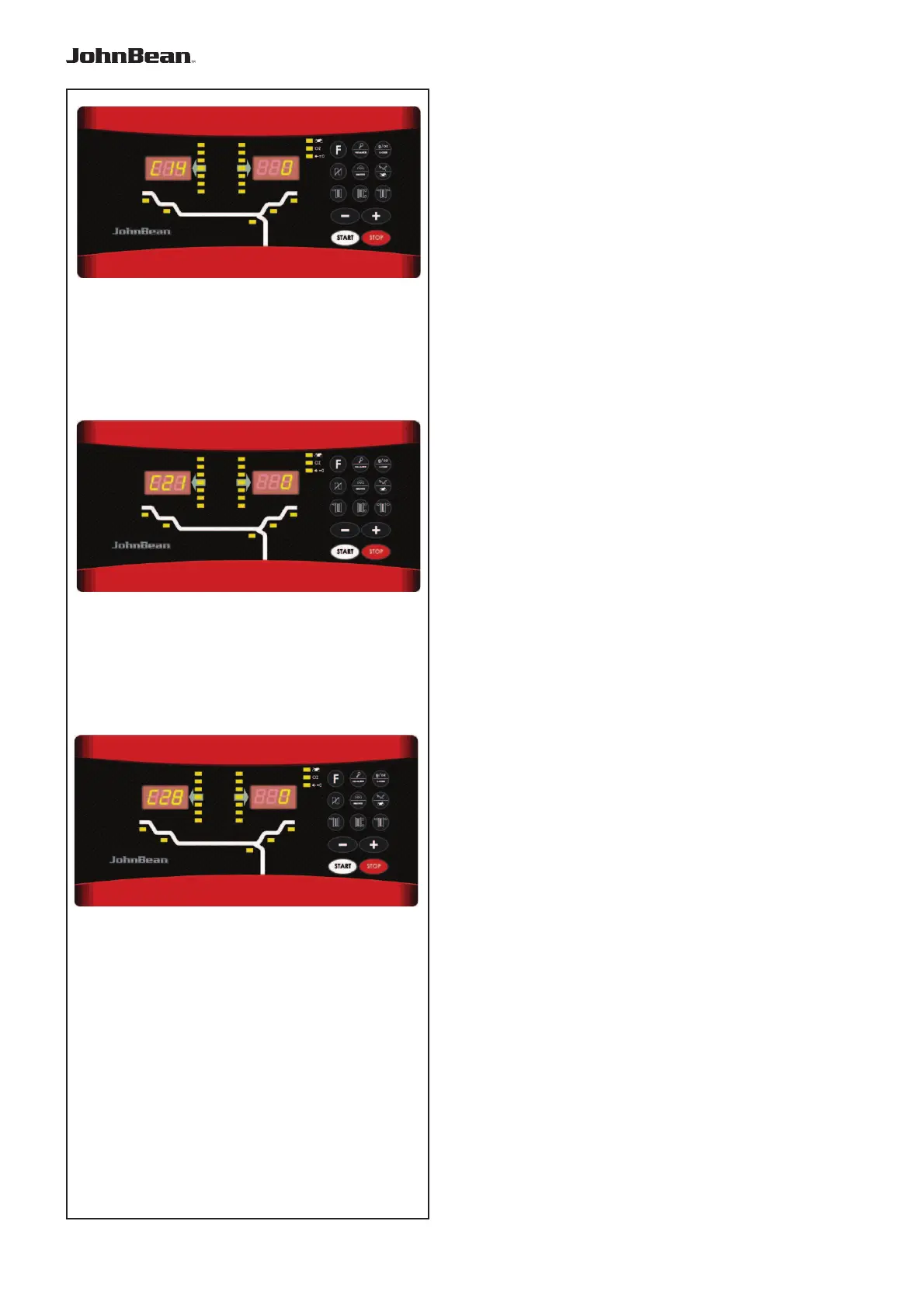
Code C14
Figure 5.7-13
User recalibration (refer to the relevant
section).
Code C21
Figure 5.7-14 This displays the program version
number and the model number.
E.g.: Program version 3.4.18 for Mid. model.
• to display the program version number release the
C key.
• to display the model number press the Fine key.
Code C28
Figure 5.7-15 Displays the error codes saved by
the balancer (a maximum of 10) and clears the error
memory.
The last 10 different error codes are saved in the error
memory so that they can be called up and consulted
by the wheel balancer operator for remote diagnosis
of malfunctions.
The most recent error code is saved in memory location
1. Previous error codes are gradually shifted down the
memory list.
— Go into code C28.
CONSULTING THE ERROR COUNTERS
— Press and release the “+” or “-” key to scroll
through the list of errors.
Note: When the key is pressed the number of the error
in the list is shown, whilst when the key is released
the corresponding code appears.
— Press the F key to make the error number appear
again (on the left) and the total number of times
that error was repeated since the last time the
memory was cleared (on the right).
ZEROING THE ERROR COUNTERS
— Press C-Code.
— Make the selection.
0* = Do not clear the error memory
1 = Clear the error memory
— Press C-Code.
.



 To Next Page