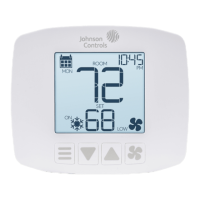
7GLAS smart thermostat installation instructions -
©
2018 Johnson Controls
To begin installation, turn o system power
1. Turn o all power to your heating or cooling system at the HVAC unit’s
electrical switch or the breaker box for the building to avoid electrocution or shock.
Note: If you are not replacing an existing thermostat, skip to Step 6.
2. If you want to check your system power, adjust the temperature on your current thermostat
and wait a few minutes to ensure that your heating or cooling does not power on.
WARNING: Risk of Electric Shock.
Turn o the power supply before making electrical connections. Contact
with components carrying hazardous voltage can cause electric shock and
may result in severe personal injury or death. If you have any doubts about
properly installing the device, please contact a professional installer.





 To Next Page


