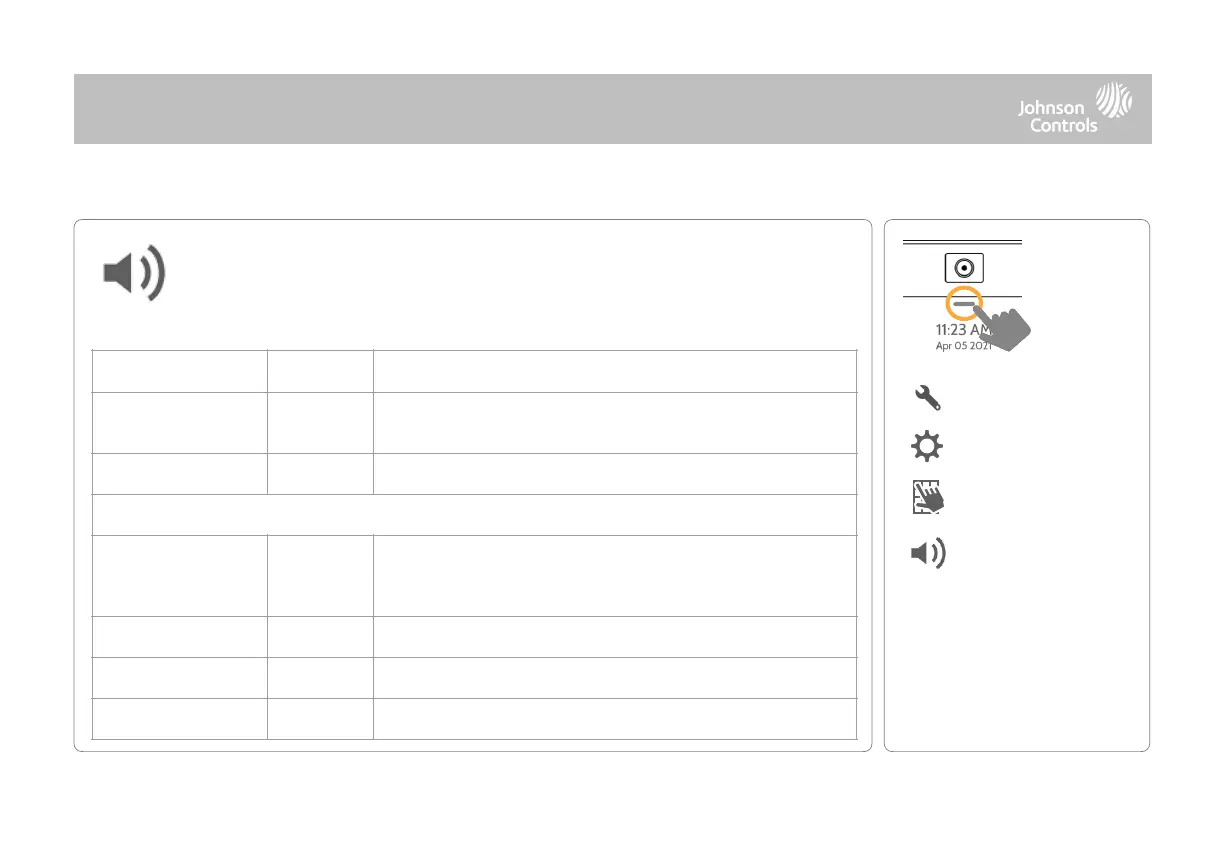
Sound
Customize panel sounds. Enable/Disable voices, chimes, trouble beeps and
more.
QOLSYS CONFIDENTIAL AND PROPRIETARY
PAGE OF 49 178
Controls the panel’s voice volume, beeps and chime volume and the
media volume (help videos) through individual sliders
Allows you to select from various chimes for each individual device
This is a global setting for Sensors, Panel messages, Activity
Monitoring Sensors, and Z-Wave device voices and indicates
whether the panel should “speak”
Turns Sensor voices on (enabled) or off (disabled)
Turns Panel voices on (enabled) or off (disabled)
Turns Activity Monitoring voices on (enabled) or off (disabled)



 To Next Page