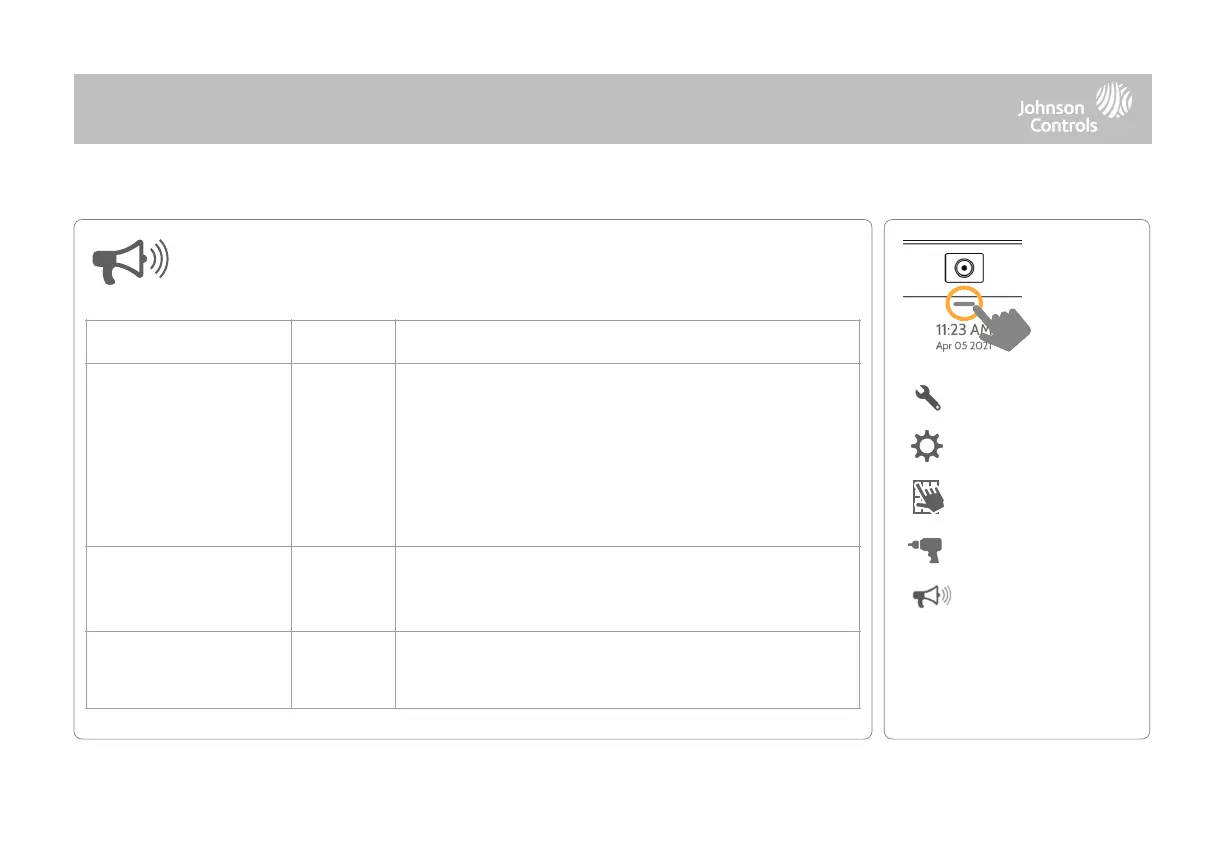
All Sirens Off: This will disable the siren for all alarm types, except
for life safety devices, including any hardwire or wireless external
sirens.
All Sirens On: This is the default setting which enables the siren
for all alarms
Installer/Test Mode: This disables the siren for all alarm types
including any paired or hardwired external sirens for 30 mins then
all sirens are re-enabled
Panel siren pauses periodically to announce which locations have
triggered the alarm.
NOTE: for UL/cUL this feature is not allowed for Fire, CO, Burglar Alarm
When enabled, panel requires two fire events from smoke
detector (one detector twice or two detectors once each)
NOTE: Not allowed on UL/cUL installations
Siren and Alarms
Change siren and alarm settings for certain types of alarm events.
QOLSYS CONFIDENTIAL AND PROPRIETARY
PAGE OF 40 178



 To Next Page