10 ©2016 Johnson Level & Tool - Rev. 2
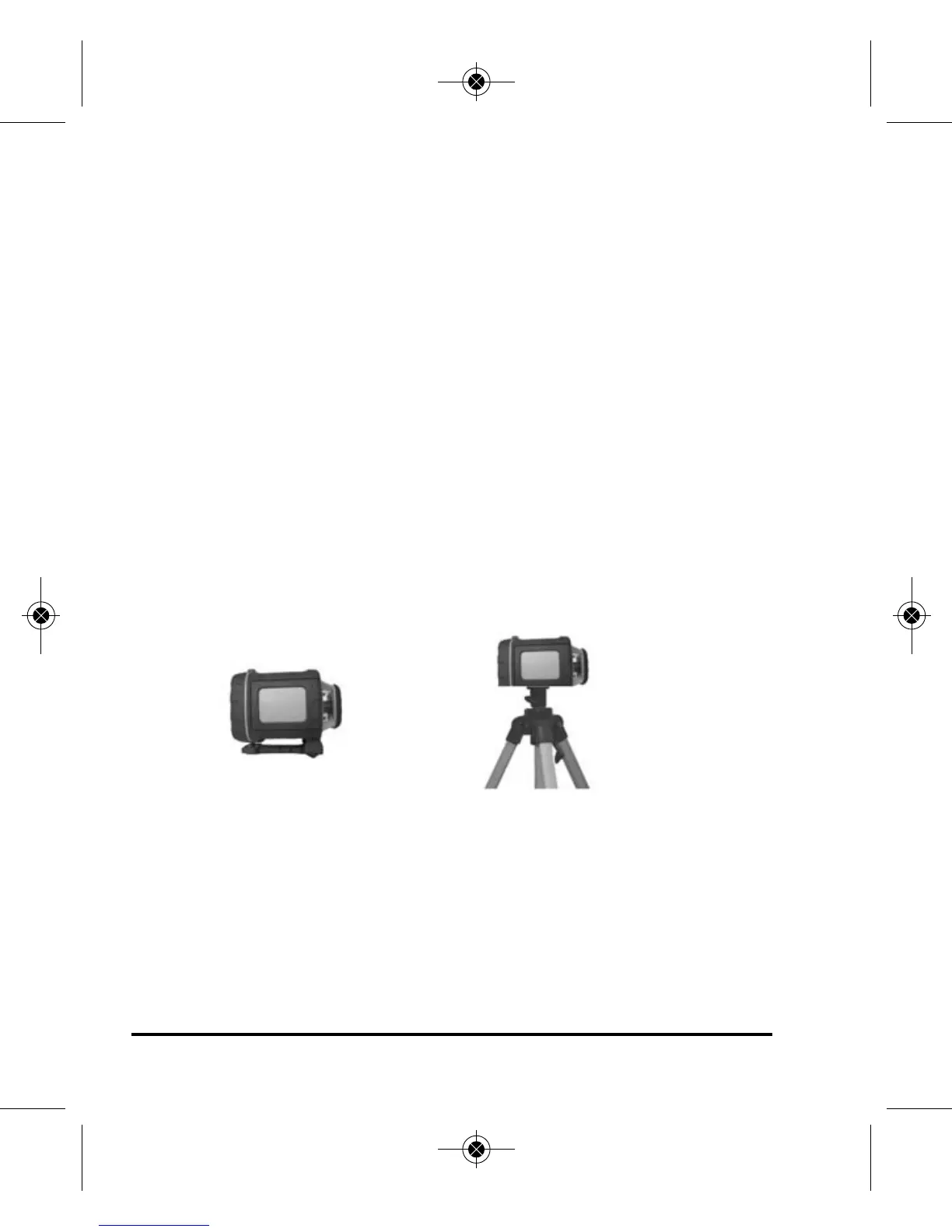
Usage for vertical application
IMPORTANT: Keep the transportation “Locking Knob” in the
“Locked/Off” position.
1. Install batteries or battery pack.
2. Set the laser down on its vertical bracket.
3. Turn on the power by pressing the Power Key. The vertical vial will
now be backlit.
4. Turn the vertical “Adjusting Knob” until the vertical vial bubble is
centered.
5. Select the work state that you need by pressing the buttons on the
operating panel or remote control (40-6532 & 40-6539).
6. Power the instrument off when you finish work and keep the
transportation lock in the locked/off position.
Use on a platform
Connected to a
5/8” x 11 tripod
1625i-English_Manuals 12/28/16 9:41 AM Page 10



 To Next Page