8 ©2016 Johnson Level & Tool - Rev. 2
5. High rotation speed key
Press this key, the instrument will rotate in its highest speed
6. Rotation speed and scan keys
In rotation mode
• Press the up arrow to increase rotation speed
• Press the down arrow to decrease rotation speed
In scan mode
• Press the up arrow to rotate the scan counterclockwise
• Press the down arrow to rotate the scan clockwise
Out of level alarm
Set the transportation locking knob to the unlocked/on position. Turn
the power on and the instrument will self-level. During the process
of self-leveling, if the instrument is tilted to exceed its self-leveling
range, it will stop rotating and the unit will give a sound alarm.
Transportation lock knob operation
When the lock knob is turned to “ON”, the compensator is unlocked.
When the lock knob is turned to “OFF”, the compensator is locked.
Usage for Horizontal Application
1. Put in the Ni-MH battery pack (40-6532 & 40-6539) or alkaline batteries,
or connect with 6.4V charger (40-6532 & 40-6539) through power jack.
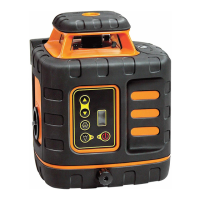
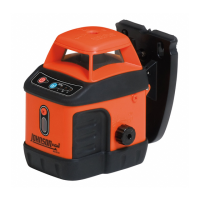
Use on a platform
Connected to a
5/8” x 11 tripod
1625i-English_Manuals 12/28/16 9:41 AM Page 8



 To Next Page