5
Replay Times: Set A-B repeat times from 1~ 10 times.
Replay Interval: Set the time interval (1s to 7s ) for each repeat
play.
How to set the music playing speed?
On the music playing interface, touch the button enter to the
music playing setting menu, then choose the option ”sounds setting
” and than choose the option”Variable Speed Playback”
and than you could adjust the music playing speed from -8~+8
Noted:
The formats that could be supported by this mp3 player as below:
MP3: Bitrate: 8Kbps~320Kbps, Sampling rate: 8MHz~48MHz;
WMA: Bitrate: 5Kbps~384Kbps, Sampling rate: 8MHz~48MHz;
APE: Bitrate: 800Kbps~1000Kbps(FAST normal compressed)
Sampling rate: 8MHz~48MHz;
WAV: Bitrate: 32Kbps~384Kbps, Sampling rate: 8MHz~48MHz;
FLAC: Bitrate: 1000Kbps~1200Kbps(L0~L8),
Sampling rate:8MHz~48MHz
ACC-LC: Bitrate: 8Kbps~320Kbps, Sampling rate: 8MHz~48MHz
2.Movie
Touch the “Movie” on main interface to access to its function.
(Remark: While without the TF card, all the video files will listed
on the Movie menu
While the device insert the TF card, there will have “Local folder”
and “Card folder ” listed on the Movie menu ).
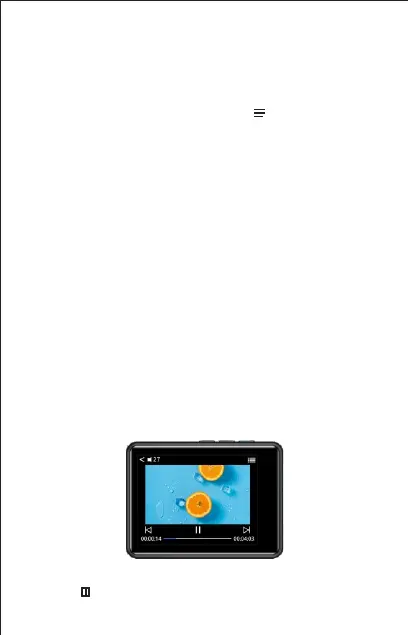
While Playing Video
Touch button to play / Pause



 To Next Page