7
How to FM Recording ?
While on the FM Radio playing interface, touch the button to
access to the FM radio settings menu and choose the option
"Start FM radio recording " it will begin to record the FM radio .
On the FM radio recording interface touch the button to
suspend, touch again to continue . Touch button will pop up a
prompt window "Save the recording ?"Choose "Yes" to save the
FM recording, choose "No" will cancel the FM recording.
How to select the FM Band?
On the FM radio settings menu, touch the option "Tuner Region"
then you could select the different Band.
Common Band: 87.0 MHZ ~ 108.0 MHZ
Japan Band: 76MHZ ~ 90MHZ
Euro Band: 87.0 MHZ ~ 108.0 MHZ
4 Bluetooth
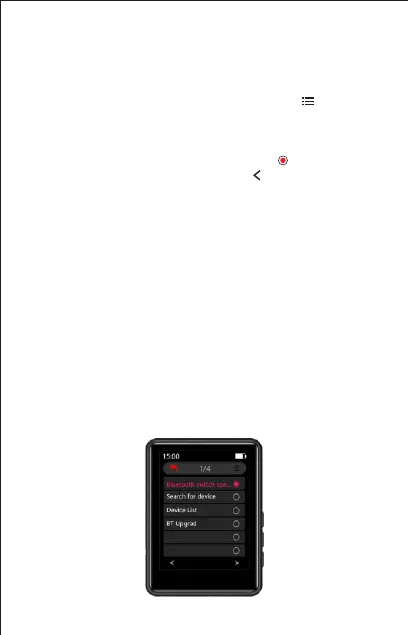
Touch the “Bluetooth” on main interface to access to its function.
A related list will show as follows:
Bluetooth switch control
Search for device
Device list
BT Upgrade
Tuner region
FM recording



 To Next Page