36/69
Document 10000028013-DOC-000-00-EN
we know what‘s cooking
Program 6 (Only with the additional equipment for chilling)
The program chills and stirs the contents of the kettle for a set period of time. The chilling and stirrer is
then stopped and the beeper activated.This could be used to chill and stir a pre-prepared meal.
Program 7 (Only with the additional equipment for chilling)
The program chills and stirs the contents of the kettle until a set food temperature has been reached.
The chilling and stirrer is then stopped and the beeper activated.This could be used to chill and stir a
pre-prepared meal.
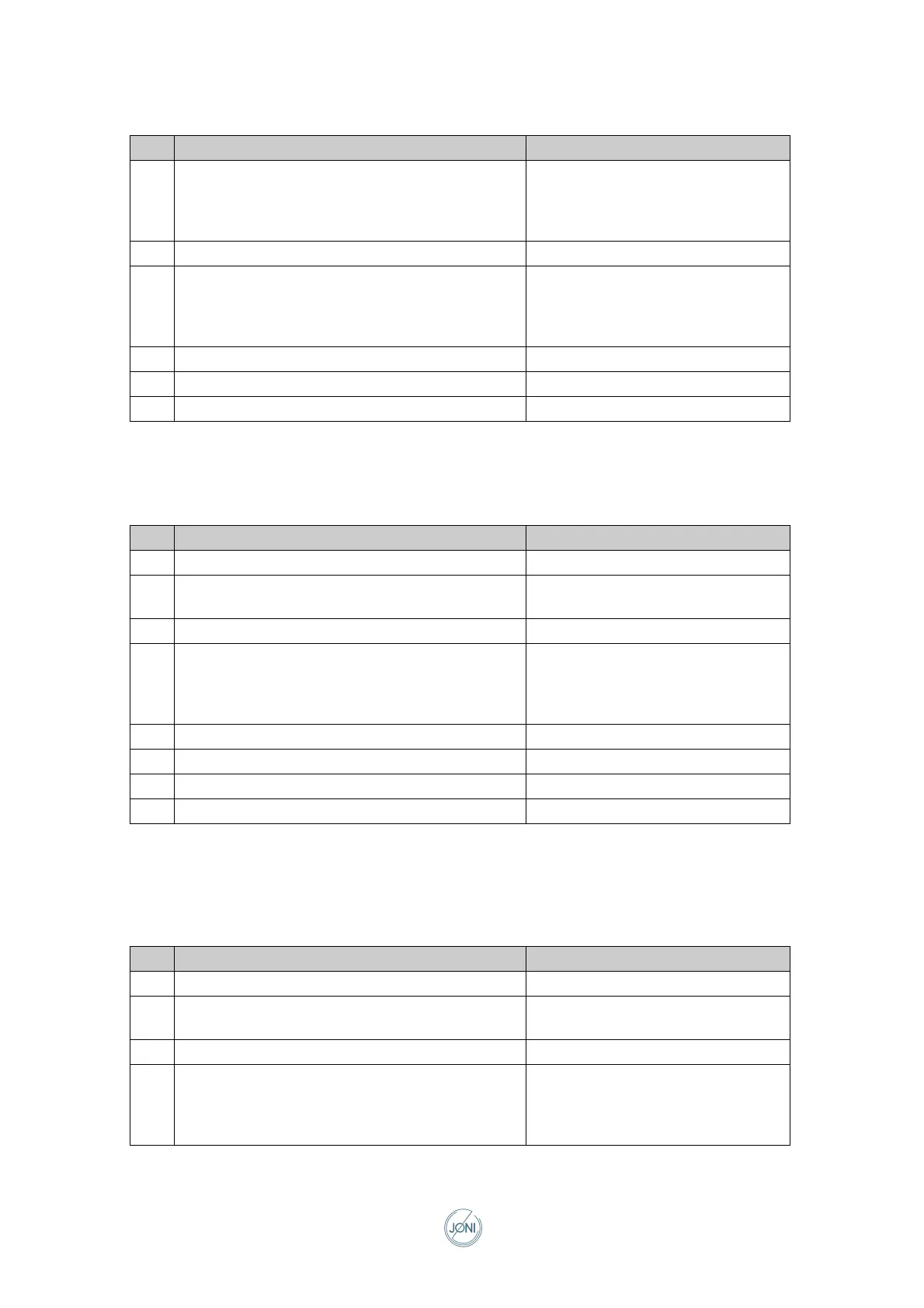
Step Action Parameter
1 Set stirring pattern and stirring RPM
Switch on the stirrer
P01.1 Stirring pattern
P01.2 Stirring rate
If stirring pattern 0 is selected, this
step will be skipped.
2 Pause for required time P02.1 Time
3 Set stirring pattern and stirring RPM
Switch on the stirrer
P03.1 Stirring pattern
P03.2 Stirring rate
If stirring pattern 0 is selected, this
step will be skipped
4 Pause for required time P04.1 Time
5 Switch off the stirrer
6 Activate beeper
Step Action Parameter
1 Switch to chilling mode
2 Set the set point for food temperature and chilling
power
P02.1 Food temperature
P02.2 Chilling power
3 Switch on chilling
4 Set stirring pattern and stirring RPM
Switch on the stirrer
P04.1 Stirring pattern
P04.2 Stirring rate
Hvis Stirring pattern 0 væl¬ges,
springes dette trin over.
5 Pause for required time P05.1 Time
6 Switch off chilling
7 Switch off the stirrer
8 Activate beeper
Step Action Parameter
1 Switch to chilling mode
2 Set the set point for food temperature and chilling
power
P02.1 Food temperature
P02.2 Chilling power
3 Switch on chilling
4 Set stirring pattern and stirring RPM
Switch on the stirrer
P04.1 Stirring pattern
P04.2 Stirring rate
If stirring pattern 0 is selected, this
step will be skipped



 To Next Page