*Software not included, “Wallpaper engine” is recommended for wallpaper related, and “AIDA64 extreme” is
recommended for hardware monitoring software
*Interface skin for “ADIA64 Extreme can be downloaded from Jonsbo’s official website
(https://www.jonsbo.com/en/products/D31.html), and loaded for use, can also be designed by yourself.
*It is recommended to use Microsoft Windows OS. If you use other operating systems, you need to set/adapt the
function of the secondary screen by yourself
1
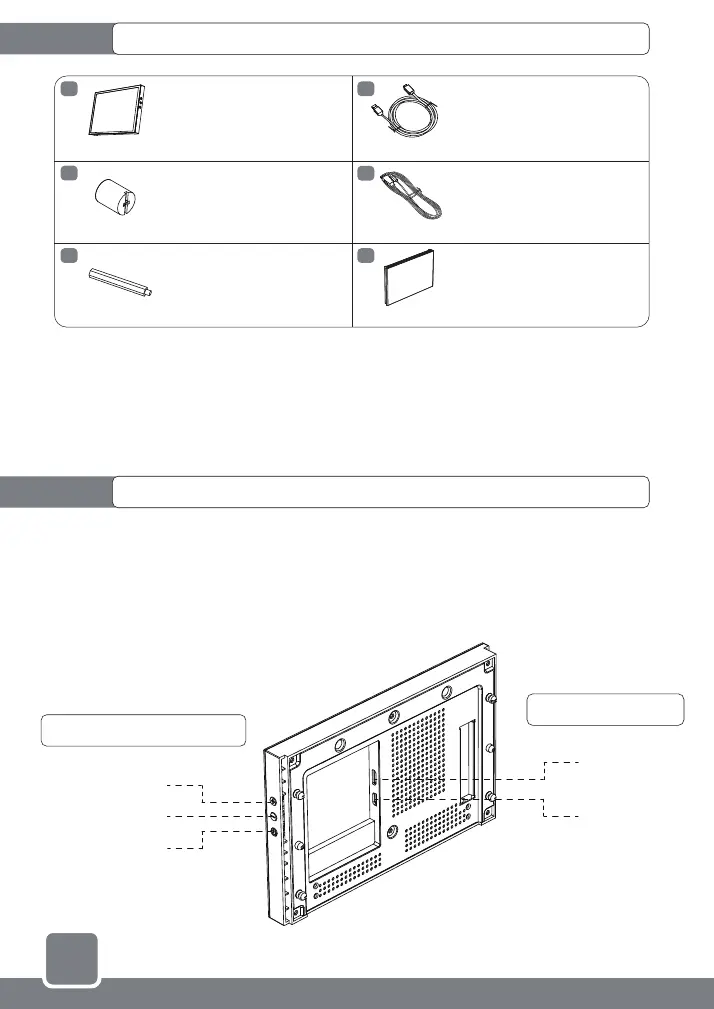
Secondary screen chassis-screen functional accessories list
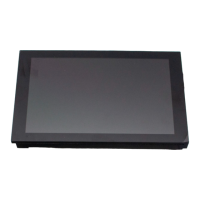
Secondary screen specifications
A
B
C
D
E
F
8" display secondary screen
HDMI to Mini-HDMI data cable
USB Type-A to USB Type-C
Power cable
Replacement case front bezel
Long standoff
HEX wrench socket
* In the case's accessory bag
x1
x1
x1
x1
x1
x2
Interface Description
Button function introduction
TYPE-C
Mini-HDMI
screen brightness +
Screen Brightness –
Turn off the
screen backlight
● Product size: 24.6mm(W) x 131.7(H) x 205.3(L)
● Display size: 8" Color TFT-LCD
● Colors: 16.7M
● Resolution: 1280*800
● Aspect ratio: 16:10


 To Next Page