English - 27 -
- Transmitting without connecting an antenna or other 50 Ω RF dummy
load may damage the radio. Always connect the antenna to the radio
before transmitting.
- All fixed stations should be equipped with a lightning protection to
reduce the risk of fire, electric shock, and radio damage.
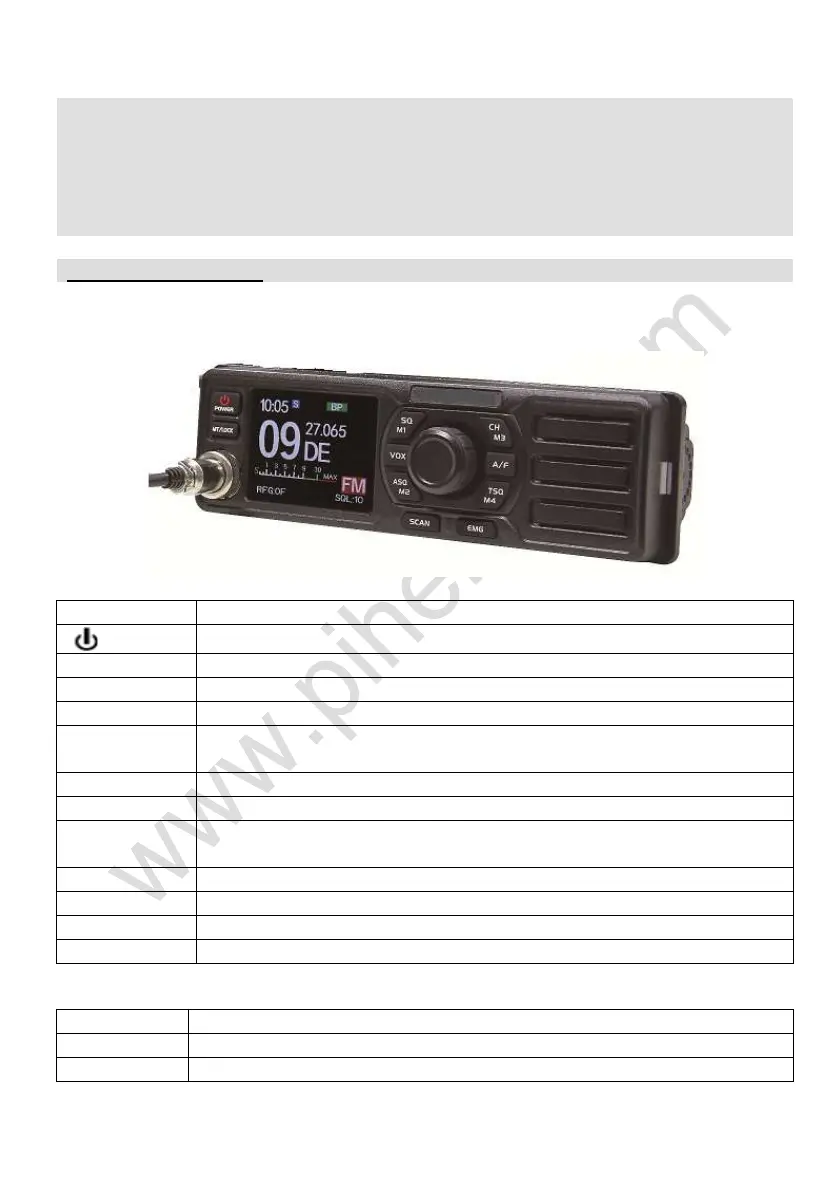
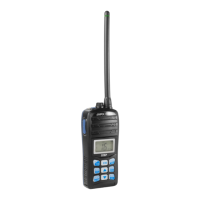
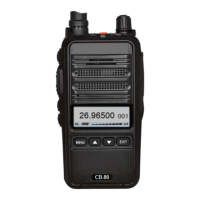
■ Front panel:
/POWER
Power ON/OFF key.
MT/LOCK Mute function and key lock.
SQ/M1 Squelch function and save the channel to M1 memory position
VOX VOX function.
ASQ/M2
Automatic squelch control (ASQ) and save the channel to M2
memory position.
CH/M3 Channel switch and save the channel to M3 memory position.
A/F Modulation switch.
TSQ/M4
CTCSS/DCS codes and save the channel to M4 memory
position.
SCAN Scan channel function.
EMG Emergency channel.
VOL/PUSH Volume control/Press/Functions menu knob.
MIC Microphone connector.
After pressing the [PUSH] knob, press the following keys to enter function:
SQ/M1 Select the M1 memory channel.
ASQ/M2 Select the M2 memory channel.


 To Next Page